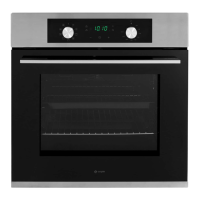
Instruction manual C2234 / C2234BK
Please keep this instruction manual for future reference
15
USING YOUR OVEN
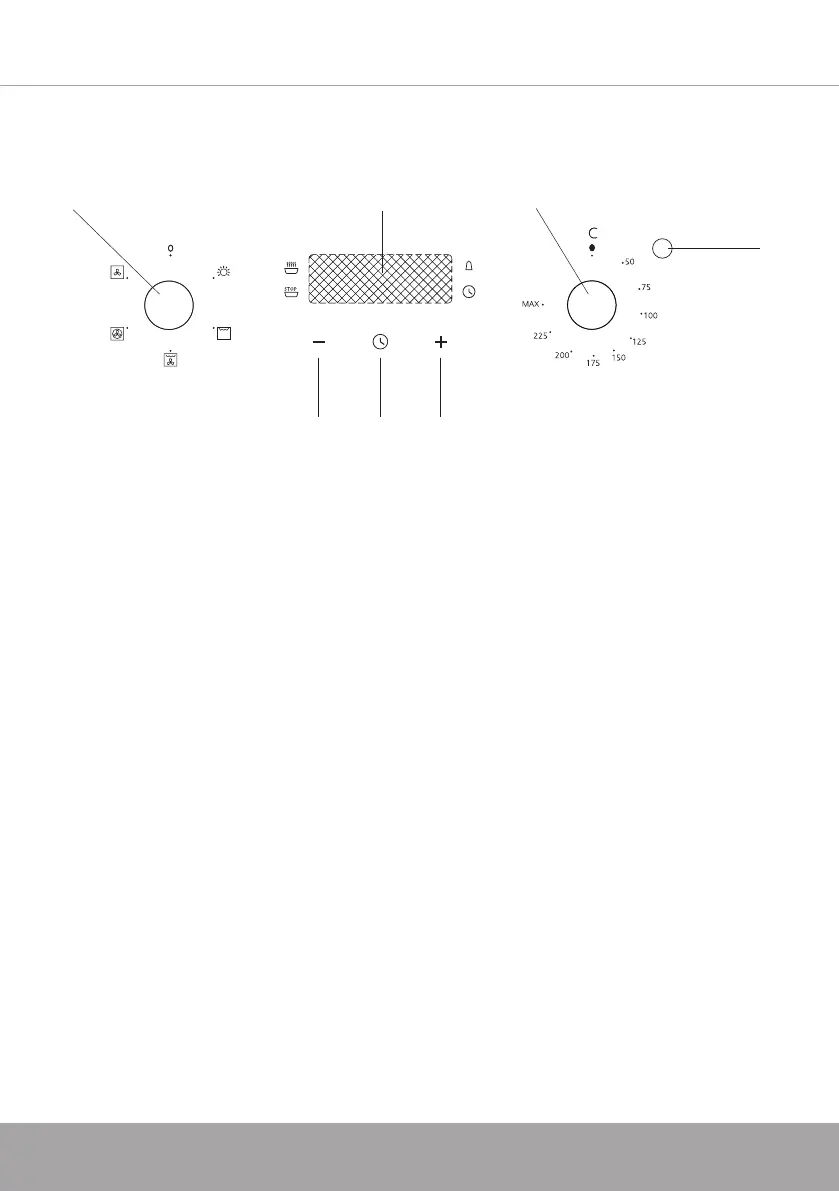
CONTROL PANEL
1. Function control knob
2. Temperature control knob
3. Plus/Minus (+/-) touch control buttons
4. Timer touch control button
5. Temperature indicator
6. Display screen
COOKING GUIDELINES
- Set the function for the type of cooking required.
- Preheat the oven, setting the thermostat to the required temperature. Once the
oven has heated to the selected temperature, the orange temperature indicator
light will go out. You can now insert the food.
- This same light will appear again automatically during operation of the oven to
indicate that the heating elements are on.
Note: Remove the drip tray when using the oven for fan cooking, roasting etc.
The tray should be left in place only when using the grill, as its purpose is to catch
falling droplets of fat. Food should be placed in oven dishes with raised edges and
positioned centrally under the grill.
˚
1. 2.
3. 4. 3.
5.
6.



 To Next Page