9
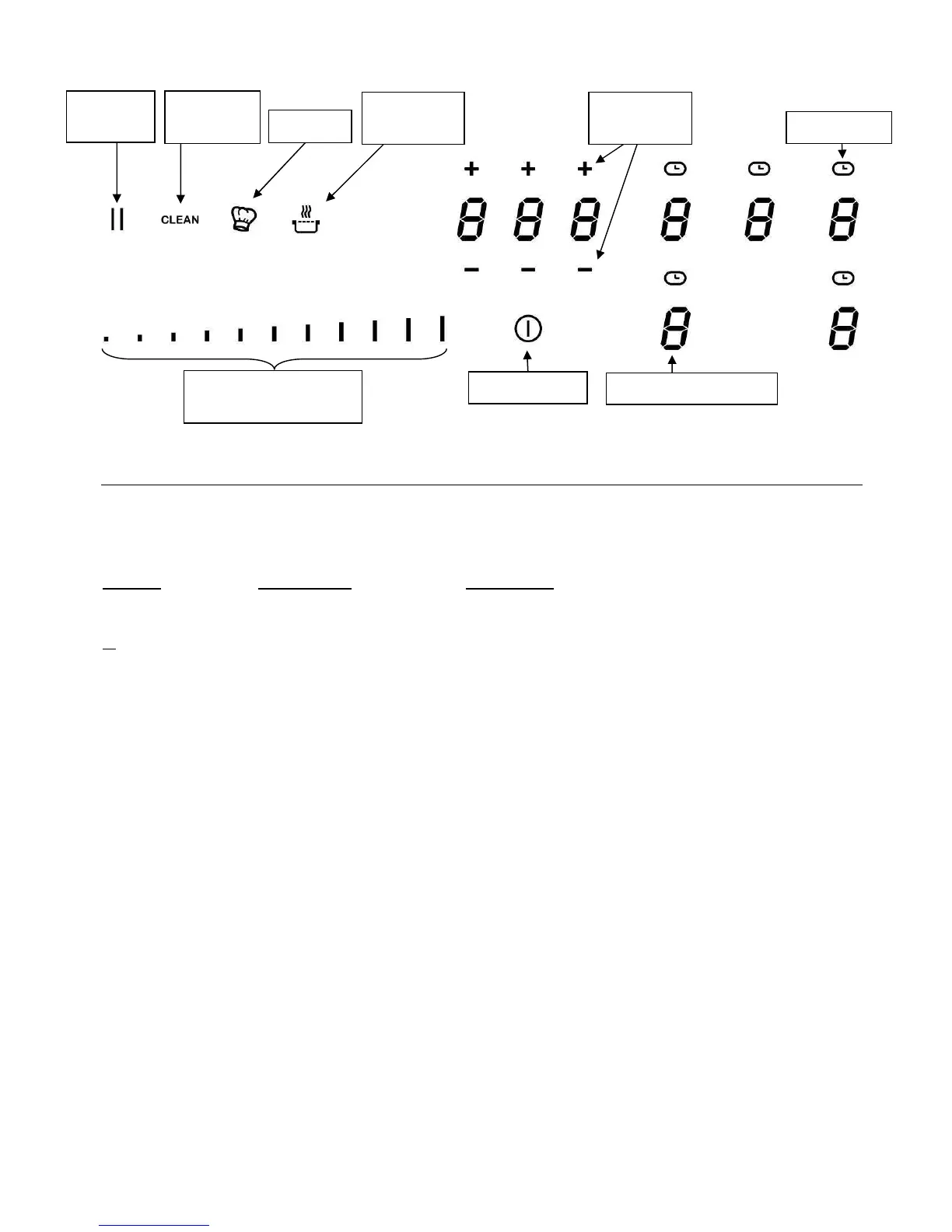
Control panel
USE OF THE APPLIANCE
Display
Display Designation Description
0 Zero The heating zone is activated.
1…9 Booster level Selection of the cooking level.
U No pan detection No pan or inadequate pan.
A Heat accelerator Automatic cooking.
E Error message Electronic failure.
H Residual heat The heating zone is hot.
P Booster The booster is activated.
U Keep warm Maintain automatically of 70°C.
II Pause The hob is in pause.
Ventilation
The cooling system is fully automatic. The cooling fan starts with a low speed when the calories
brought out by the electronic system reach a certain level. The ventilation starts his high speed
when the hob is intensively used. The cooling fan reduces his speed and stops automatically
when the electronic circuit is cooled enough.
Power selection zone
“Slider”
Pause/
Recall key



 To Next Page