EasyManua.ls Logo

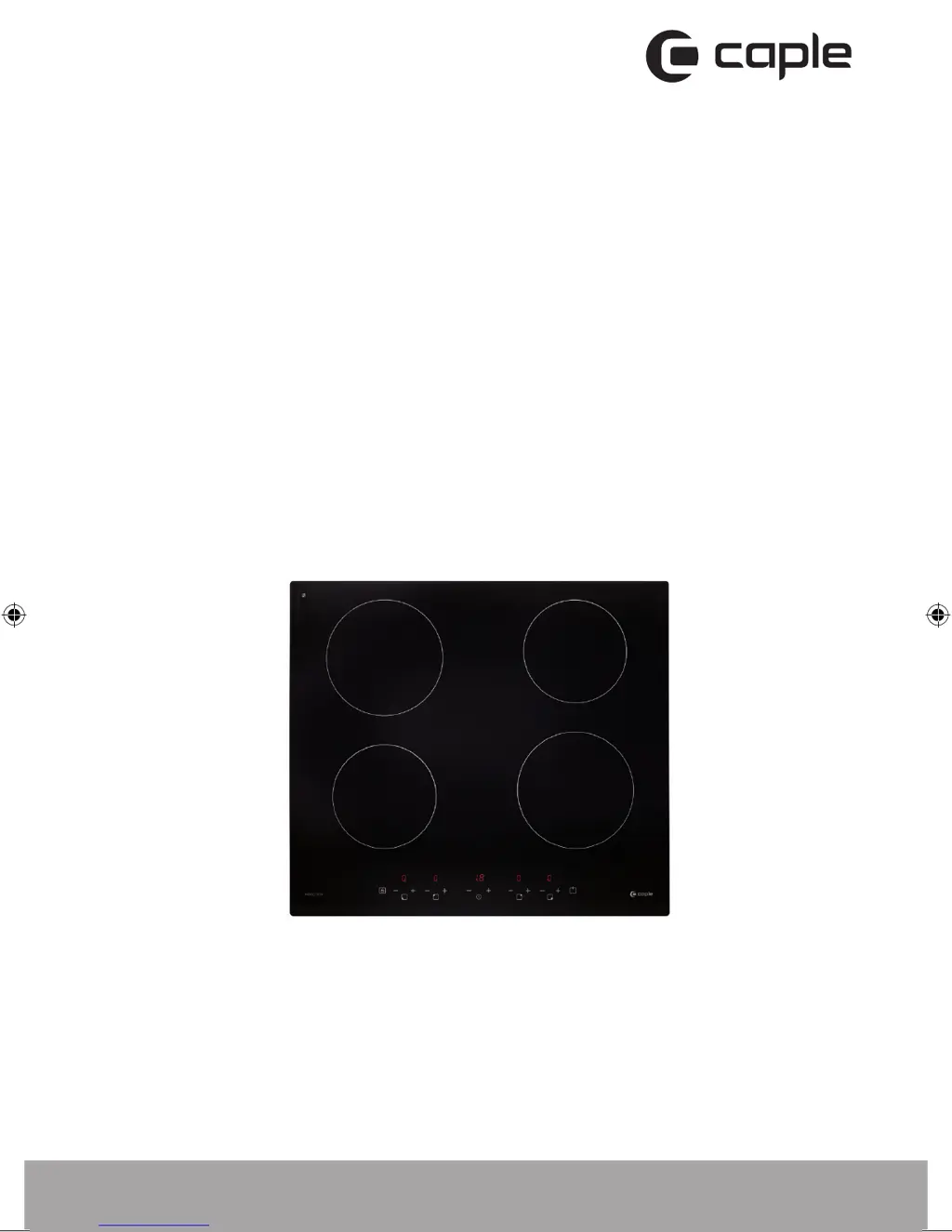
Caple C843I - User Manual

Caple C843I
28 pages
Print Icon
To Next Page IconTo Next Page
Loading...
Contact Caple on 0117 938 7420 or for spare parts www.caple.co.uk
Induction hob
instruction manual
C843I
C843i_Induction hob Instruction manual.indd 1 31/05/2018 16:45

Questions and Answers

  • N
    nathan00Aug 2, 2025
    What to do if Caple Hob pans do not become hot?
    • J
      Jocelyn CooperAug 2, 2025
      If your pans aren't heating up and a message appears on the display, it could be due to the cookware being unsuitable for induction cooking or the pan being too small or not centered on the cooking zone. Use cookware designed for induction cooking and ensure the pan's base matches the size of the cooking zone and is properly centered.
  • L
    Lauren JohnsonAug 7, 2025
    What to do if Caple C843I displays E5/E6 error?
    • J
      Joseph MitchellAug 7, 2025
      If your Caple hob displays the error code E5/E6, this indicates bad heat radiation. Allow the induction hob to cool down, then restart it.
  • H
    herringdeniseAug 12, 2025
    Why Caple Hob turns off unexpectedly and shows error code?
    • A
      allenoliviaAug 12, 2025
      If your Caple induction hob unexpectedly turns off, emits a tone, and displays an error code, this indicates a technical fault. Please note down the error letters and numbers, switch the power to the induction hob off at the wall, and contact Caple service.
  • J
    Justin BrownAug 16, 2025
    How to prevent scratches on Caple C843I Hob glass?
    • C
      Christopher BarnesAug 17, 2025
      To prevent scratching the glass on your Caple hob, ensure you're using cookware with flat and smooth bases. Also, avoid abrasive scourers or cleaning products. Please, see ‘Choosing the right cookware’ and ‘Care and maintenance’.
  • V
    Victoria LoveAug 22, 2025
    Why are Caple C843I Hob touch controls difficult to operate?
    • N
      Nicholas HarrisAug 22, 2025
      If you're finding the touch controls on your Caple hob difficult to operate, it might be due to a slight film of water on the controls or using the tip of your finger. Ensure the touch control area is dry and use the ball of your finger when touching the controls.
  • G
    Gregory BennettAug 27, 2025
    What to do if Caple Hob displays E1/E2 error?
    • H
      Heather EdwardsAug 27, 2025
      If your Caple hob displays the error code E1/E2, this indicates an abnormal supply voltage. Please inspect whether power supply is normal. Power on after the power supply is normal.

Summary

Safety Instructions

Installation Safety

Covers electrical shock and cut hazards during hob installation.

Important Safety Advice

Essential guidelines for safe operation and installation of the hob.

Operation and Maintenance Warnings

Electrical Shock Hazard During Use

Warns about electrical shock risks during operation and maintenance.

Safe Operation Practices

Guidelines for safe use, including avoiding broken surfaces and switching off before maintenance.

Health and Surface Hazards

Health Hazard Details

Details health risks, especially for users with pacemakers, due to electromagnetic fields.

Hot Surface Precautions

Warns about hot surfaces and precautions to avoid burns during and after use.

General Safety Instructions

Unattended Use & Child Safety

Precautions against unattended use, child safety, and storage of toys.

Appliance Warnings and Fire Safety

Hot Appliance Parts Warning

Warns that appliance parts and heating elements become hot during use.

Fire Risk Prevention

Details fire risks from unattended cooking and storing items on cooking surfaces.

Cookware Selection Guide

Using Your Induction Hob

Hob Operation and Control Locking

Installation Guide

Work Surface Preparation and Dimensions

Details on cutting the work surface and required dimensions for hob installation.

Ventilation and Clearance Requirements

Instructions for ensuring proper ventilation and safety clearances around the installed hob.

Installation Procedures and Checks

Hob Mounting and Power Connection

Mains Power Connection Warnings

Critical warnings regarding qualified installation and avoiding improper connection methods.

Electrical Connection Details

Troubleshooting Common Issues

Hob Power and Control Issues

Solutions for when the hob fails to turn on or touch controls are unresponsive.

Advanced Troubleshooting and Error Codes

Error Code Interpretation

Guidance on handling unexpected shutdowns and interpreting error codes displayed by the hob.

Caple C843I Specifications

General IconGeneral
TypeInduction
Number of Zones4
Control TypeTouch
Power Levels9
Dimensions (WxD)590 x 520 mm
Width590mm
Boost FunctionYes
TimerYes
Residual Heat IndicatorYes
Frame TypeFrameless
Power Output7.4kW
Weight11kg
Voltage220-240V
Frequency50/60 Hz
Safety FeaturesChild lock

Related product manuals