EasyManua.ls Logo

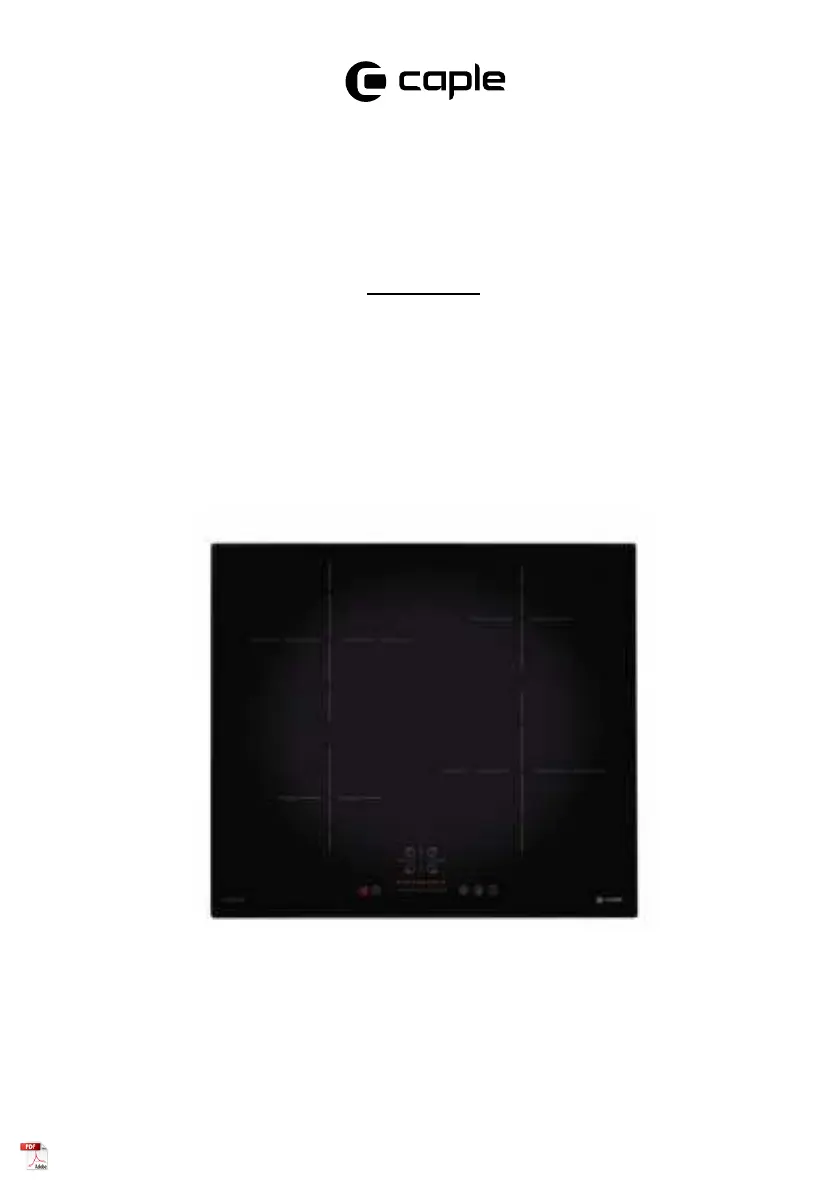
Caple C847I - User Manual

Caple C847I
32 pages
Print Icon
To Next Page IconTo Next Page
Loading...
Induction Hob
Instruction Manual
C847I
Contact Caple on 0117 938 7420 for spare parts or www.caple.co.uk

Questions and Answers

  • R
    Rodney ThomasAug 14, 2025
    What to do if my Caple C847I Hob won't turn on?
    • M
      Mrs. Natalie CainAug 14, 2025
      If your Caple hob won't turn on, first ensure it's properly connected to the power supply and switched on. Check for any power outages in your home or area. If the issue persists after these checks, it is advised to call a qualified technician.
  • A
    Allison JohnsonAug 17, 2025
    What to do if pans do not become hot on Caple C847I Hob?
    • W
      williamskathrynAug 18, 2025
      If pans do not become hot on your Caple hob and a message appears on the display, it could be due to the cookware not being suitable for induction cooking, being too small for the cooking zone, or not properly centered. Use cookware suitable for induction cooking and ensure the pan's base matches the size of the cooking zone and is centered.
  • C
    Catherine MartinezAug 21, 2025
    Why are the touch controls on my Caple Hob unresponsive?
    • J
      Jennifer CareyAug 21, 2025
      The touch controls on your Caple hob may be unresponsive because they are locked. To resolve this, unlock the controls.
  • R
    rhonda66Aug 25, 2025
    What to do if my Caple C847I shows E1 / E2 error?
    • K
      Kevin FoxAug 25, 2025
      If your Caple hob displays an E1 / E2 error, it indicates an abnormal supply voltage. Check whether the power supply is normal, and switch the hob on after confirming the power supply is stable.
  • J
    jason42Aug 27, 2025
    What to do if my Caple C847I shows E5 / E6 error?
    • W
      William JohnsonAug 27, 2025
      If your Caple hob shows an E5 / E6 error, it means there's bad induction hob heat radiation. Please restart it after the induction hob cools down.
  • B
    bennettjosephAug 31, 2025
    What to do if my Caple C847I shows E3 / E4 error?
    • K
      Keith Taylor MDAug 31, 2025
      If your Caple hob displays an E3 / E4 error, it indicates an abnormal temperature. Please check the pot / pan.
  • T
    tsandovalSep 3, 2025
    Why are the touch controls on my Caple C847I Hob difficult to operate?
    • C
      Carla WilliamsonSep 3, 2025
      If the touch controls on your Caple hob are difficult to operate, it may be due to a slight film of water or using the tip of your finger. Ensure the touch control area is dry and use the ball of your finger when touching the controls.
  • M
    Mrs. Sheila ZimmermanSep 6, 2025
    Why is the glass on my Caple Hob being scratched?
    • B
      Brandon SharpSep 6, 2025
      The glass on your Caple hob might be getting scratched due to rough-edged cookware or the use of unsuitable, abrasive scourers or cleaning products. Use cookware with flat and smooth bases.
  • B
    Brianna GonzalezSep 9, 2025
    What to do if my Caple Hob or cooking zone turns off unexpectedly?
    • K
      Kayla TurnerSep 9, 2025
      Please note down the error letters and numbers, switch the power to the induction hob off at the wall, and contact Caple Service on 0117 938 1900.

Caple C847I Specifications

General IconGeneral
BrandCaple
ModelC847I
CategoryHob
LanguageEnglish

Related product manuals