14 Instruction manual C981G & C1081G Please keep this instruction manual for future reference
USING YOUR GAS HOB
USING YOUR GAS HOB
All operations concerning installation, adjustment and adaptation to
the available gas type must be carried out by a qualified technician,
in compliance with statutory legislation.
The symbols printed above each burner control show the correspondence between the
control and the burner.
S TA NDBY MODE
After connecting the appliance to the power supply, it will perform a brief self-diagnosis
routine and touch panel calibration (all displays and LEDs remain illuminated for a few
seconds). When this procedure is completed the display will be blank.
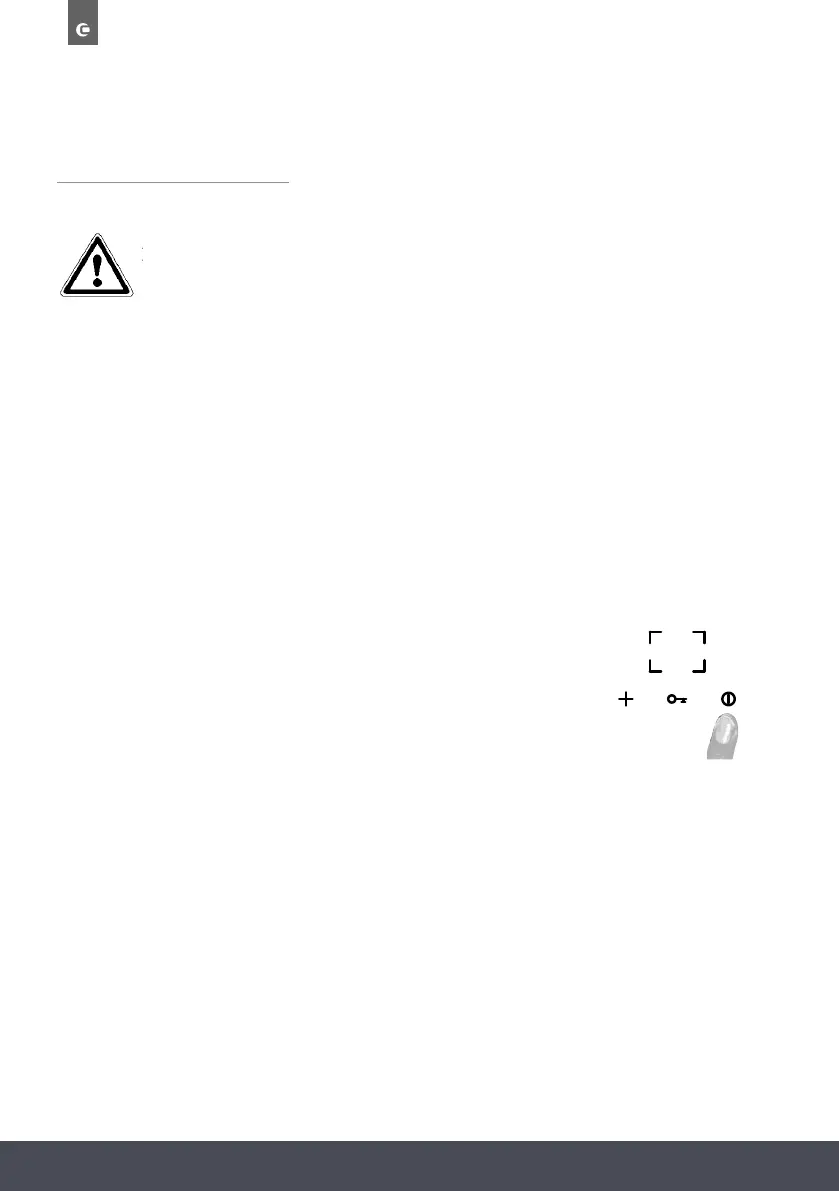
S W ITCHING ON THE HOB
To switch on the hob, hold the ON/OFF button for at
least 2 seconds.
The appliance will switch on and the five burner
displays will show power level 0, meaning that
the burners are off.
ALL OPERATIONS CONCERNING INSTALLATION, ADJUSTMENT AND
ADAPTATION TO THE AVAILABLE GAS TYPE MUST BE CARRIED OUT
BY A QUALIFIED TECHNICIAN, IN COMPLIANCE WITH STATUTORY
LEGISLATION.
The symbols printed above each burner control show the correspondence between the control and
the burner.
STANDBY MODE
After connecting the appliance to the power supply, it will perform a brief self-diagnosis routine
and touch panel calibration (all displays and LEDs remain illuminated for a few seconds). When
this procedure is completed the display will be blank.
SWITCHING ON THE HOB
To switch on the hob, hold the ON/OFF button for at least 2 seconds.
The appliance will switch on and the five burner displays will show
power level 0, meaning that the burners are off.
USING YOUR GAS HOB
All operations concerning installation, adjustment and adaptation to
the available gas type must be carried out by a qualified technician,
in compliance with statutory legislation.
The symbols printed above each burner control show the correspondence between the
control and the burner.
S T A N DBY MODE
After connecting the appliance to the power supply, it will perform a brief self-diagnosis
routine and touch panel calibration (all displays and LEDs remain illuminated for a few
seconds). When this procedure is completed the display will be blank.
S W ITCHING ON THE HOB
To switch on the hob, hold the ON/OFF button for at
least 2 seconds.
The appliance will switch on and the five burner
displays will show power level 0, meaning that
the burners are off.



 To Next Page