Instruction manual CM126 21
Please keep this instruction manual for future reference
OPERATION INSTRUCTIONS
SETTING THE CLOCK:
When the microwave oven is switched on, the oven will display “0:00”, a buzzer will ring once.
› Press “CLOCK/PRE-SET“ to choose 12-hour or 24-hour.
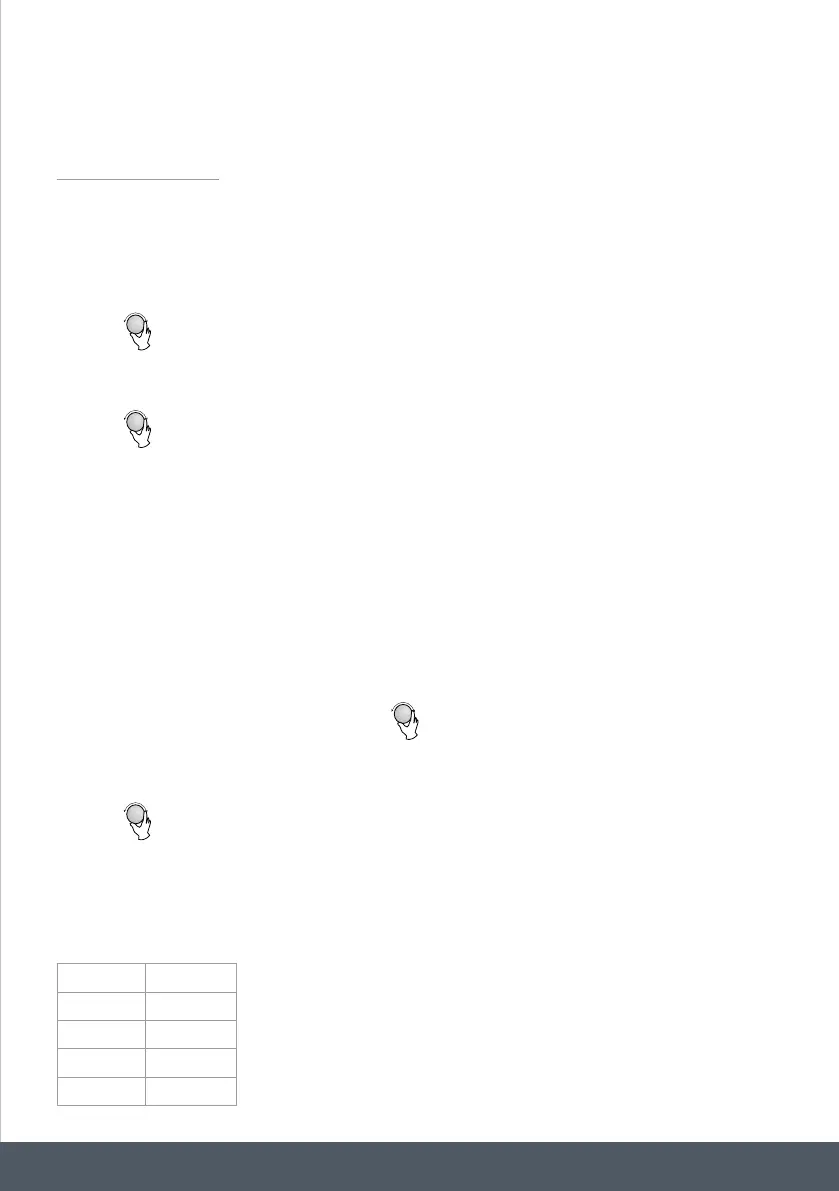
› Turn “
2.
Microwave Cooking
OPERATION INSTRUCTIONS
This microwave oven uses modern electronic control to adjust cooking parameters
to meet your needs better for cooking.
When the microwave oven is switched on, the oven will display "0:00", a buzzer will
ring once.
2) Turn " " to adjust the hour figures, the input time should be within 0--23(24-hour)
or 1--12(12-hour).
3) Press " CLOCK/PRE-SET ", the minute figures will flash.
5)
Press " CLOCK/PRE-SET" to finish setting the clock. ":" will flash.
Note: 1) If the clock is not set, it will not function when powered up.
2) During the process of clock setting, if you press " STOP/CLEAR ", the oven
will go back to the previous status automatically.
1) Press " CLOCK/PRE-SET " to choose 12-hour or 24-hour.
NOTE: the step quantities for the adjustment time of the coding switch are as follow:
0---1 min : 5 seconds
1---5 min : 10 seconds
5---10 min : 30 seconds
10---30 min : 1 minute
30---95 min : 5 minutes
Microwave Power Chart
Press
Microwave Power
Once Twice Thrice 4 times 5 times
80% 50% 30% 10%100%
4) Turn " " to adjust the minute figures, the input time should be within 0--59.
1) Press the "MICROWAVE " key once, and "P100" display.
2)
Press " MICROWAVE" a few times or turn " " to select the microwave
power from 100% to 10%. "P100", "P80", "P50", "P30", "P10" will display in order.
3) Press "START/+30SEC./CONFIRM " to confirm.
4)Turn " " to adjust the cooking time. (The time setting should be 0:05- 95:00.)
5) Press " START/+30SEC./CONFIRM " to start cooking.
1.
Setting the clock
“ to adjust the hour figures, the input time should be within 0-23 (24-hour)
or 1-12 (12-hour).
› Press “CLOCK/PRE-SET“, the minute figures will flash.
› Turn “
2.
Microwave Cooking
OPERATION INSTRUCTIONS
This microwave oven uses modern electronic control to adjust cooking parameters
to meet your needs better for cooking.
When the microwave oven is switched on, the oven will display "0:00", a buzzer will
ring once.
2) Turn " " to adjust the hour figures, the input time should be within 0--23(24-hour)
or 1--12(12-hour).
3) Press " CLOCK/PRE-SET ", the minute figures will flash.
5)
Press " CLOCK/PRE-SET" to finish setting the clock. ":" will flash.
Note: 1) If the clock is not set, it will not function when powered up.
2) During the process of clock setting, if you press " STOP/CLEAR ", the oven
will go back to the previous status automatically.
1) Press " CLOCK/PRE-SET " to choose 12-hour or 24-hour.
NOTE: the step quantities for the adjustment time of the coding switch are as follow:
0---1 min : 5 seconds
1---5 min : 10 seconds
5---10 min : 30 seconds
10---30 min : 1 minute
30---95 min : 5 minutes
Microwave Power Chart
Press
Microwave Power
Once Twice Thrice 4 times 5 times
80% 50% 30% 10%100%
4) Turn " " to adjust the minute figures, the input time should be within 0--59.
1) Press the "MICROWAVE " key once, and "P100" display.
2)
Press " MICROWAVE" a few times or turn " " to select the microwave
power from 100% to 10%. "P100", "P80", "P50", "P30", "P10" will display in order.
3) Press "START/+30SEC./CONFIRM " to confirm.
4)Turn " " to adjust the cooking time. (The time setting should be 0:05- 95:00.)
5) Press " START/+30SEC./CONFIRM " to start cooking.
1.
Setting the clock
“ to adjust the minute figures, the input time should be within 0-59.
› Press “CLOCK/PRE-SET” to finish setting the clock. “:” will flash.
NOTE:
If the clock is not set, it will not function when powered.
During the process of clock setting, if you press “STOP/CLEAR“, the oven will go back to the
previous status automatically.
MICROWAVE COOKING:
› Press the “MICROWAVE “ key once, and “P100” display.
› Press MICROWAVE” a few times or turn “
2.
Microwave Cooking
OPERATION INSTRUCTIONS
This microwave oven uses modern electronic control to adjust cooking parameters
to meet your needs better for cooking.
When the microwave oven is switched on, the oven will display "0:00", a buzzer will
ring once.
2) Turn " " to adjust the hour figures, the input time should be within 0--23(24-hour)
or 1--12(12-hour).
3) Press " CLOCK/PRE-SET ", the minute figures will flash.
5)
Press " CLOCK/PRE-SET" to finish setting the clock. ":" will flash.
Note: 1) If the clock is not set, it will not function when powered up.
2) During the process of clock setting, if you press " STOP/CLEAR ", the oven
will go back to the previous status automatically.
1) Press " CLOCK/PRE-SET " to choose 12-hour or 24-hour.
NOTE: the step quantities for the adjustment time of the coding switch are as follow:
0---1 min : 5 seconds
1---5 min : 10 seconds
5---10 min : 30 seconds
10---30 min : 1 minute
30---95 min : 5 minutes
Microwave Power Chart
Press
Microwave Power
Once Twice Thrice 4 times 5 times
80% 50% 30% 10%100%
4) Turn " " to adjust the minute figures, the input time should be within 0--59.
1) Press the "MICROWAVE " key once, and "P100" display.
2)
Press " MICROWAVE" a few times or turn " " to select the microwave
power from 100% to 10%. "P100", "P80", "P50", "P30", "P10" will display in order.
3) Press "START/+30SEC./CONFIRM " to confirm.
4)Turn " " to adjust the cooking time. (The time setting should be 0:05- 95:00.)
5) Press " START/+30SEC./CONFIRM " to start cooking.
1.
Setting the clock
“ to select the microwave power from 100% to
10%. “P100”, “P80”, “P50”, “P30”, “P10” will display in order.
› Press “START/+30SEC./CONFIRM“ to confirm.
› Turn “
2.
Microwave Cooking
OPERATION INSTRUCTIONS
This microwave oven uses modern electronic control to adjust cooking parameters
to meet your needs better for cooking.
When the microwave oven is switched on, the oven will display "0:00", a buzzer will
ring once.
2) Turn " " to adjust the hour figures, the input time should be within 0--23(24-hour)
or 1--12(12-hour).
3) Press " CLOCK/PRE-SET ", the minute figures will flash.
5)
Press " CLOCK/PRE-SET" to finish setting the clock. ":" will flash.
Note: 1) If the clock is not set, it will not function when powered up.
2) During the process of clock setting, if you press " STOP/CLEAR ", the oven
will go back to the previous status automatically.
1) Press " CLOCK/PRE-SET " to choose 12-hour or 24-hour.
NOTE: the step quantities for the adjustment time of the coding switch are as follow:
0---1 min : 5 seconds
1---5 min : 10 seconds
5---10 min : 30 seconds
10---30 min : 1 minute
30---95 min : 5 minutes
Microwave Power Chart
Press
Microwave Power
Once Twice Thrice 4 times 5 times
80% 50% 30% 10%100%
4) Turn " " to adjust the minute figures, the input time should be within 0--59.
1) Press the "MICROWAVE " key once, and "P100" display.
2)
Press " MICROWAVE" a few times or turn " " to select the microwave
power from 100% to 10%. "P100", "P80", "P50", "P30", "P10" will display in order.
3) Press "START/+30SEC./CONFIRM " to confirm.
4)Turn " " to adjust the cooking time. (The time setting should be 0:05- 95:00.)
5) Press " START/+30SEC./CONFIRM " to start cooking.
1.
Setting the clock
“ to adjust the cooking time. (The time setting should be 0:05- 95:00)
› Press “START/+30SEC./CONFIRM“ to start cooking.
NOTE:
When selecting a cooking duration, the timer will increase in the following quantities:
For example when selecting a cooking duration between 1 - 5 minuets,
the timer will go up in 10 second increments.
0 - 1 min 5 seconds
1 - 5 min 10 seconds
5 - 10 min 30 seconds
10 - 30 min 1 minute
30 - 95 min 5 minutes


 To Next Page
 Loading...