EasyManua.ls Logo

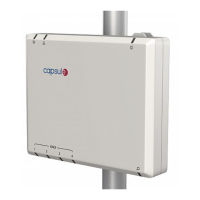
capsule SmartLinx Axon 810 - User Manual

Default Icon
78 pages
Go to English
Print Icon
To Next Page IconTo Next Page
Loading...
Data 8 de junho de 2015
Referência SL-AXON-IFU-ML
Revisão 2.2
SmartLinx Axon
Instruções de uso

Table of Contents

Questions and Answers

Summary

Setting up the SmartLinx Axon

Operating the SmartLinx Axon

3.5 Connecting the SmartLinx Axon to the network

Guides users through the process of connecting the SmartLinx Axon to a wired network.

3.6 Connecting a medical device to the SmartLinx Axon

Details the procedure for connecting medical devices using DIMs and appropriate cables.

3.7 Troubleshooting the SmartLinx Axon

Offers solutions for common operational issues, including power and network problems.

Configuring the SmartLinx Axon

6.1 Web-based configuration interface

Explains how to access and use the web interface for configuring the SmartLinx Axon.

6.3 Configuration option: Define a SmartLinx Axon

Guides through defining network parameters, including wired and wireless settings.

6.3.2 Wireless Network

Explains the steps for setting up wireless network connectivity and security.

capsule SmartLinx Axon 810 Specifications

General IconGeneral
Brandcapsule
ModelSmartLinx Axon 810
CategoryMedical Equipment
LanguageEnglish

Related product manuals