CUSTOMER SUPPORT
:
Email: support@captioncall.com
Phone: 1-877-557-2227
10
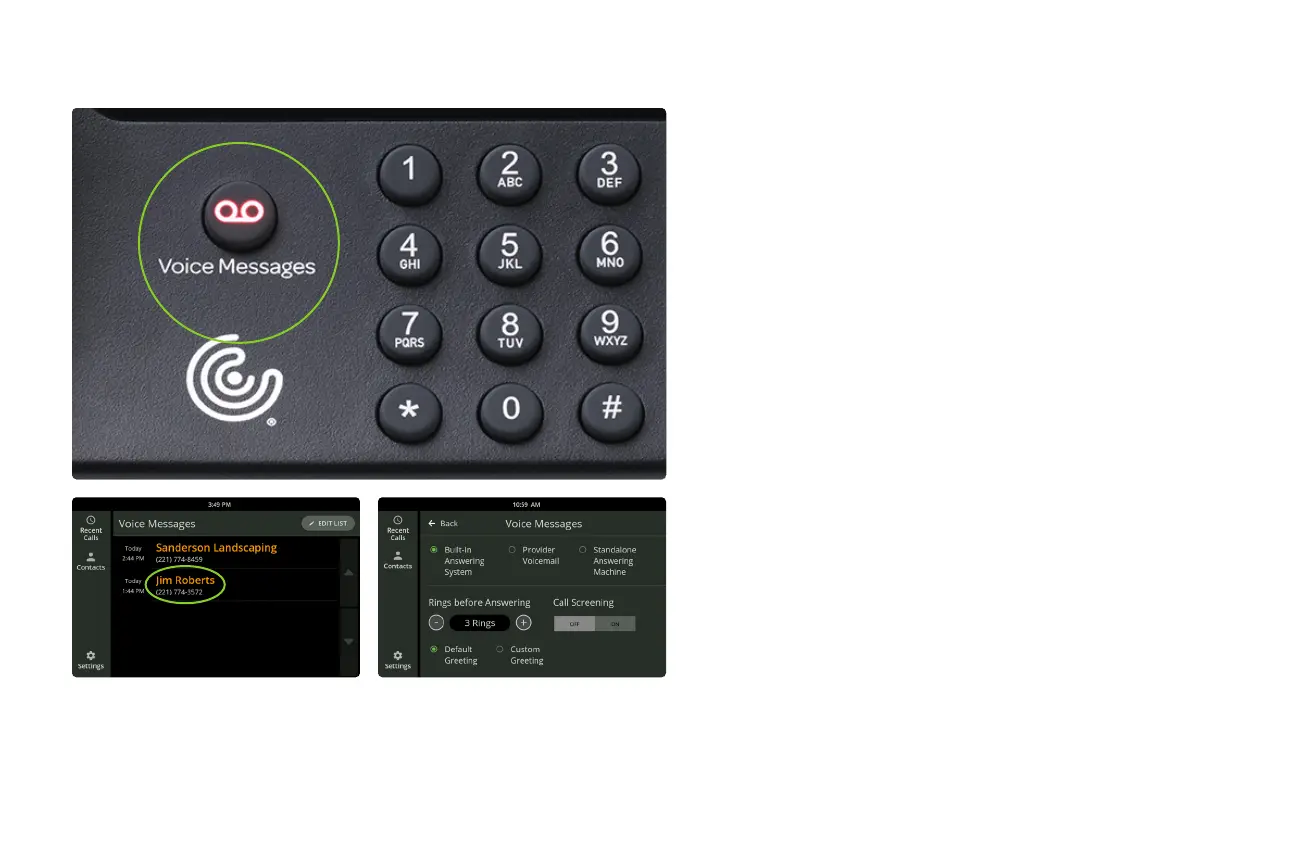
When you can’t take a call, CaptionCall will
caption the voice messages people leave.
1. Push the Voice Messages button next to the
dial pad.
2. Select a voice message by touching it on
the list. You’ll hear the message and see its
captions on the touchscreen.
You can also record and caption voice
messages using your phone provider’s
service or a standalone answering machine.
See your User Guide for setup information.
Get Voice Messages



 To Next Page