CUSTOMER SUPPORT
:
Email: support@captioncall.com
Phone: 1-877-557-2227
4
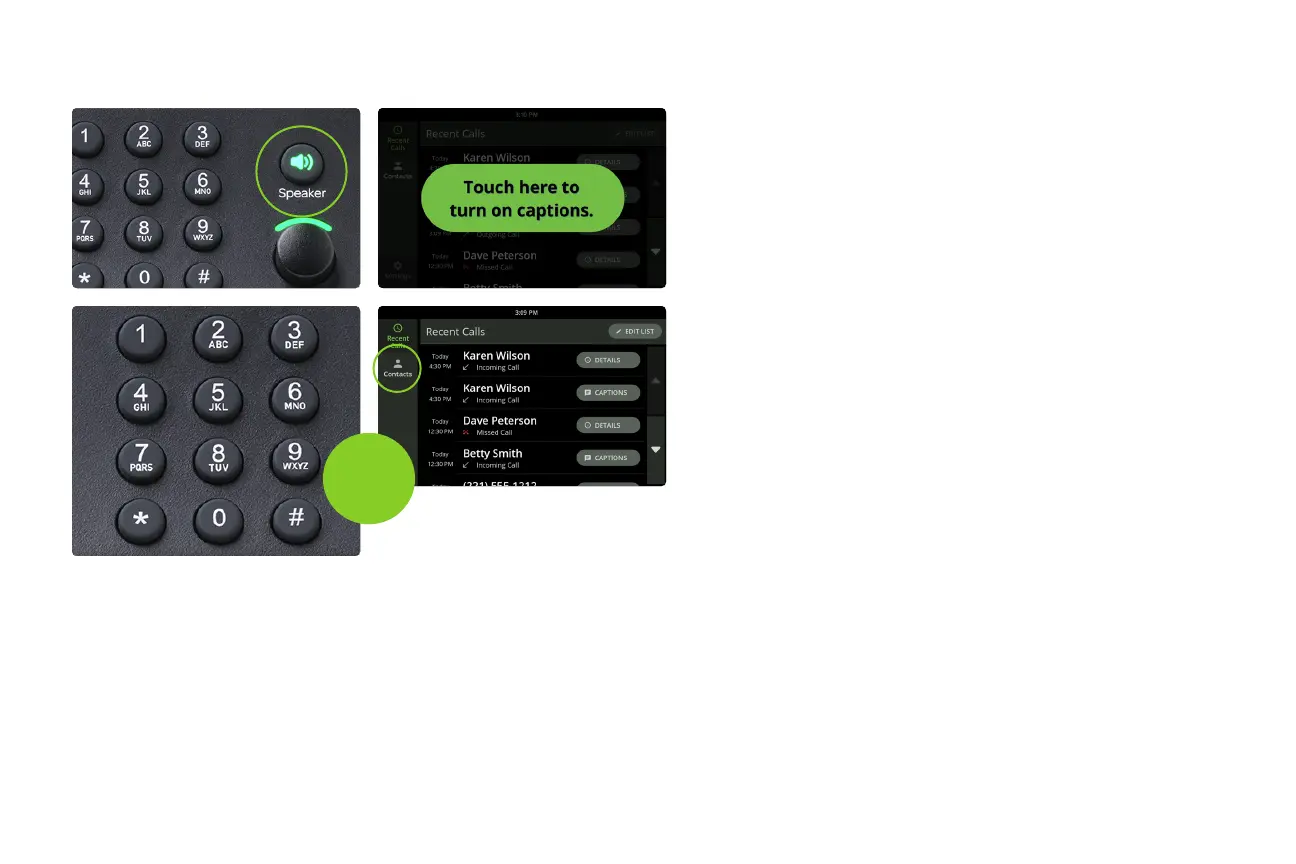
1. Pick up the handset or press the Speaker
button.
2. If your captions are not automatic, touch
the green button on the screen to turn on
captioning.
3. Dial the phone number using the keypad.
Or, touch the name of a recent call on the
screen or touch Contacts for a list.
Make a call
or



 To Next Page