CUSTOMER SUPPORT
:
Email: support@captioncall.com
Phone: 1-877-557-2227
5
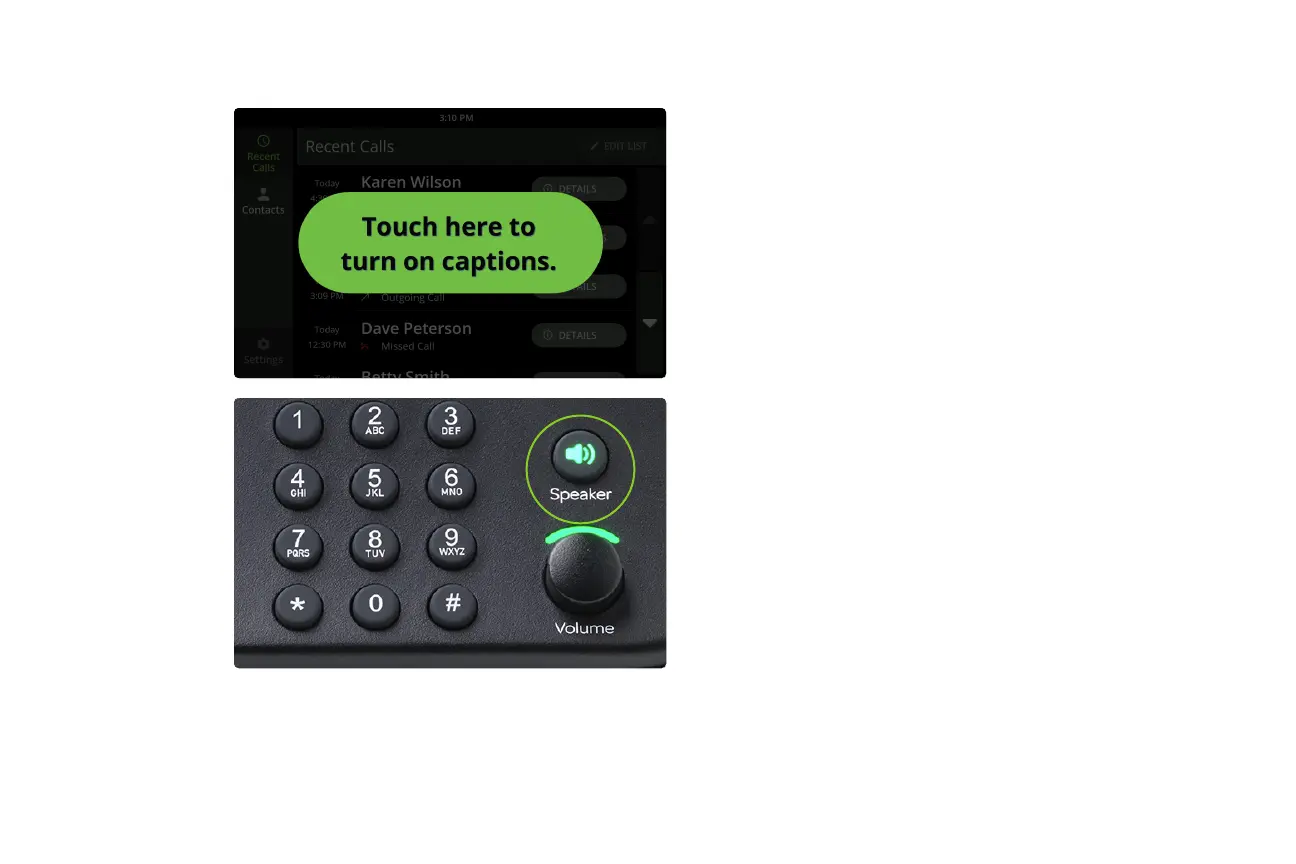
1. If your captions are not set to turn on
automatically, a green button will appear on
screen. Touch it to turn on captioning.
2. Pick up the handset or press the Speaker
button and listen as usual.
To end the call, hang up the handset or
press the Speaker button.
Answer a call



 To Next Page