CUSTOMER SUPPORT
:
Email: support@captioncall.com
Phone: 1-877-557-2227
6
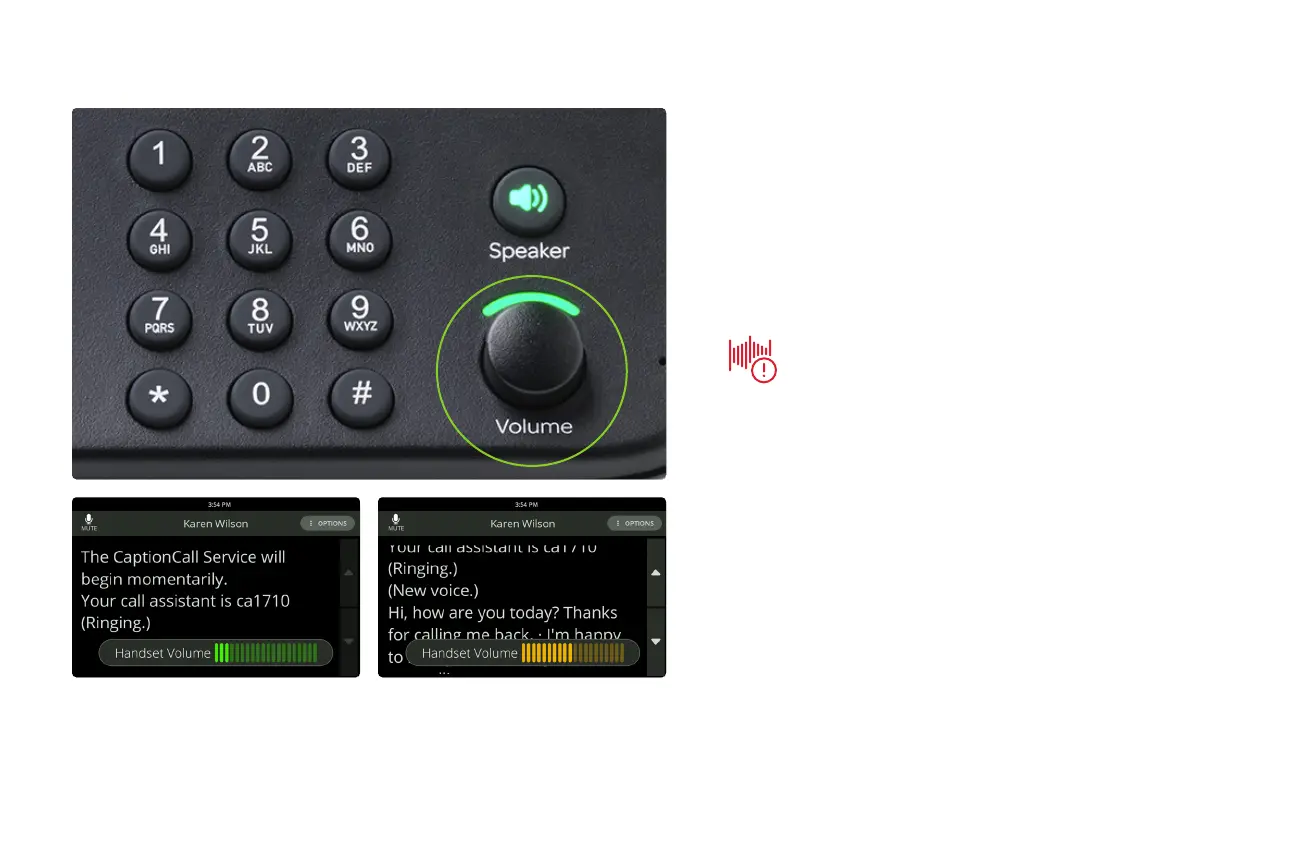
Use the Volume dial to turn the sound up or
down during a call. This dial adjusts volume on the
handset, on the speakerphone, and the ringer.
Warning: Setting the volume too
high can damage your hearing.
Get more volume



 To Next Page