CUSTOMER SUPPORT
:
Email: support@captioncall.com
Phone: 1-877-557-2227
7
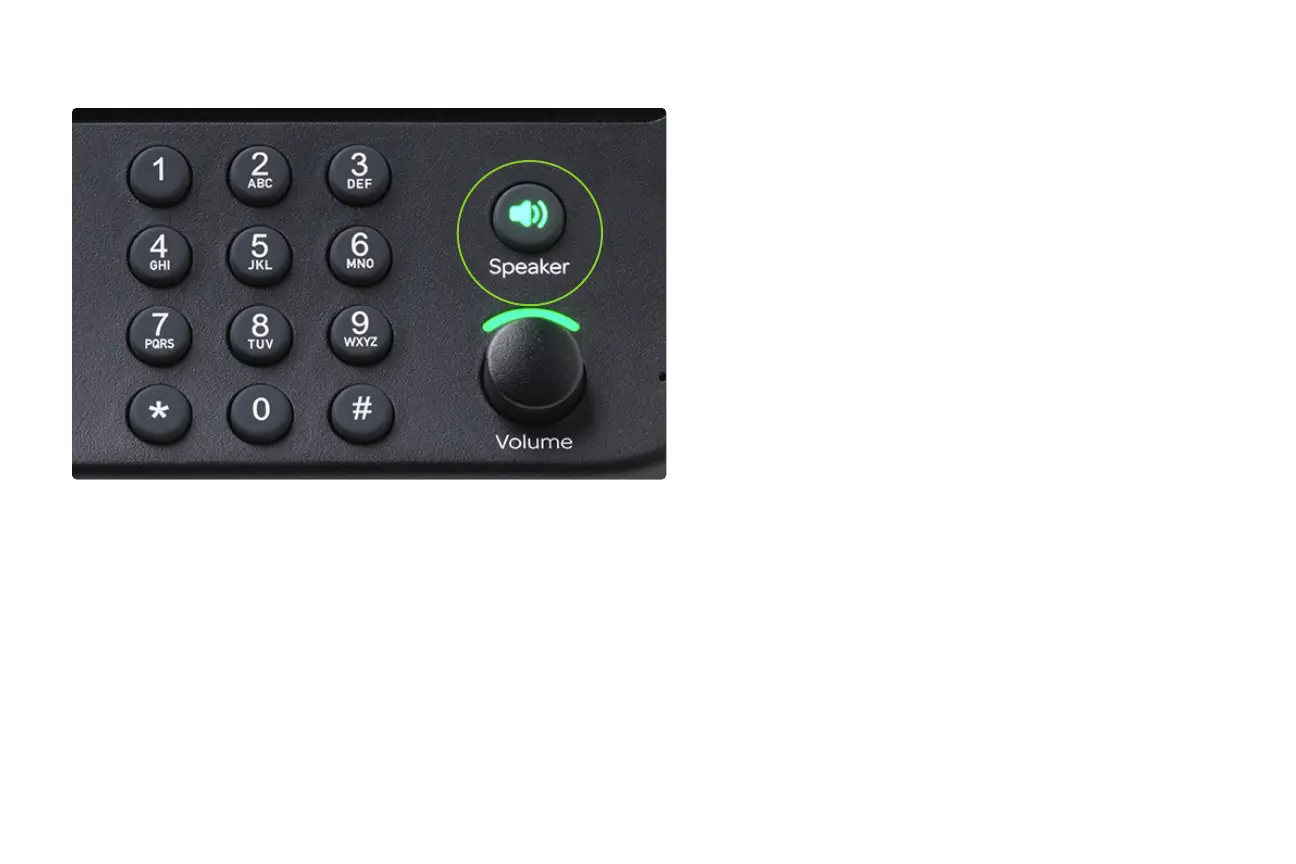
To talk without using the handset, use the
speakerphone. You can answer a call just by
pushing the Speaker button. End the call by
pushing the Speaker button again.
If you’re using the handset, push the Speaker
button to switch to the speakerphone while
you’re talking. The Speaker button is green
when in use.
Use the speakerphone



 To Next Page