Object
Default
Value
Description
Cardo Mobile App
(iOS/Android)
Cardo
Community
Set speed dial numbers Empty Pre-set phone numbers for automatic
dialing.
ü ü
Set the 6 FM radio
presets
107.5 Pre-set FM radio stations.
ü ü
Spoken Status
Announcements
(Enable/Disable)
Enable Voice announcements inform you to whom
or to what device you are connected.
ü ü
AGC performance may vary based on environmental conditions, including riding speed, helmet type,and
ambient noise.
6.1 SETTING THE DEFAULT MOBILE PHONE
If you paired your unit to two mobile phones, you must set one of them as the default phone for outgoing calls.
If you do not set a default phone, the phone that you first paired with your unit is automatically set as the
default phone.
To set the default phone:
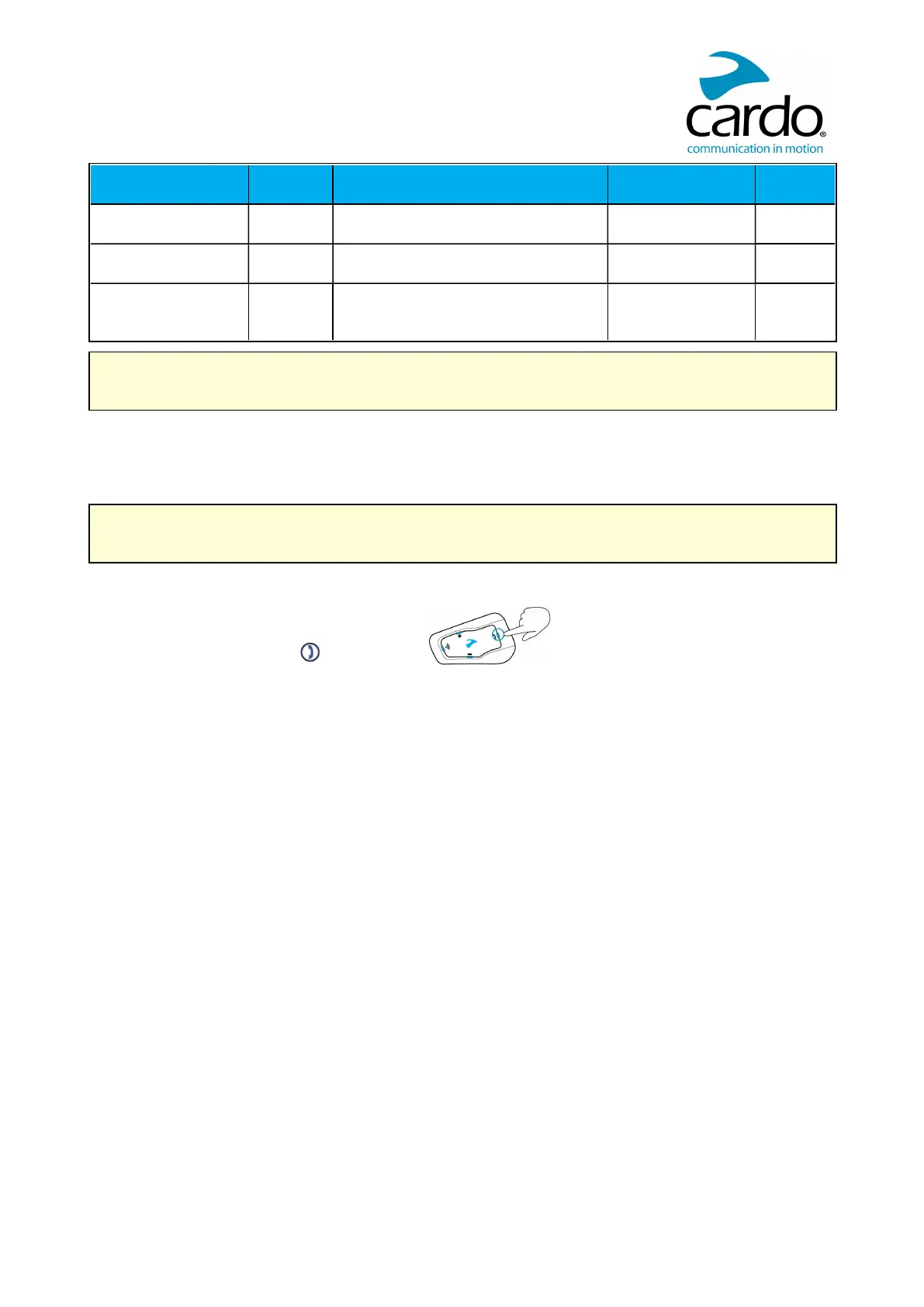
● During a mobile call, press for 5 seconds.
6.2 USING PARALLEL AUDIO STREAMING
With parallel audio streaming, you can hear GPS instructions during a mobile or Bluetooth intercom call, or while
listening to other audio sources, such as music or FM radio.












 To Next Page