3.1.2.1 SWITCHING MUSIC SOURCES
If two music (A2DP) audio sources are paired, FREECOM 1+/2+ uses the audio source from which you last
played music.
To switch to the other audio source:
1. Stop music (A2DP) playback from the current device (see Streaming Music on page 9).
2. Play music (A2DP) from the other device.
FREECOM 1+/2+ automatically remembers your last played device.
3.2 LISTENING TO FM RADIO
The FREECOM 1+/2+ is equipped with a built-in FM radio.
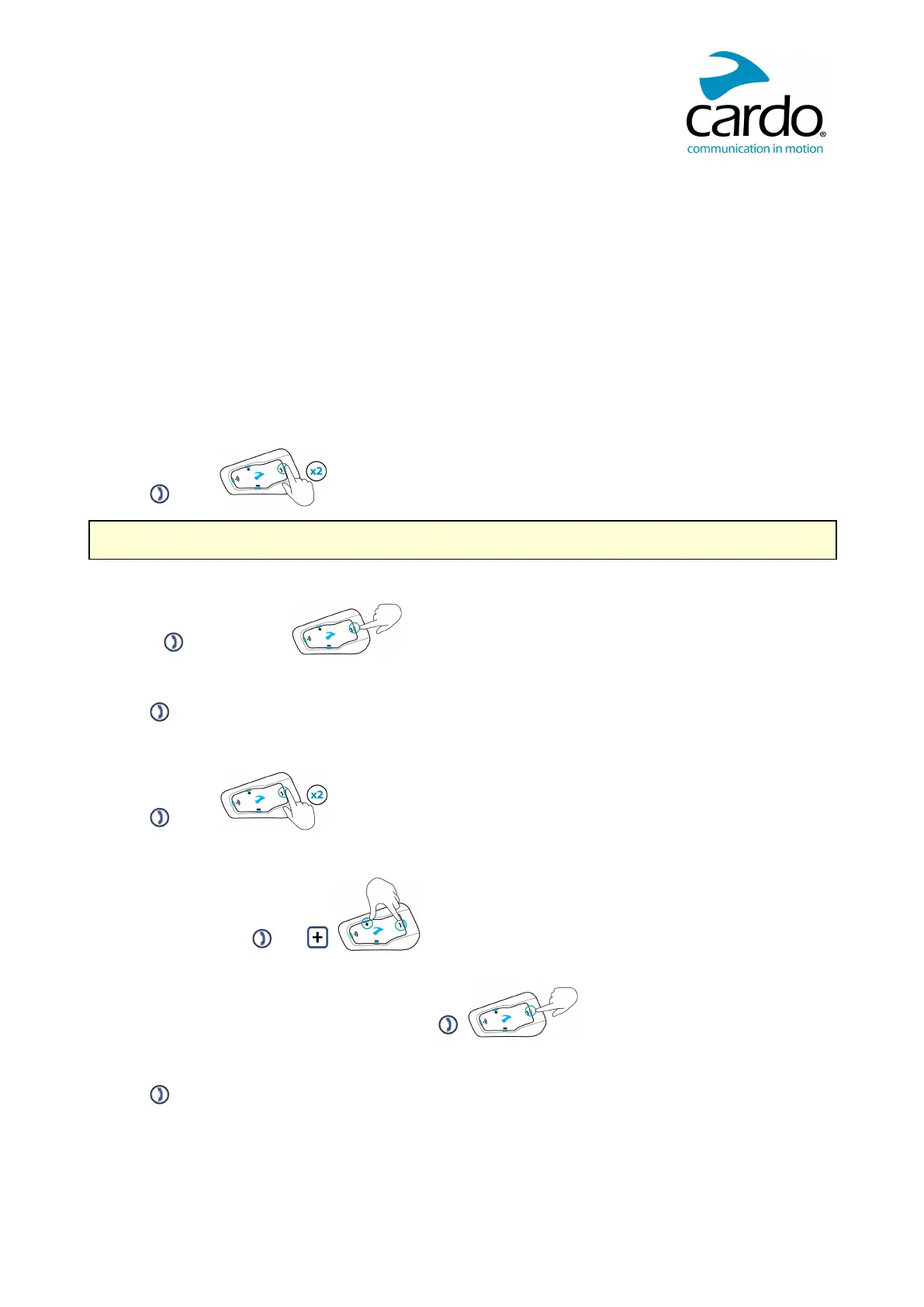
To turn on the FMradio:
● Tap twice.
When you switch on your FMradio, the station that was playing when you last switched off resumes playing.
To turn the FMradio off:
● Press for 2 seconds.
To skip to the next station:
● Tap .
To skip back to the previous station:
● Tap twice.
To scan for and select a station:
1. Simultaneously tap and .
The FMradio plays each station that it finds for several seconds.
2. When you hear a station you want to select, tap .
To store a scanned station in the active preset:
● Tap within 20 seconds of stopping the scan.












 To Next Page