63
Exam with Predicted Values
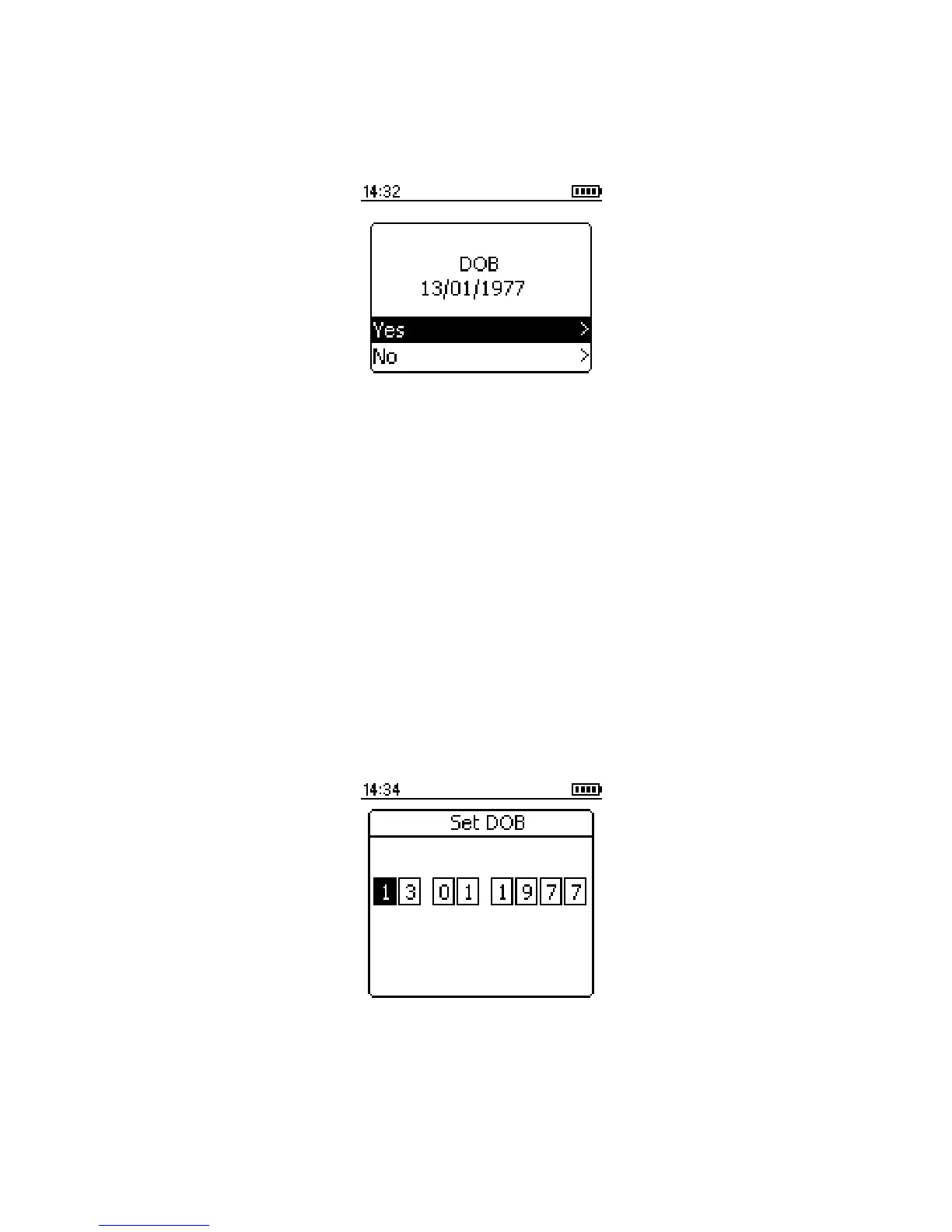
When this option is selected the following is displayed:
The date of the birth displayed will be the last patient tested, select
‘Yes’ to confirm the date of birth is correct or ‘No’ to enter the date of
birth of the patient to be tested.
If ‘No’ is selected then the screen will change to allow the correct date
of birth to be entered. Use the up and down keys to enter the date of
birth and press the enter key after each correct entry has been made.
If ‘Yes’ is selected and the date of birth is correct then the patient
details screen will be displayed.



 To Next Page