EasyManua.ls Logo

Carel easy - User Manual

Carel easy
44 pages
Print Icon
To Next Page IconTo Next Page
Loading...
Integrated Control Solutions & Energy Savings
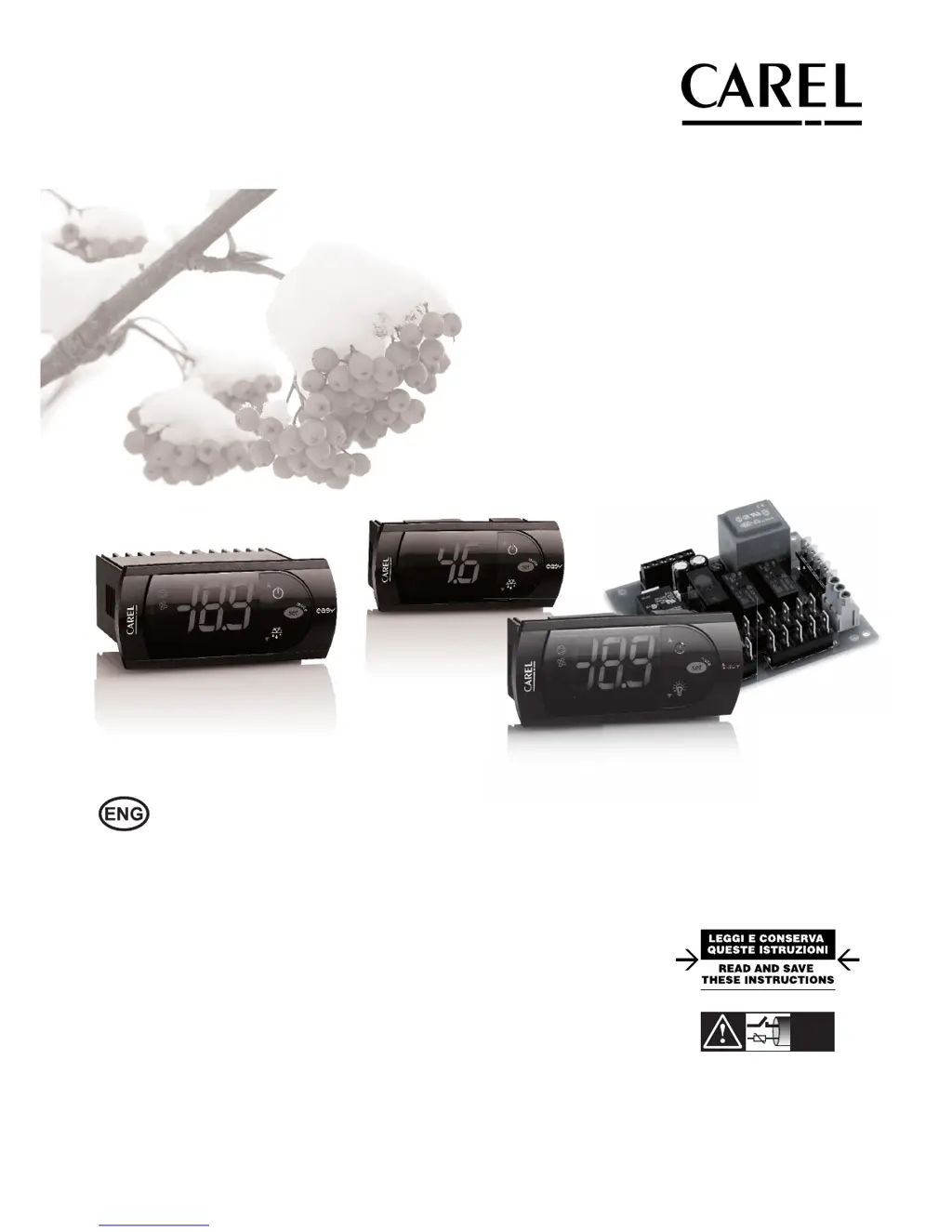
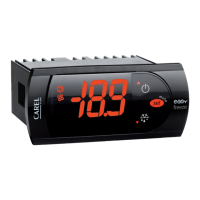
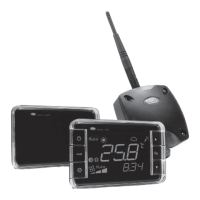
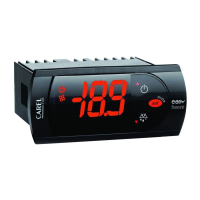
easy / easy compact / easy split
NO POWER
& SIGNAL
CABLES
TOGETHER
READ CAREFULLY IN THE TEXT!
User manual
electronic digital thermostats with defrost control

Questions and Answers

  • K
    kennethgreerAug 15, 2025
    Why won't my Carel easy Thermostat compressor start?
    • J
      Jacob FlynnAug 16, 2025
      The Carel Thermostat compressor might not start due to a set compressor delay or defrost post dripping in progress. Check parameters c0, c1, c2, and dd to resolve this issue.
  • S
    Sarah HuntAug 18, 2025
    Why is the defrost not activated on my Carel Thermostat?
    • C
      Cheryl ReynoldsAug 18, 2025
      The defrost on your Carel Thermostat might not be activating because the defrost duration (dP) is too short, or the interval between defrosts (dI) is set to 0. Adjust parameters dP and dI, and H1 for S models, to fix this.
  • S
    Sean BlairAug 21, 2025
    What to do if the high temperature alarm is shown after a defrost on Carel easy Thermostat?
    • K
      kathryn59Aug 21, 2025
      If a high temperature alarm appears after a defrost on your Carel Thermostat, the alarm delay after defrost might be too short, or the alarm threshold might be too low. Adjust parameters d8 and AH to correct this.
  • N
    Nicole ThomasAug 25, 2025
    Why is my Carel easy Thermostat temperature over the limit with no alarm?
    • D
      Darrell BrownAug 25, 2025
      If the temperature exceeds the set limits without an alarm on your Carel Thermostat, it could be due to the alarm delay being set. Review parameters Ad, c6, and d8.
  • E
    Eric ReyesAug 27, 2025
    Why doesn't the fan start on my Carel easy Thermostat C model?
    • A
      anthony06Aug 28, 2025
      If the fan on your Carel Thermostat (C models) doesn't start, it could be due to a set compressor and fan start delay. Check parameter c0. Alternatively, if F0=1, the evaporator might be 'hot', dripping might be in progress, or F1 might be too low. In this case, check parameters F0, F1, Fd, dd, and d/. If F0=0, F2 might be set to 1 and the compressor is off, dripping or post-dripping might be in progress. In this case, check parameters F0, F2, dd and Fd.
  • M
    Michael HolmesAug 30, 2025
    Why does the Carel easy Thermostat display remain frozen after defrost?
    • B
      Brianna CarterAug 30, 2025
      If your Carel Thermostat display remains frozen after defrost, the ambient temperature might not have reached the set point yet, or the time d8 hasn't elapsed. Wait or reduce d8.
  • J
    Jeremy CunninghamSep 2, 2025
    What to do if Carel Thermostat continues working with the old values after modifying a parameter?
    • M
      markstoneSep 2, 2025
      If your Carel Thermostat continues using old values after you change a parameter, the instrument might not have updated the old value, or the parameter setting procedure wasn't correctly ended by pressing the SET button for 3 seconds. Turn the instrument off and on again, or reprogram the parameters correctly.
  • M
    Melinda WrightSep 5, 2025
    Why is the alarm connected to the multifunction input not detected on Carel easy?
    • H
      hicksanthonySep 6, 2025
      The alarm connected to the multifunction input may not be detected due to alarm delay being set, or a parameter programming error. Check if A4=1 and the status of digital input A7.
  • T
    Tonya WallaceSep 8, 2025
    Why is alarm IA signalled on my Carel easy Thermostat when it's not active?
    • B
      Brenda AndersonSep 8, 2025
      Alarm IA on your Carel Thermostat (multifunction input) might be signaled without being active if the multifunction input generates an alarm when the contact opens. Check the input connection and whether it's closed during normal operation.
  • D
    dana19Sep 12, 2025
    How to fix the end defrost temperature if it is too low on Carel easy?
    • A
      Arthur McmillanSep 12, 2025
      To resolve the end defrost temperature being too low or the evaporator temperature being too high on your Carel Thermostat, check parameters dt and d/ (defrost probe).

Summary

User Manual Overview

Safety and Disposal Information

General Safety Warnings

Essential warnings for safe product operation and installation, including environmental precautions.

Product Disposal Guidelines

Instructions for environmentally responsible disposal of the equipment according to EU directives.

Product Introduction and Models

Main Characteristics and Features

Overview of key features across different controller models (easy, compact, split).

Product Model Range

Detailed descriptions of various PJEZ models (S, X, Y, C, M) and their applications.

Key Model Differences

Highlights distinctions in features and capabilities between easy, easy compact, and easy split models.

Probe Types and Accessories

Information on NTC/PTC probes and available accessories for the controllers.

Glossary of Definitions

Definitions of technical terms used throughout the manual.

Assembly and Installation

General Assembly Warnings

Precautions to avoid damage during installation in various environmental conditions.

Panel Mounting Procedures

Step-by-step guide for installing the unit into a panel using brackets or screws.

Electrical Connections

Instructions and warnings for making correct electrical connections for the devices.

Wiring Diagrams

Visual representations of electrical connections for different controller models.

Multiple Unit Wiring

Guidance for connecting multiple units via RS485 network using a converter.

User Interface and Start-up

Controller Display and Keypad Overview

Explanation of display elements, LEDs, and button functions for basic operation.

Easy Split Controller Interface

Specific display and keypad details for the easy split model.

Initial Configuration and Start-up

Steps for powering up the controller and performing preliminary configurations.

Keypad Operation Functions

How to perform common operations like set point adjustment and manual defrost.

Functions and Parameters

Temperature Probe Settings

Configuration of temperature measurement inputs, stability, and display rate.

Temperature Display Settings

Options for setting temperature units (°C/°F) and display format.

Temperature Control Modes

Configuration of direct/reverse operation, set point, and control differential.

Duty Setting Functionality

Safety function ensuring compressor operation during probe faults.

Compressor Protection Settings

Parameters to prevent compressor damage from frequent starts or stops.

Defrost Cycle Configuration

Detailed settings for managing defrost types, intervals, and durations.

Alarm Parameter Configuration

Settings for temperature, condenser, and digital input alarm thresholds and delays.

Digital Input Configuration

Assigning specific functions to the digital input based on its state.

Door Management Functions

Logic for managing door status, alarms, and fan/compressor behavior.

Evaporator Fan Control

Parameters for controlling evaporator fan operation based on temperature and compressor status.

Clock and Time Band Settings

Configuration of the Real Time Clock and time-based functions like defrost and night-time operation.

Parameter Set Selection (EZY)

Using the EZY function for quick selection of pre-defined parameter sets.

Auxiliary Output and Other Settings

Configuration of AUX relay, serial address, keypad, and buzzer functions.

Alarms and Parameters Tables

Alarm and Signal Reference

Table listing alarm codes, descriptions, associated parameters, and reset methods.

Alarm and Signal Descriptions

Detailed explanations of common alarm signals, their causes, and checks.

Data Error Handling

Information on how the instrument detects and handles saved data errors.

Parameter Modification and Reset

Procedures for navigating, modifying parameters, and resetting to default settings.

Parameter Tables by Model

Comprehensive parameter tables for easy, easy compact, and easy split models.

EZY Parameter Sets

Tables detailing EZY parameter set configurations for normal and low temperature models.

Troubleshooting Common Issues

Guide to identifying and resolving common operational problems and anomalous situations.

Technical Specifications

Easy Model Specifications

Detailed technical data including power, inputs, outputs, and operating conditions for easy models.

Easy Compact Model Specs

Detailed technical data including power, inputs, outputs, and dimensions for easy compact models.

Easy Split Model Specs

Detailed technical data for easy split models, including power board and terminal specifications.

Electromagnetic Compatibility

Compliance information regarding EU standards for electromagnetic compatibility.

Carel easy Specifications

General IconGeneral
BrandCarel
Modeleasy
CategoryThermostat
LanguageEnglish

Related product manuals