
 To Next Page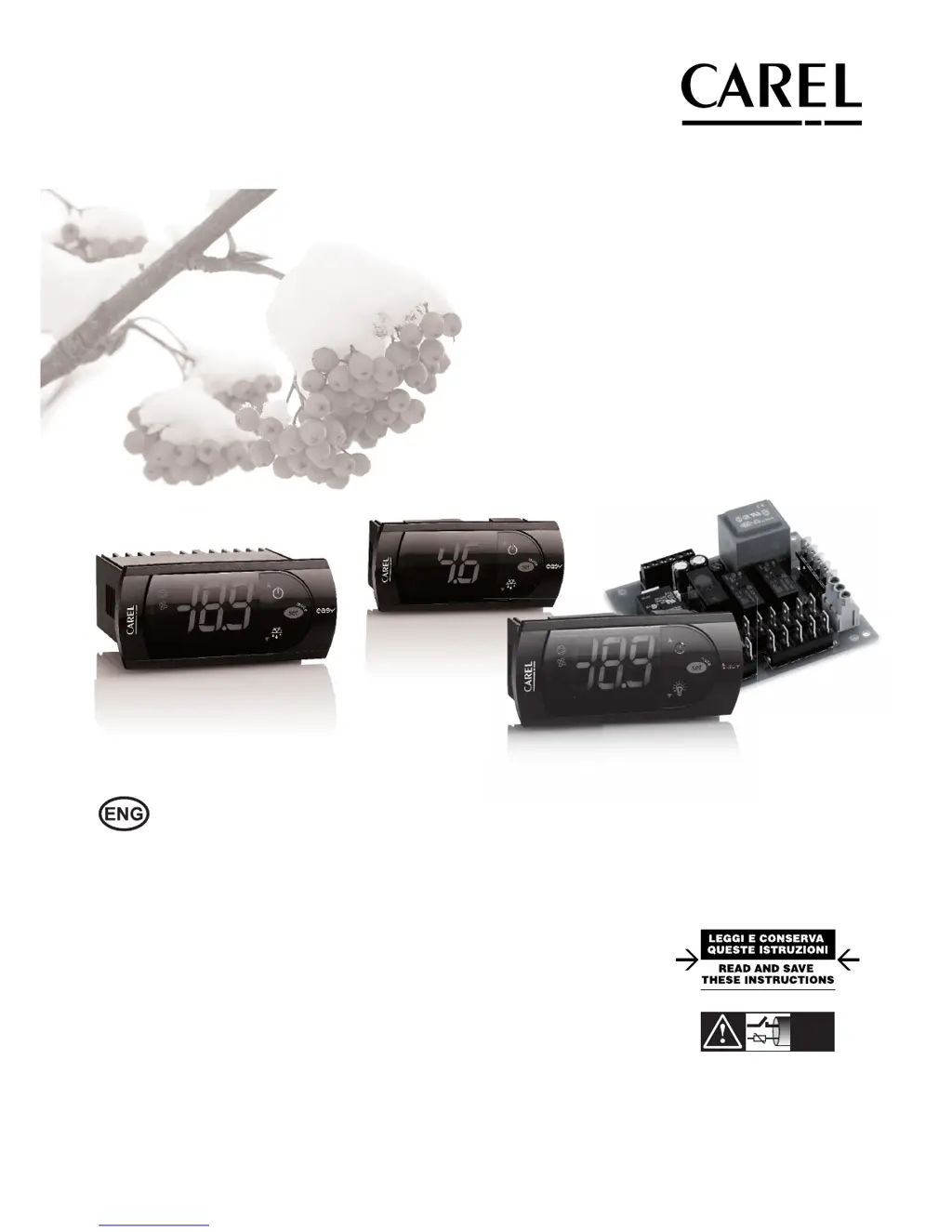
Н
НаильApr 5, 2026
Добрый день, сколько КВт в сутки потребляет холодильник?

Добрый день, сколько КВт в сутки потребляет холодильник?
Essential warnings for safe product operation and installation, including environmental precautions.
Instructions for environmentally responsible disposal of the equipment according to EU directives.
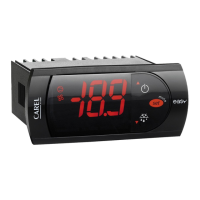
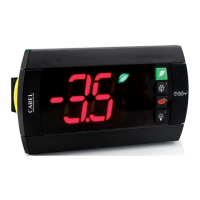
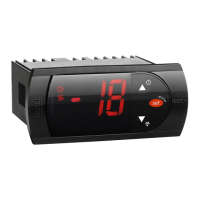
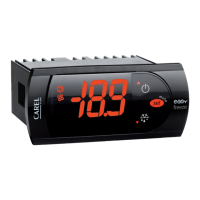
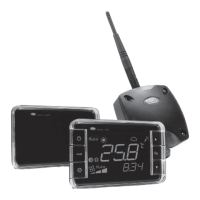
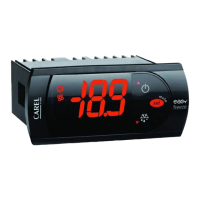
Overview of key features across different controller models (easy, compact, split).
Detailed descriptions of various PJEZ models (S, X, Y, C, M) and their applications.
Highlights distinctions in features and capabilities between easy, easy compact, and easy split models.
Information on NTC/PTC probes and available accessories for the controllers.
Definitions of technical terms used throughout the manual.
Precautions to avoid damage during installation in various environmental conditions.
Step-by-step guide for installing the unit into a panel using brackets or screws.
Instructions and warnings for making correct electrical connections for the devices.
Visual representations of electrical connections for different controller models.
Guidance for connecting multiple units via RS485 network using a converter.
Explanation of display elements, LEDs, and button functions for basic operation.
Specific display and keypad details for the easy split model.
Steps for powering up the controller and performing preliminary configurations.
How to perform common operations like set point adjustment and manual defrost.
Configuration of temperature measurement inputs, stability, and display rate.
Options for setting temperature units (°C/°F) and display format.
Configuration of direct/reverse operation, set point, and control differential.
Safety function ensuring compressor operation during probe faults.
Parameters to prevent compressor damage from frequent starts or stops.
Detailed settings for managing defrost types, intervals, and durations.
Settings for temperature, condenser, and digital input alarm thresholds and delays.
Assigning specific functions to the digital input based on its state.
Logic for managing door status, alarms, and fan/compressor behavior.
Parameters for controlling evaporator fan operation based on temperature and compressor status.
Configuration of the Real Time Clock and time-based functions like defrost and night-time operation.
Using the EZY function for quick selection of pre-defined parameter sets.
Configuration of AUX relay, serial address, keypad, and buzzer functions.
Table listing alarm codes, descriptions, associated parameters, and reset methods.
Detailed explanations of common alarm signals, their causes, and checks.
Information on how the instrument detects and handles saved data errors.
Procedures for navigating, modifying parameters, and resetting to default settings.
Comprehensive parameter tables for easy, easy compact, and easy split models.
Tables detailing EZY parameter set configurations for normal and low temperature models.
Guide to identifying and resolving common operational problems and anomalous situations.
Detailed technical data including power, inputs, outputs, and operating conditions for easy models.
Detailed technical data including power, inputs, outputs, and dimensions for easy compact models.
Detailed technical data for easy split models, including power board and terminal specifications.
Compliance information regarding EU standards for electromagnetic compatibility.
 General
| Brand | Carel |
|---|---|
| Model | easy |
| Category | Thermostat |
| Language | English |