EN 6
Icon Function Usage
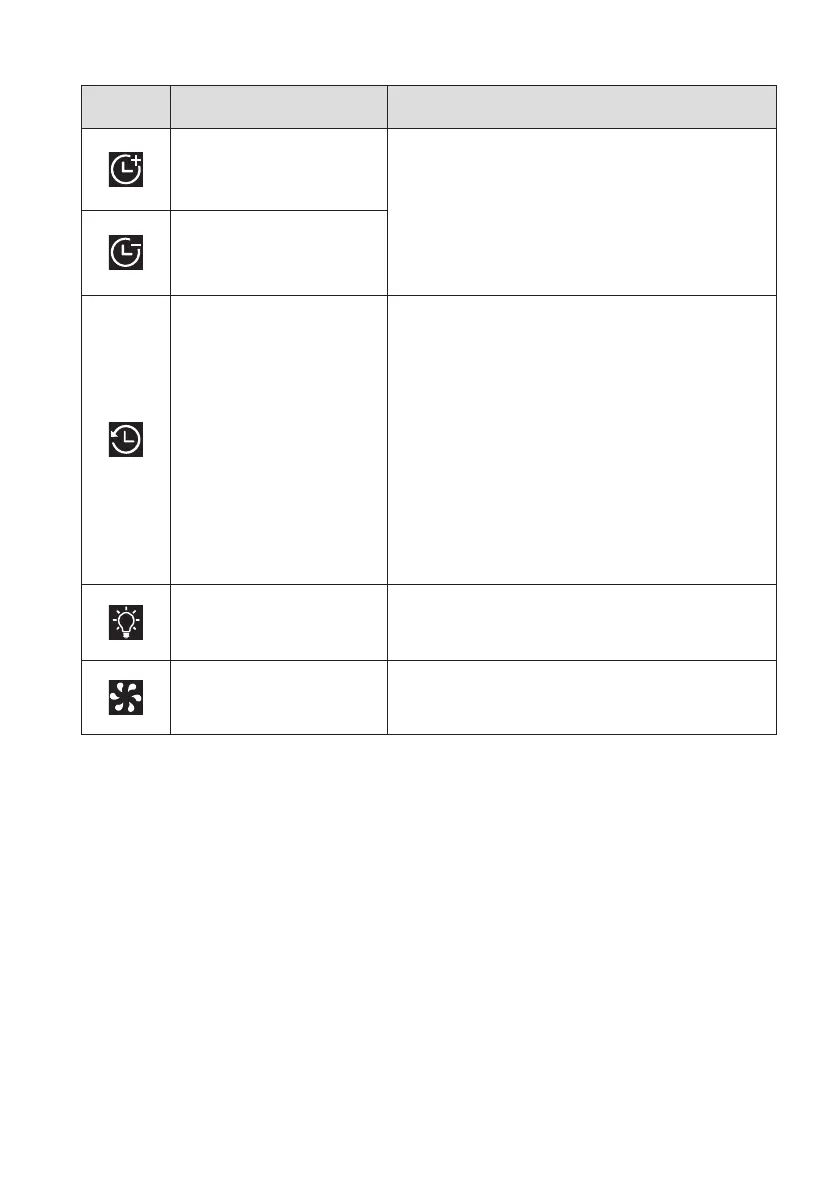
Time increase
The time is increased or decreased in
increments of 1 minute, the maximum
time is 60 minutes, the minimum setting
time is 1 minute, long press to increase
or decrease time quickly.
Time decrease
Delay Start
After selecting menu, tap to enter the
delay start setting (the default time is 1
hour).
Press the time keys to adjust the time
(the adjust-ment time is increased or
decreased in units of 30 minutes, the
maximum time set is 12 hours, the
minimum setting time is 1 hour. Long
press can to increase or decrease
temperature quickly. Click the Start/Stop
button to start the countdown.
Light on/off
Touch the icon, the inner lightning will
go off in 1 minute.
Working indicator
The icon is on when the appliance is
Working.



 To Next Page