EasyManua.ls Logo

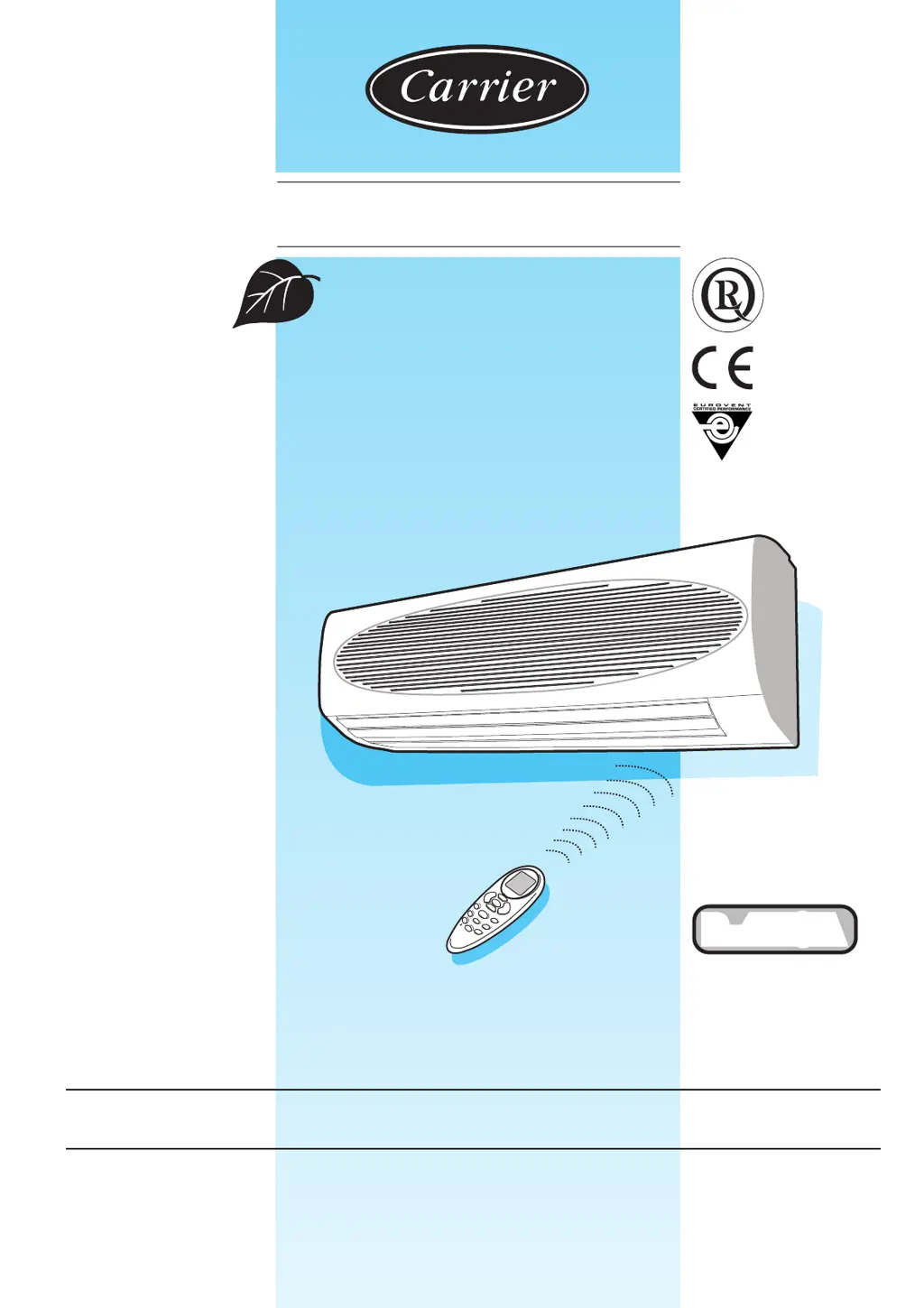
Carrier 42PHQ P Series - User Manual

Carrier 42PHQ P Series
14 pages
Print Icon
To Next Page IconTo Next Page
Loading...
42PHQ...P
OWNER’S MANUAL
¥
L
L
O
Y
D
S
R
E
G
I
S
T
E
R
Q
U
A
L
I
T
Y
A
S
S
U
R
A
N
C
E
I
S
O
9
0
0
1
R-410A

Questions and Answers

  • M
    Megan KempAug 5, 2025
    What to do if my Carrier 42PHQ P is not cooling properly?
    • A
      Amy HigginsAug 5, 2025
      If your Carrier Air Conditioner isn't cooling as expected, several factors could be the cause. First, check if the air filter is blocked with dust and clean it if necessary. Ensure the temperature is set correctly and adjust it if needed. Make sure all windows and doors are closed. Check the outdoor unit for any obstructions and remove them. Also, verify that the fan speed isn't set too low, and change it if needed. Finally, confirm that the operation mode is set to cooling and not FAN or AUTO; if it's on FAN or AUTO, change it to cooling or reset the unit.
  • C
    Chad HayesAug 12, 2025
    Why won't my Carrier 42PHQ P turn on?
    • S
      schultzbarbaraAug 12, 2025
      If your Carrier Air Conditioner isn't turning on, there are a few things to check. First, see if the circuit breaker has tripped or a fuse has blown; if so, reset the breaker or replace the fuse with the specified replacement. Also, determine if there has been a power failure and, if so, restart operation when the power is restored. Additionally, confirm the available voltage.
  • A
    albertdonaldsonAug 19, 2025
    What to do if my Carrier Air Conditioner stops during operation?
    • P
      Patricia GoodmanSep 12, 2025
      If your Carrier Air Conditioner stops unexpectedly, check if the OFF timer is active and restart the operating mode. If the green light is flashing on and off, call your service representative.
  • D
    David MortonAug 27, 2025
    How to fix abnormally low heating on my Carrier 42PHQ P Air Conditioner (heat pump models)?
    • J
      Jordan WhitakerAug 27, 2025
      If your Carrier Air Conditioner (heat pump model) isn't heating adequately, start by checking the air filter for dust and clean it if necessary. Ensure the temperature isn't set too low and adjust it if needed. Confirm that all windows and doors are closed, and check the outdoor unit for any obstructions, removing them if present.

Summary

General Information

Infrared Remote Control

Remote Control Battery Replacement and Reset

Instructions for battery insertion, replacement, and resetting the remote control.

Remote Control Button Functions and Display Readout

Explains all buttons (A-O) and the display readout symbols on the remote.

Display of Selected Functions

Unit Display and Switch Panel

Using the Remote Controller

Starting, Stopping, and Mode Selection

Guide on how to turn the unit on/off and select operational modes like Cool, Heat, Auto.

Temperature Setting and Airflow Direction Control

Instructions for adjusting the desired temperature and controlling the louvre for air distribution.

Remote Control Operation Details

Setting Operating Mode, Temperature, Fan Speed, and Louvre

Detailed steps for configuring operating mode, temperature, fan speed, and louvre positions.

Advanced Remote Control Features

Correct Cleaning Procedures

Troubleshooting Common Issues

Resolving Unit Startup and Cooling Performance Issues

Checks and actions for when the unit fails to start or cooling is insufficient.

Addressing Heating Performance and Unit Halts

Solutions for low heating output, unit stopping unexpectedly, and timer-related issues.

Carrier 42PHQ P Series Specifications

General IconGeneral
BrandCarrier
Model42PHQ P Series
CategoryAir Conditioner
LanguageEnglish

Related product manuals