EasyManua.ls Logo

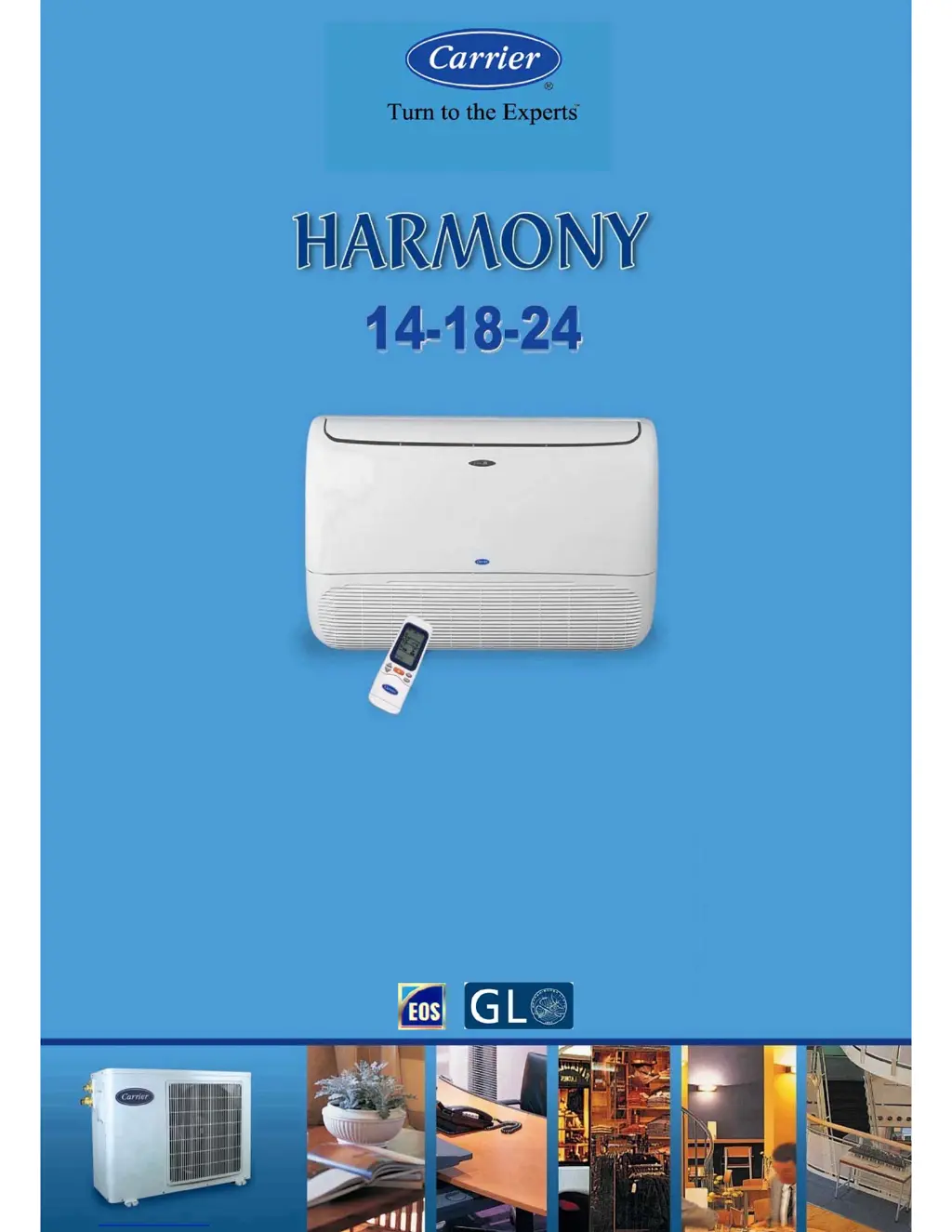
Carrier Harmony 53VMC18A-H - User Manual

Carrier Harmony 53VMC18A-H
44 pages
Print Icon
To Next Page IconTo Next Page
Loading...
03502566
SERVICE & MAINTENANCE MANUAL
Revision : (0) - 2009
Specifications are subject to change without notice according to Carrier Policy of continuous development.

Questions and Answers

  • S
    Stephanie ShermanAug 13, 2025
    Why my Carrier Harmony 53VMC18A-H Air Conditioner will not start?
    • D
      Debra SmithAug 13, 2025
      Your Carrier Air Conditioner might not start due to several reasons: - The main supply switch could be OFF. In this case, switch it to the ON position. - The fuses or main switch might be blown. If so, replace the fuses. - The protection against frequent compressor cycling might be ON. If this is the case, wait for 3 minutes. - The selected temperature might be higher than the room temperature in cooling mode (or lower in heating mode). Adjust the selected temperature accordingly.
  • E
    Eric EdwardsAug 16, 2025
    What to do if my Carrier Harmony 53VMC18A-H Air Conditioner is not supplying enough cooling?
    • W
      Wayne AcevedoAug 16, 2025
      If your Carrier Air Conditioner isn't providing sufficient cooling, consider the following: - Ensure that the airflow isn't obstructed. Remove any obstructions. - Clean the air filters, as dirty filters can reduce air circulation. - Close any open doors and windows. - Check the fan speed; if it's set to “Low”, set it to high speed. - Ensure the airflow direction is correct for the chosen mode. Adjust it as needed. - Correct the selected temperature if it's higher than the room temperature in cooling mode.
  • D
    Deanna SmithAug 25, 2025
    Why is my Carrier Harmony 53VMC18A-H Air Conditioner not supplying enough heat?
    • K
      kristijohnsonAug 25, 2025
      If your Carrier Air Conditioner isn't providing sufficient heating, consider the following: - Ensure that the airflow isn't obstructed. Remove any obstructions. - Clean the air filters, as dirty filters can reduce air circulation. - Close any open doors and windows. - Check the fan speed; if it's set to “Low”, set it to high speed. - Ensure the airflow direction is correct for the chosen mode. Adjust it as needed. - Correct the selected temperature if it's lower than the room temperature in heating mode.
  • R
    rhonda49Aug 28, 2025
    What to do if all symbols appear on the display of my Carrier Harmony 53VMC18A-H Air Conditioner remote control?
    • A
      Amy EwingAug 28, 2025
      If all symbols appear on the display when pressing any button on your Carrier Air Conditioner remote control, it could be due to these reasons: - The recessed button for time setting is blocked due to excessive pressure during use. Check and repair it. - The remote control has been irreversibly damaged. Replace it with a new one.
  • J
    James CastilloAug 31, 2025
    How to fix a Carrier Air Conditioner remote control with a blank display?
    • Z
      zrodriguezAug 31, 2025
      If the display on your Carrier Air Conditioner remote control is not lit after inserting batteries, the batteries may be exhausted or have the wrong polarity. Replace the batteries or check the polarity.
  • C
    Caleb HillSep 4, 2025
    How to eliminate unpleasant smells from my Carrier Harmony 53VMC18A-H Air Conditioner?
    • K
      Kelly LittleSep 4, 2025
      Unpleasant smells from your Carrier Air Conditioner's indoor unit may be due to substances accumulated in the air filters. Switch the system OFF and contact an authorized service center to have the filters cleaned. Restart the unit in ventilation (fan only) mode and open windows to change the room air.
  • K
    Kimberly KruegerSep 8, 2025
    Why hour figures do not flash when adjusting the clock on my Carrier Harmony 53VMC18A-H Air Conditioner remote?
    • T
      Tina AllenSep 8, 2025
      If the hour figures on the display of your Carrier Air Conditioner remote do not flash when pressing the recessed clock adjustment button, the recessed button may not have been pressed correctly. Press it with a round point, avoiding strong pressure.
  • M
    Michelle JohnsonNov 19, 2025
    Why my Carrier Air Conditioner doesn't respond to the remote control?
    • R
      Robert CarpenterNov 19, 2025
      If your Carrier Air Conditioner isn't responding to the remote control, here are some potential causes and solutions: - Ensure the main switch is in the ON position. - Replace the remote control batteries if they are exhausted. - Make sure the remote control is pointed correctly at the receiver of the indoor unit. If it isn't, turn the remote OFF and try again, pointing in the right direction. - Remove any obstacles (like curtains or walls) between the remote and the indoor unit, and then repeat the operation. - Avoid direct sunlight on the receiver on the indoor unit or the remote control. Shut curtains or shades to block direct sun. - Electromagnetic field interference may obstruct signal transmission. Avoid sending signals when computers or household appliances (like food processors or...

Summary

System Operating Limits

System Safety Protection

Heat Pump System Safety Protections

Details safety features for heat pump operation.

Cool Only System Safety Protections

Details safety features for cool-only operation.

Wiring Diagrams - Heat Pump

Wiring Diagrams - Cool Only

Field Electrical Connections Matching

Heat Pump System Wiring

Guide for connecting electrical wiring for heat pump systems.

Cool Only System Wiring

Guide for connecting electrical wiring for cool-only systems.

Emergency Operation of Air-Conditioner

Air Filters Cleaning

Self Diagnostic Function for Malfunction Detection

Self-Diagnostic System Overview

Overview of the self-diagnostic system for error detection.

Malfunction Codes and Reasons

Table listing common malfunctions, flashing frequencies, and allowed modes.

Trouble Shooting - Common Issues

Unit Start-up and Cycling Problems

Addresses issues with unit not starting or cycling.

Performance and Pressure Issues

Solutions for insufficient cooling/heating and pressure problems.

Trouble Shooting - Performance and Noises

System Operating Limits (30-36 Series)

System Safety Protection (30-36 Series)

Wiring Diagrams - Heat Pump (30-36 Series)

Wiring Diagrams - Cool Only (30-36 Series)

Field Electrical Connections Matching (30-36 Series)

Emergency Operation

Air Filter Cleaning Procedures

Self-Diagnostic Function and Error Codes

Malfunction Reasons and Codes

Table listing common malfunctions, flashing frequencies, and allowed modes.

Trouble Shooting - Remote and Performance

Trouble Chart - Display and Performance

Trouble Chart - LED Status and Noises

Carrier Harmony 53VMC18A-H Specifications

General IconGeneral
BrandCarrier
ModelHarmony 53VMC18A-H
CategoryAir Conditioner
LanguageEnglish

Related product manuals