20
21
Connecting to an Apple Mac
- Turn on your Carry-on FC49. It will automatically be in pairing mode.
- In the Audio MIDI Setup app on your Mac, choose Window > Show
MIDI Studio.
- In the MIDI Studio window, click the Configure Bluetooth button in
the toolbar.
- Select “Carry-on FC49” in the list of devices, then click connect.
Your Carry-on FC49 will now be visible in your DAW as a MIDI peripheral.
English
English
Technical Specification
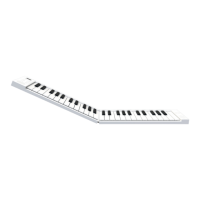
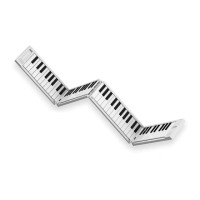
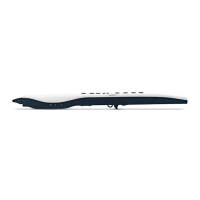
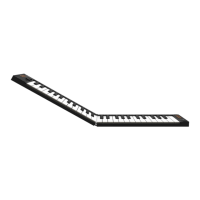
Dimensions: 390mm x 126mm x 48mm (Folded)
775mm x 126mm x 24mm (Expanded)
Net weight: 1.01kg


 To Next Page