14
15
If your Folding Controller does not power up, connect it to a suitable power
source to charge the battery using the USB-C socket (3). The typical
charging time from zero charge is 2 hours.
NOTE: Use your computer’s USB port or a suitable 5V DC power supply
at a maximum of 1A for safe charging of the internal battery.
12. USB-C Socket
Connect to your computer or MIDI device using the USB-C socket. Please
see the section on DAW Integration for more information about connecting
your Folding Controller to your DAW.
This socket is also used to charge your Folding Controller. When charging,
the display will show an advancing dot. When your Folding Controller is
fully charged, the display will show three static dots. The typical charging
time from zero charge is 2 hours.
NOTE: Use your computer’s USB port or a 5V DC power supply at a
maximum of 1A for safe charging of the internal battery.
13. SUSTAIN
Connect a TS sustain pedal to your folding controller using this socket.
Using the Arpeggiator
The ARPEGGIATOR mode activates a sequencer. When a note is held
down on the keyboard, the ARPEGGIATOR begins playing a sequence
of notes based on the held note or notes. The sequence played and
how the sequence is played can be adjusted using the ARPEGGIATOR
parameters.
There are 4 basic parameters that are the basis for the Arpeggiator
sequence:
Tempo/BPM
This sets the fundamental ¼ note speed or the Tempo/BPM (Beats
Per Minute) of the Arpeggiator sequence.
The tempo can be set using the TAP/OCT.- button (see Front Panel
4), when the Arpeggiator is set to internal clock. Internal clock is
the default setting for the Arpeggiator. The tempo can also be set by
an external clock source (a DAW for example) over USB.
English
English
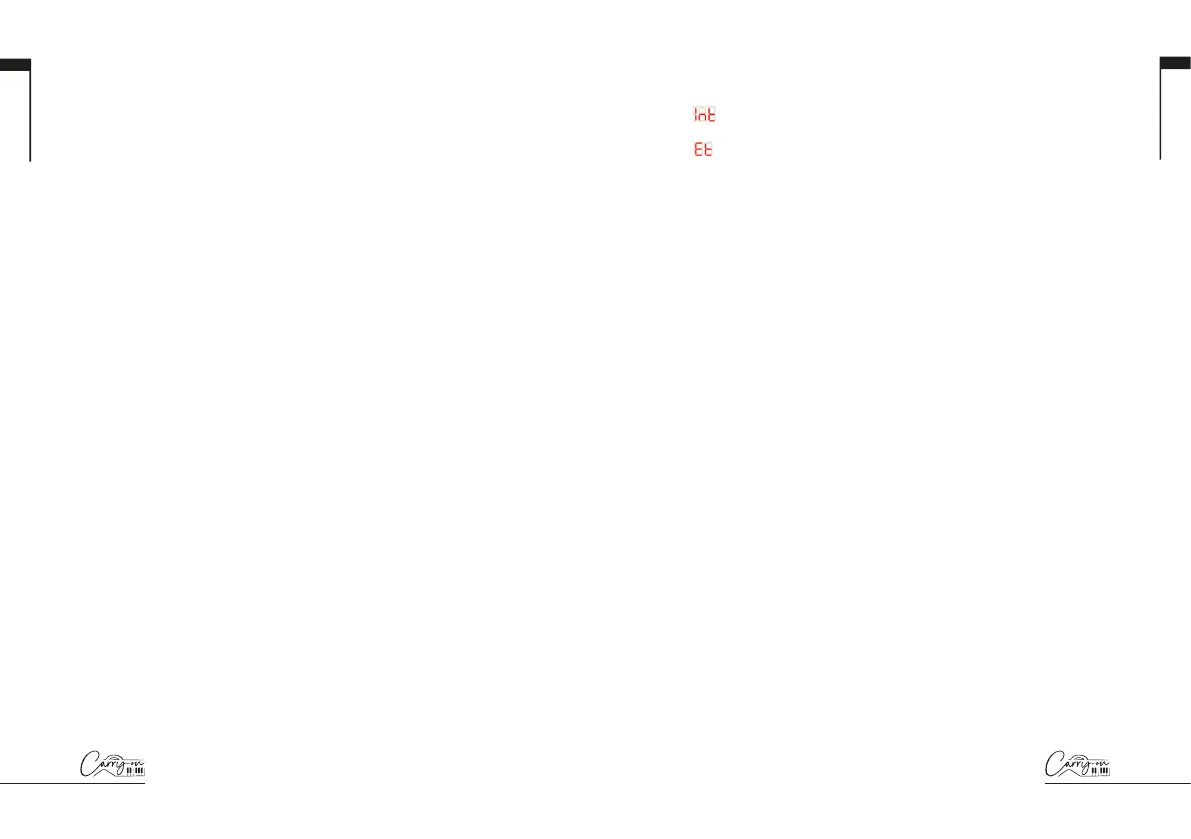
To select the clock source for the Arpeggiator hold the SHIFT button
and press the CLOCK key. Pressing this key will toggle between:
= Internal Clock
= External Clock
NOTE: When the clock source is set to external, the Arpeggiator will not
play a sequence if there is no clock input from the USB connection.
Note Division
The note division is the rhythm that the Arpeggiator sequence will
follow. The note division can be adjusted by holding the SHIFT
button and adjusting the A/DIV. knob. Please see Front Panel (5) for
more information on the A/DIV. knob and the note divisions.
The selected rhythm of the sequence can also be swung by holding
SHIFT and turning the B/SWING knob. The swing setting is off by
default, but can be increased from Off (50%) to 75% by turning the
B/SWING knob clockwise.
Order
The order is the order in which the sequence of notes will be played.
The order can be changed by holding the SHIFT button and pressing
one of the order keys:
- UP – The sequence will start at the lowest note and move up
through the notes in pitch order.
- DOWN – The sequence will start at the highest note and move
down through the notes in pitch order.
- EXCL. – The sequence will start at the lowest note and move up
through the notes in pitch order. When the highest note is reached,
the sequence will move back down through the notes in pitch order.
When the lowest note is reached, the entire pattern will be repeated.
Each note in the sequence will only be played once.
- INCL. - The sequence will start at the lowest note and move up
through the notes in pitch order. When the highest note is reached,
the sequence will move back down through the notes in pitch order.


 To Next Page
 Loading...