10
11
English
English
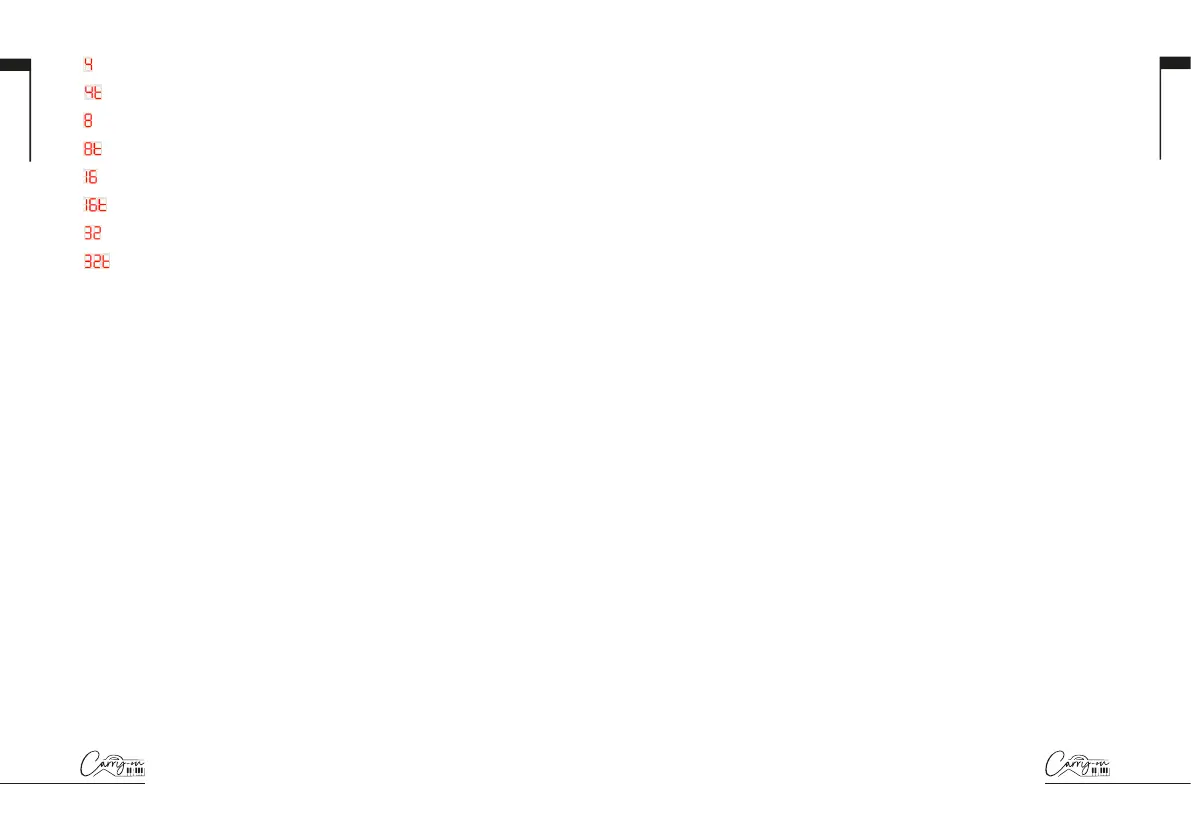
= ¼ note
= ¼ note triplets
= ⅛ note
= ⅛ note triplets
= 1/16 note
= 1/16 note triplets
= 1/32 note
= 1/32 note triplets
6. B/SWING Knob
Turning the B/SWING knob will send MIDI CC messages to all MIDI
outputs. By default, the B/SWING knob is set to MIDI CC number 13.
The MIDI CC number of the B/SWING knob can be changed using the
Carry-on Control app (see section on Carry-on Control app). Map the
appropriate CC number to a parameter in your DAW or MIDI device to
control that parameter with the B/SWING knob.
Holding SHIFT and turning the B/SWING knob will adjust the amount of
swing of the Arpeggiator. From full anti-clockwise to clockwise the range
of the swing control is Off (50%) to 75%.
7. Touch Pad
The touch pad has two modes: PITCH/MOD. And X/Y. The touch pad
mode can be changed by holding down the SHIFT button and pressing
the key labelled “TOUCH PAD”. The touch pad mode can also be set
using the Carry-on Control app.
In PITCH/MOD. mode, the left half of the touch pad will control pitch and
the right half will control modulation. The PITCH control will “snap” back to
halfway when released, just like a traditional pitch wheel. The MOD. control
will remain wherever it is set until it is adjusted again.
NOTE: Pitch and Modulation are standard MIDI parameters, so when
connected to a MIDI device or DAW these controls will be pre-mapped
(where possible) to the appropriate parameters.
In X/Y mode, a CC number can be assigned to each axis of the touch pad.
Sliding along the X axis will adjust the value of the CC number assigned
to the X axis and sliding along the Y axis will adjust the value of the CC
number assigned to the Y axis. Sliding diagonally from the bottom left
corner of the touch pad to the top right corner will adjust the value of both
CC numbers at the same time.
TIP: In X/Y mode, map the CC numbers to parameters on your MIDI
device or in your DAW, slide all around the touch pad and see what
happens!
NOTE: By default, in X/Y mode the X axis is assigned to MIDI number 71
and the Y axis is assigned to MIDI number 74. The CC numbers assigned
to each axis can be changed in the Carry-on Control app.
8. Keyboard
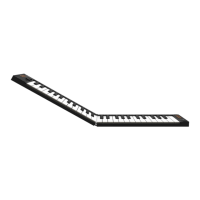
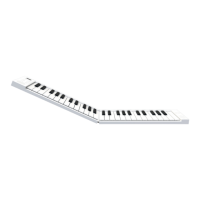
Your Folding Controller 49 has 49 velocity sensitive keys. Playing the keys
with different amounts of pressure will cause the velocity of the MIDI notes
to vary. When using the default velocity curve, playing the keys harder will
output MIDI notes with higher velocities and playing the keys softer will
result in lower velocities.
Certain keys have secondary functions that can be accessed by holding
the SHIFT button. The secondary functions of the keys are:
ARPEGGIATOR: The keys in the ARPEGGIATOR section adjust the
relevant parameter of the Arpeggiator. Please see the Arpeggiator section
for more information on the Arpeggiator functions and parameters.
TRANSP.- and TRANSP.+: Pressing one of these keys will transpose
the keyboard down a semitone (TRANSP.-) or up a semitone (TRANSP.+).
The current transposition will be displayed on screen and the range of
transposition is -11 to +11 semitones.
TIP: Pressing both transpose buttons and shift simultaneously will reset
the transposition to 0.
TOUCH PAD: Pressing this key will toggle the mode of the touch pad.
Please see (7) for more information on the touch pad modes
VEL. CURVE: The velocity curve can be altered by pressing this key.
The velocity curve options are:


 To Next Page
 Loading...