EasyManua.ls Logo

Carry Pro118 - Function Introduction: Copy; Copy Operation Steps

Default Icon
21 pages
Print Icon
To Next Page IconTo Next Page
To Previous Page IconTo Previous Page
Loading...
10
Function Introduction
1. Copy
Step 1: Prepare source and target devices.
Prepare a source HDD and target HDDs.
Note
Recommendation: Target device(s)’ capacity must be equal to or
larger than the source device capacity.
Step 2: Connect source and target device.
Step 3: Proceed to copy.
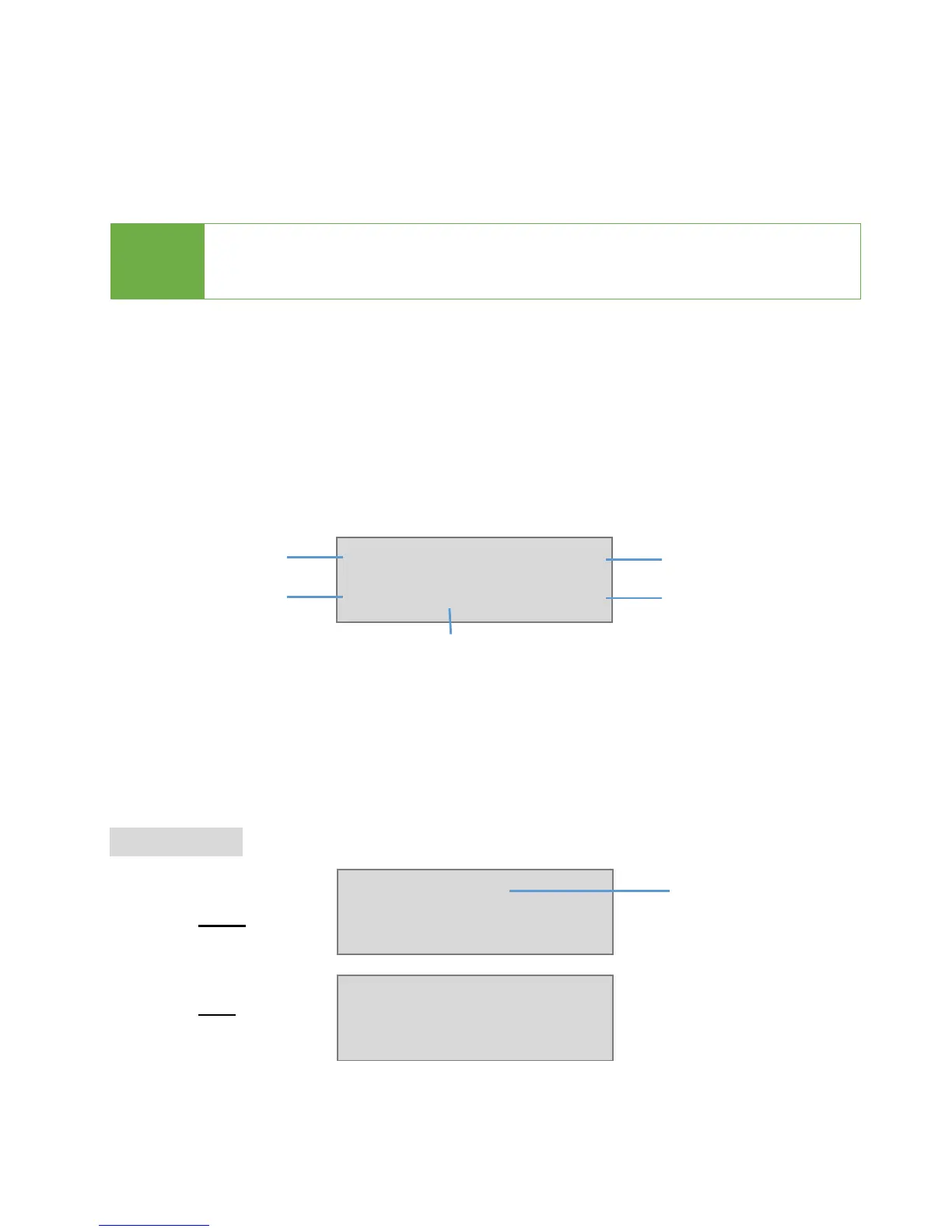
The information below shows on LCD during duplication.
Step 4: Copy Completed!
The result of pass or fail, copied duration and quantity of bad sector will be
displayed on the LCD following duplication.
Copy result
Pass
Fail
Copy 224M
0:02 85% 190M
Function
Total Data
Copied Data
Copied Time
Copy Process
Pass 0:05
No Bad Sector!
Fail 0:05
Bad Sector R0 W1
Total copy time