14
6. Setup
This menu contains submenus related to device information, system
information and updates.
Scroll to select "6. Utility”, then press "OK" to view the submenus.
6.1 Copy Area
There are 4 submenu modes.
Scroll to select "6.2 Copy Area”, then press "OK.” Then scroll through to select
one of the four copy methods.
⚫ Selecting the Proper Copy Modes
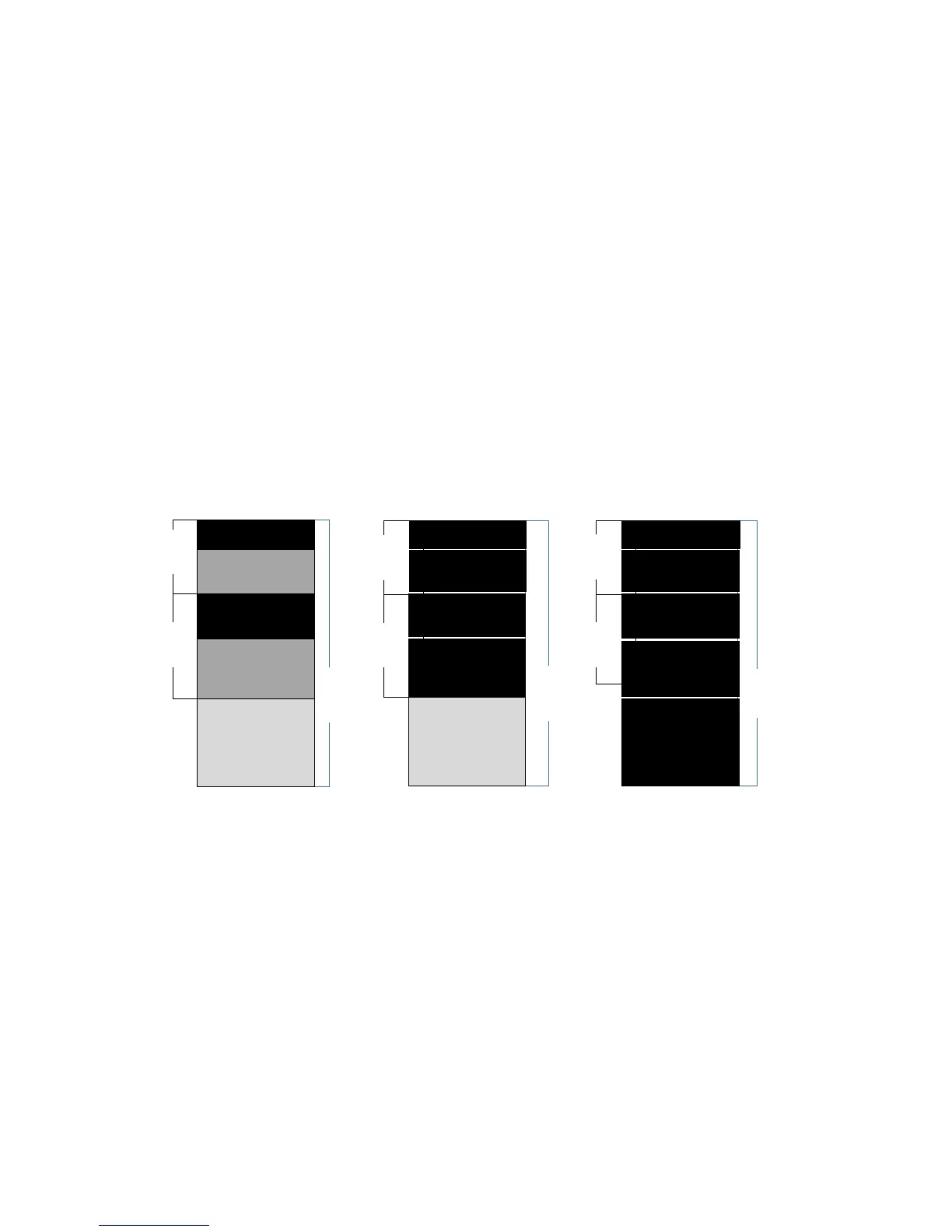
Example: there are two defined partitions in a 500GB device. The charts below
illustrate what portion would be duplicated.
⚫ Copy and Compare Preparations
Please consider the following settings before proceeding with copy or
compare:
- 6.1 Copy Area
- 6.2 Skip Error
Using appropriate copy modes can greatly reduce operation time and increase
efficiency. There are four copy modes with different copy methods.



 To Next Page