16
◼
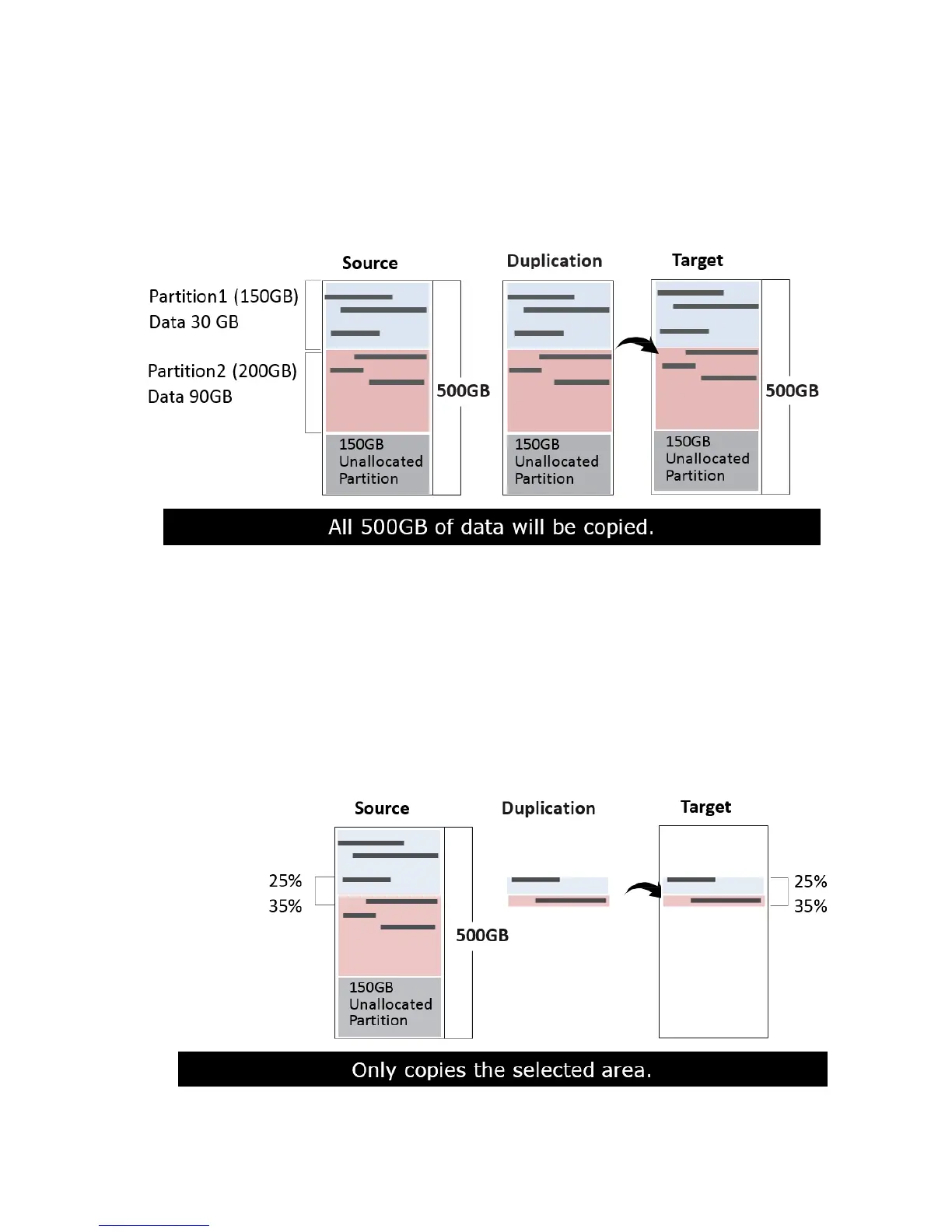
Whole HDD
Copies all source data bit by bit.
Scroll to select "Whole Device”, then press "OK" to save the copy method.
Copies the whole source device, irrespective of content, format, partition or
empty space. This mode does not analyze the data.
◼
Percentage (%)
Select percentage of source capacity to copy.
Scroll to select "6.2.4 Percentage”, then press "OK" to save the copy method.
Copies the selected percentage range of the source’s total capacity, starting
from the initial sector.



 To Next Page