Page 6 of 16 SA-441-10 Installation and Operating Instructions
11/1/19 CP5203A
OPTION SWITCHES
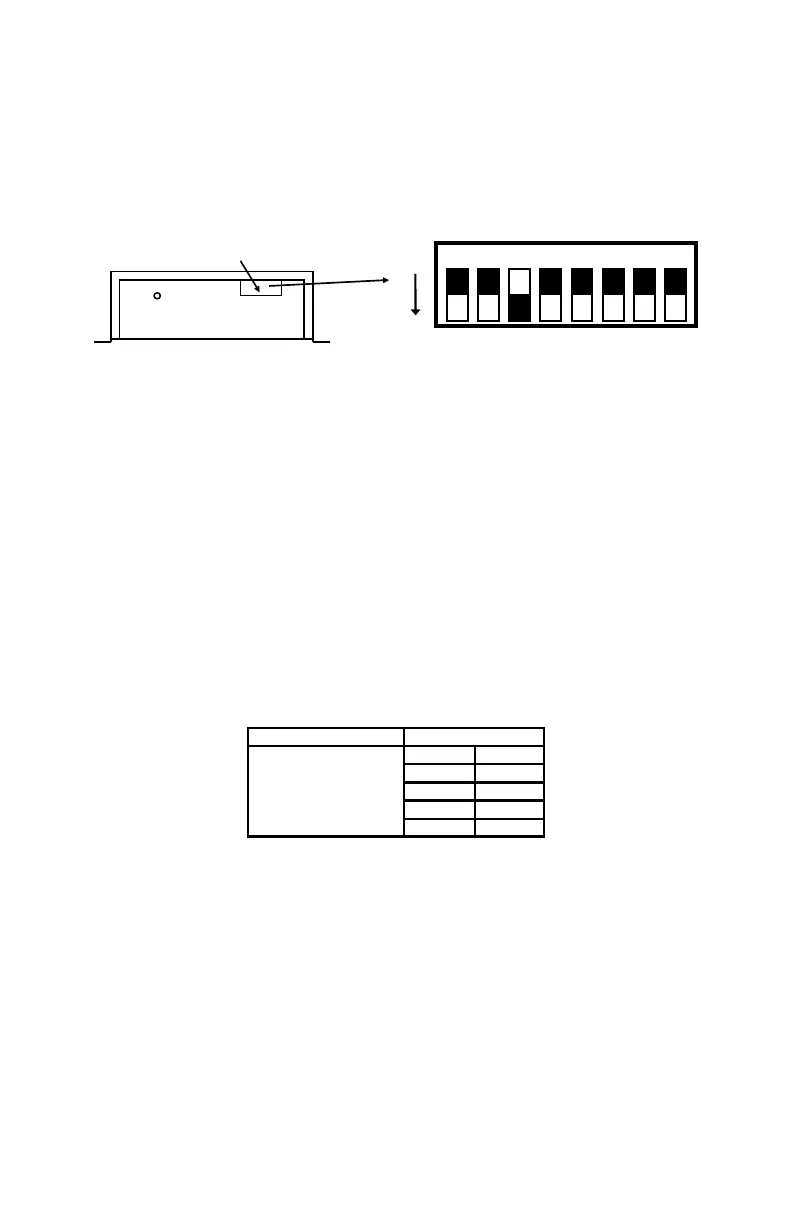
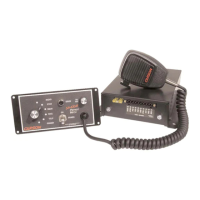
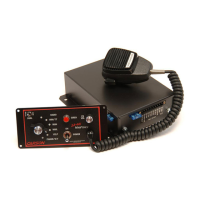
An 8-position DIP switch on the remote amplifier may be changed to select various options.
SW-1 Two-Tone - Turn this switch on to replace Phaser tone with Two-Tone.
SW-2 Dual Phaser Disable - Turn this switch on for single Phaser tone only.
SW-1 and 2 Phaser Disable - Turn on both switches to disable Phaser tone.
SW-3 Horn Disable - Turn this switch on to disable Horn tone.
SW-4 Horn Ring Cycler 2 (HRC2) - Turn on this switch to enable this feature. Also connect the
auxiliary input to the horn ring or other switch. While the siren is in standby, tap the horn ring to bring
the unit out of standby into Wail tone. Repeatedly tapping the horn ring will cycle through Wail, Yelp,
and Phaser tones. Tapping the horn ring twice quickly will stop the siren tones and return the unit to
standby. Pressing and holding the horn ring will produce Horn tone until released. Then the siren will
return to its previous siren tone or standby.
NOTE: Earlier units with S/N lower than 04190000 have a different version of HRC. In this case the
siren tones cycle through Standby, Wail, Yelp, and Phaser. The tone is stopped by cycling to Standby.
Dual Mode version of HRC2 sequences as described in the following table.
SW-5 Dual Horn Disable - Turn this switch on for single Horn tone only.
SW-6 thru SW-8 - Not Used… Leave as shown in default setting.
Sequence (Loops) Dual HRC2
|
|
|
I
V
Spkr 1 Spkr 2
Wail Wail
Wail Yelp
Yelp Yelp
Phaser Phaser
Option Switches
On Remote Amp
ON
1 2 3 4 5 6 7 8
Option Switches
Default Setting Shown (Switch 6 is ON)


 To Next Page