EasyManua.ls Logo

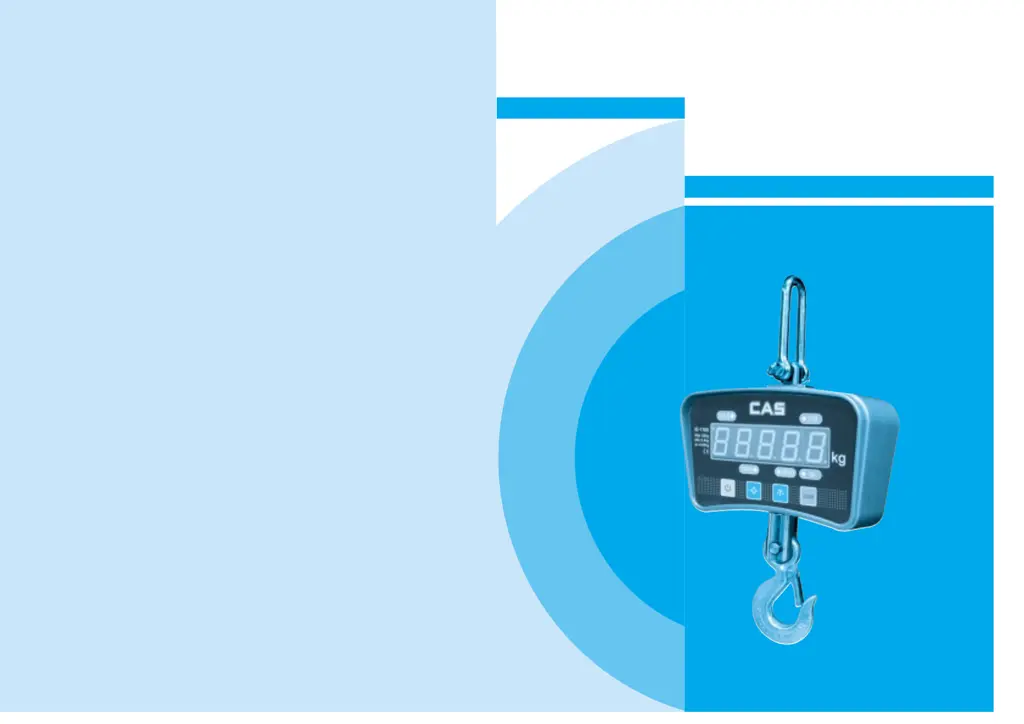
CAS IE-1700 - User Manual

CAS IE-1700
9 pages
Print Icon
To Next Page IconTo Next Page
Loading...
2005. 6
IE-1700
Electronic Crane Scale
OWNER’S MANUAL

Questions and Answers

  • J
    Jason MooreAug 14, 2025
    What to do if CAS IE-1700 battery can’t recharge?
    • C
      Christopher LawsonAug 14, 2025
      If the battery of your CAS Scales cannot be recharged, the battery might be damaged, in which case you should replace it. Alternatively, the outlet could be damaged, so try replacing the outlet.
  • C
    Connie RileyAug 17, 2025
    What to do if CAS Scales have no display when turned on?
    • A
      Autumn SteinAug 17, 2025
      If your CAS Scales show no display when you turn them on, the battery might be damaged, so check the battery. It's also possible that the battery contact is loose; in that case, tighten the contact.
  • C
    cynthia36Aug 20, 2025
    Why the display isn’t stable on my CAS Scales?
    • J
      jonathan97Aug 20, 2025
      If the display on your CAS Scales isn’t stable, it could be due to several reasons. The load itself might be unstable, so stabilize the load. Another possibility is a damaged loadcell cable, which would require checking and replacing the loadcell. Finally, if the scale has been in a damp environment for a long time, move it to a dry environment.
  • L
    Larry KelleyAug 25, 2025
    What to do if CAS Scales can’t turn on or off?
    • K
      kimberlysmithAug 25, 2025
      If your CAS Scales can’t be turned on or off, it might be due to a low battery, so try recharging it. Another potential cause is a damaged OFF/ON button, in which case you should check and clean the button.
  • A
    Alexander HughesAug 27, 2025
    What to do if recharge indicator light can’t turn on CAS IE-1700 Scales?
    • R
      Rachel CookeAug 27, 2025
      If the recharge indicator light on your CAS Scales doesn’t turn on, the recharger itself might be damaged, so you should check the recharger. Another possibility is that the recharger isn’t plugged in correctly, so try inserting the plug again.
  • P
    pharrisAug 30, 2025
    Why the error is large on CAS IE-1700?
    • P
      pricegeorgeAug 30, 2025
      If the error is large on your CAS Scales, the scale might not be hung properly. Check the scale and sling to ensure they are correctly positioned.
  • A
    Ashley ObrienSep 3, 2025
    What to do if CAS IE-1700 Scales can’t tare?
    • J
      James GreeneSep 3, 2025
      If your CAS Scales can’t tare, the TARE button might be damaged. In this case, check and clean the button.
  • O
    ohaleySep 6, 2025
    Why the display doesn’t show “0” when empty load on CAS IE-1700?
    • D
      Daniel ContrerasSep 7, 2025
      If the display on your CAS Scales doesn’t show “0” when there is no load, it could be due to not allowing enough time for the scale to heat up after turning it on; after turning on, allow 3-5 minutes for heating. Alternatively, the scale may have been placed on the ground for too long; the scale should be hung.
  • J
    Judith TerrySep 9, 2025
    Why is the remote distance shortened on my CAS IE-1700 Scales?
    • R
      Ryan CoxSep 9, 2025
      If the remote distance is shortened on your CAS Scales, the receiver window might be too dirty, so check and clean it. It's also possible that the controller battery is low, so replace the controller battery.

Summary

Safety Guide and Precautions

Safety Instructions

Instructions for safe operation, including avoiding overload, checking components, and proper charging.

Operational Precautions

Advice on handling the scale, such as avoiding thunder, checking connections, and preventing sudden temperature changes.

Product Overview

Product Characteristics

Highlights high quality, safety features, reliability, broad applicability, simple operation, and comprehensive functions.

Specifications

Details technical specifications including standard, accuracy class, display, ranges, stable time, and load limits.

Model Information

Lists different models with their capacity, division, and total display specifications.

Size and Net Weight

Provides dimensional drawings and net weight for various capacity models.

Operating the Crane Scale

Powering On and Initial Display

Guides through turning the scale on and interpreting initial display messages.

Zeroing the Scale

Explains how to set the scale to zero using the scale or remote controller.

Tare Function

Details how to deduct the weight of a container for net weight measurement.

Overload Warning

Describes the indicator for exceeding maximum capacity and the associated risks.

Battery Management

Covers checking battery status, low battery warnings, power saving, and recharging procedures.

Turning Off the Scale

Instructions for powering down the scale via the unit or remote controller.

Advanced Functions and Troubleshooting

Weight Reading Control

Explains how to hold the displayed weight reading using the remote controller.

Electrical Principle Diagram

Illustrates the internal workings and signal flow of the crane scale.

Display Messages

Lists various display messages and their meanings, such as waiting, errors, and confirmations.

Troubleshooting Guide

Provides solutions for common issues like no display, unstable readings, and charging problems.

Remote Controller Operations

Details functions like display lightness, zero, hold, tare, accumulation, search, and clear via remote.

Unit Conversion and Data

Covers Kg/Lb conversion, searching overload times, and displaying voltage.

CAS IE-1700 Specifications

General IconGeneral
BrandCAS
ModelIE-1700
CategoryScales
LanguageEnglish

Related product manuals