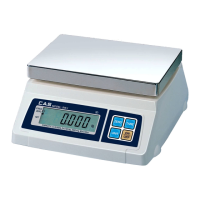
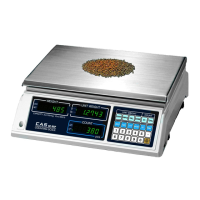
Used to set the zero point.
Used to enter a tare weight and used to cancel a tare weight.
Used to convert the unit of weight.
When the weight is not stable, display will show the average weight
for 4 seconds.
Turn on and off the display.
KEYS FUNCTIONS
OPERATIONS
Turn on the display by pressing ON/OFF key.
Then the display will show all the segments and count up "0" to "9".
(If you want to stop it, press the ZERO key.)
When you turn on the display, make sure that platter is empty.
Otherwise, display will show the "Err 1". (Refer to ERROR MESSAGE)
The display indicates if the scale is at ZERO or if there is a TARE Entered
into the scale by way of a ZERO and NET lamps.
When the weight of commodity is stable, display will show the (STABLE)
lamp.
When the display is not zero though there is nothing on the platter, press
the ZERO key.



 To Next Page
 Loading...