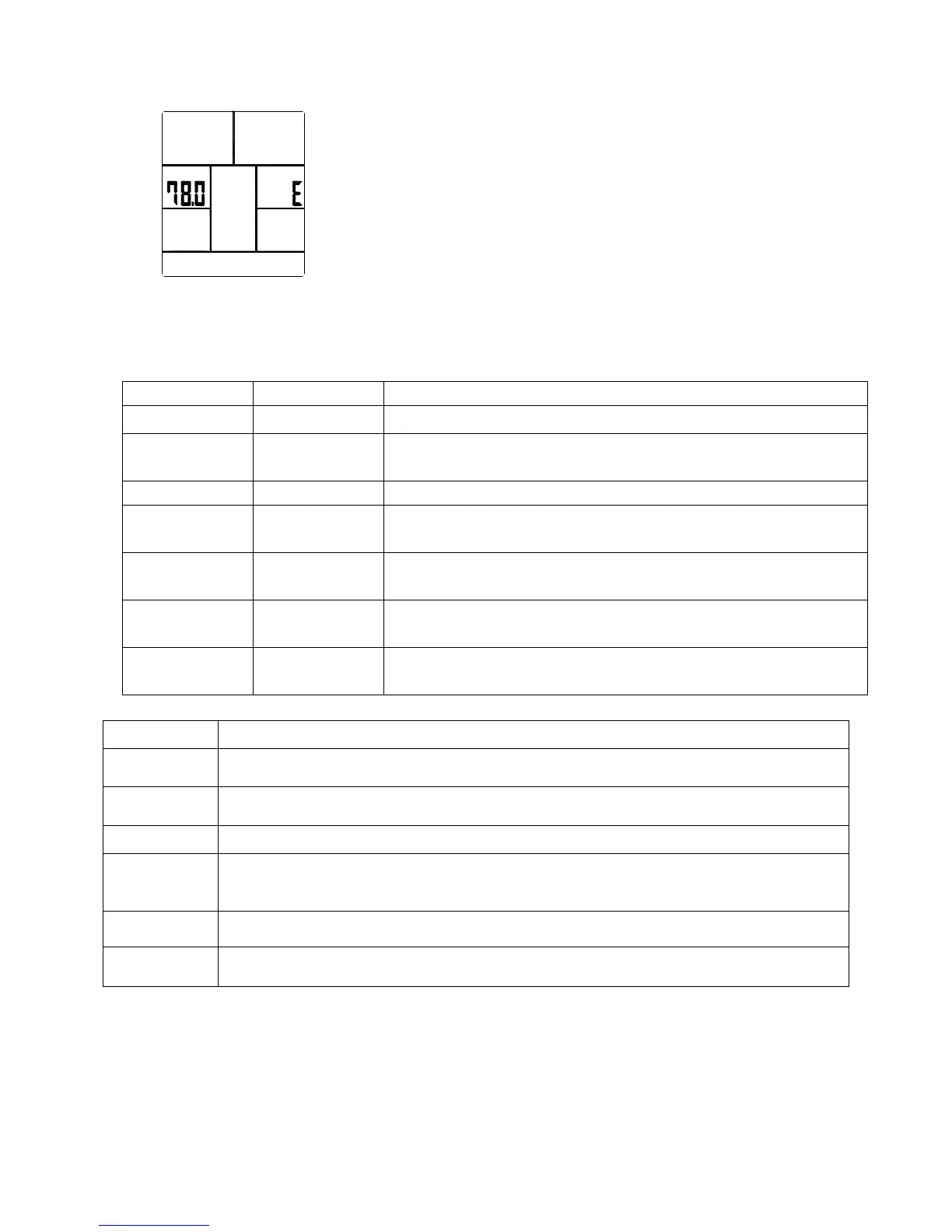
As soon as the computer is connected with power supply, an acoustic signal sounds and all of the displays
are shown on LCD for 2 seconds, then showing wheel diameter.
If no button are pressed and the pedals have not been moved for approx. 4 minutes, the
computer will switch to power saving mode.
DISPLAY & BUTTON FUNCTIONS
Training Values Display Range Description/ Setting Range
RPM 0~999 -Revolutions per minute
TIME 0.0 ~ 99:99min. -User exercising time displaying;
-Setting range 0:00~99:00.
SPEED 0~99.9km -User exercising speed.
DISTANCE 0~99.99m -User exercising distance.
- Setting range 0.00~99.90km
CALORIES 0 ~ 9999 Cal. -Burned calories during exercising.
-Setting range 0~9990
WATT 0~999 -Power consumption during exercising.
-Setting range 10~350
PULSE 30-240 BPM -User current Heart Rate value.
-Setting range 0-30~240Bpm.
Acoustic Signals
All settings made with the computer are confirmed with an acoustic signal:
1 shot beep = setting confirmed
2 shot beeps =It is impossible to make any settings
Training Data
The computer calculates and displays all values automatically according to user exercising status
BUTTON FUNCTION
UP
- Increase resistance level
- Function selection
DOWN
- Decrease resistance level
- Function selection
MODE
- Confirm setting or selection.
Reset
- Hold on pressing for 2 seconds, computer will reboot.
- Reset all values to zero.
- Reverse to main menu after finishing a workout.
Start/ Stop
- Start or Stop rowing training.
Recovery
- Track user Heart rate in recovery phase.


 To Next Page