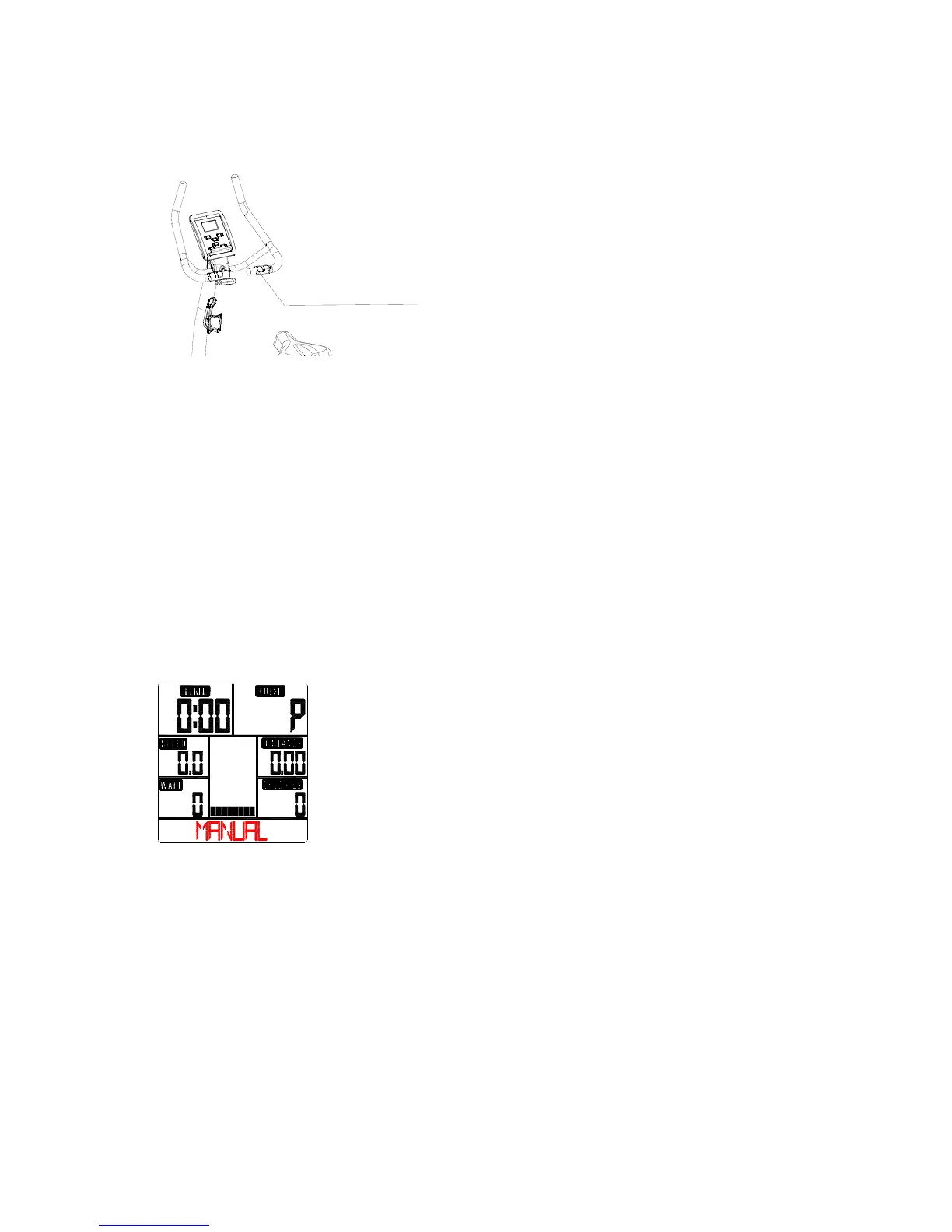
(see table).
Take note:
* If only a “P” is shown instead of pulse value, it is impossible to measure the HR. Keep both hands
holding on the handbar properly so that computer can detect your hear rate.
* The profile displayed in the center field depends on the type of exercise that has been set.
The computer provides a number of ways to vary the exercise session and make it more motivating.
The following exercising are available:
-Manual Training (training without programs)
-Training with Programs (there are 12 programs preset, P01~P12)
-Training with the Heart Rate program (H.R.C)
-Training with USER program (set your own desired profile)
-Training with WATT program (Power consumption)
Starting exercise immediately (MANUAL)
Then MANUAL is flashing with 1Hz. Press UP or DOWN to choose MANUAL and confirm by
pressing ENTER. If you have previously selected a program or started your workout, press
RESET to return to the starting display.
-Press START/STOP button to start workout immediately without entering further settings.
-Press UP and DOWN keys to input your personal settings and press MODE to confirm. The following
fields will flash in turn:
. Resistance level (1~16)
. TIME
. DISTANCE
. CALORIES
. PULSE
Use UP & DOWN to set values and confirm your selection by MODE button.
Press START/STOP to start workout.
As soon as one of the set values reach the preset Target, the computer will alarm with Bi-bi sound and
stop.
-You can adjust the level of resistance on the paddles while exercising by pressing UP and DOWN keys.
Hand sensor
for pulse measurement


 To Next Page