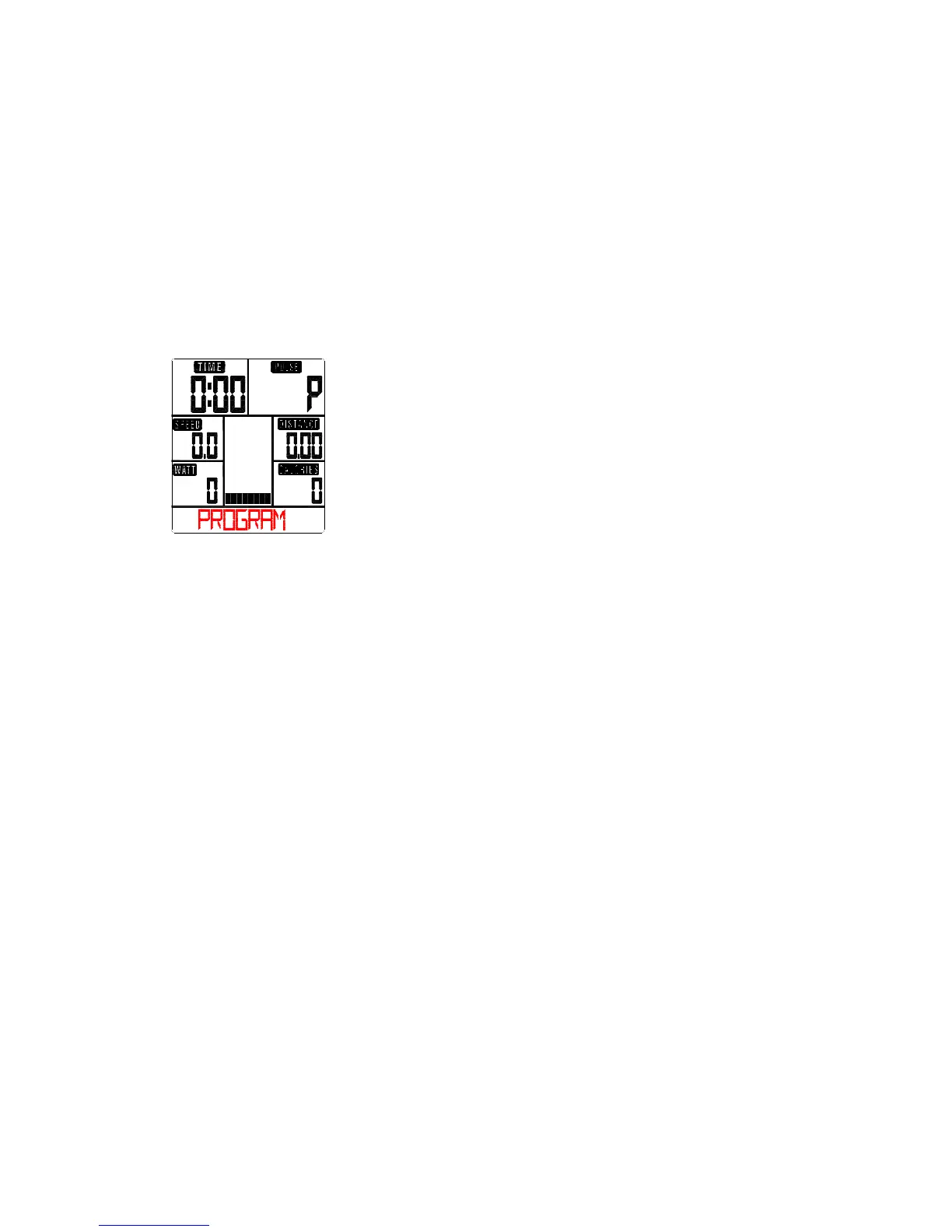
The newly set level value will be shown in the profile(default value is Level 1).
-Press START/STOP to end exercising. All exercising value will remain.
-Press RESET to reverse to workout selection menu.
Selecting a Program to do training (PROGRAM)
-Press UP and DOWN keys to scan MANUAL→PROGRAM USER PROGRAMHRCWATT.
-Choose PROGRAM and press MODE to confirm. The programs are preset with 12 profiles. Press UP
and DOWN to select one from the 12 preset profiles. Set the desired session value and confirm by
MODE:
. Resistance level (1~16)
. TIME
-Press STATR/STOP to start workout.
-You can adjust the level of resistance on the paddles while exercising by pressing UP and DOWN keys.
The newly set level value will be shown in the profile(default value is Level 1).
-Program intensity:
Interval programs P2- P3- P7- P12
Increasing resistance level programs P6- P9- P11
Increasing and decreasing resistance level programs P1- P4- P5- P8 -P10
The stored training programs are designed especially to enhance aerobic base fitness.
. As a beginner you should start with those programs slowly and set a low paddle resistance.
. You should only graduate to Interval programs once you have exercised for several times.
-Press START/STOP to end exercising. All exercising value will remain.
-Press RESET to reverse to workout selection menu.
User-defined profile (USER PROGRAM)
Here you can design your own profile with bars just like the preset program profiles.
-Press UP & DOWN to select USER PROGRAM and press MODE to confirm. The first bar will be
displayed.
-Press UP & DOWN to set resistance level and confirm by MODE button. The next bar will be displayed.
-Continue this process till set up 20 bars. The max. resistance level is 16. To finish your setting or quit
setting, hold on pressing ENTER button.
-Set the desired session TIME with UP & DOWN buttons and press MODE to confirm.
- Press STATR/STOP to start workout.


 To Next Page