SECTION 2 - CONTROLS, INSTRUMENTS AND OPERATION
2ï48
• Hour
• Minutes
• Language (see also following page)
• Interface level (advanced recommended)
• Backlight
• Current Vehicle
NOTE: The clock is powered by an internal battery, should
this ever need to be replaced consult your dealer. The
monitors are sealed units and any warranty would be
invalid if the seals are broken. If the battery is flat all data
stored in the controller will have a date stamp of
0/0/0000.
Language
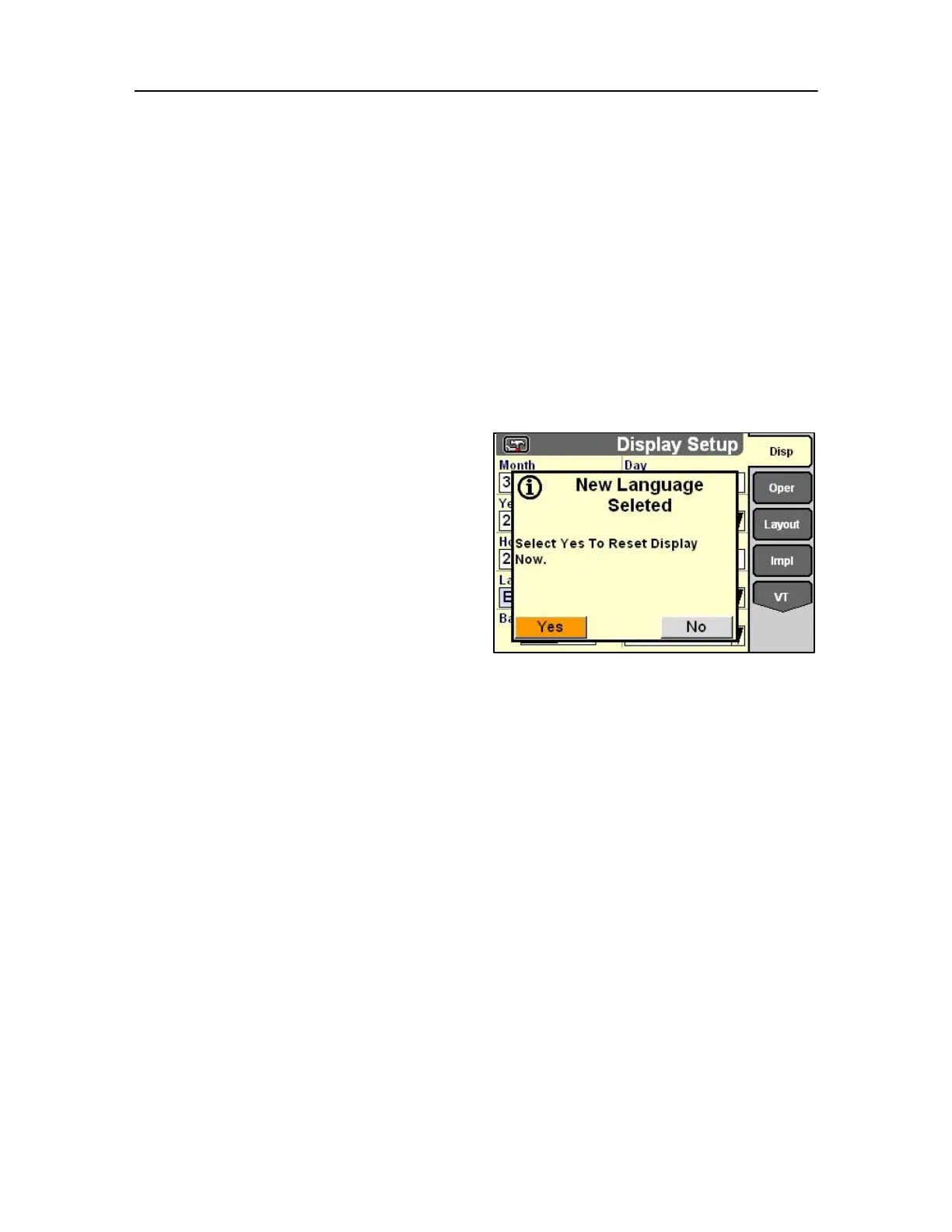
A language change on the Display Set-up screen
changes language for all software applications on the
monitor. If the selected language is not available for
a software application, the application will use its
default language.
If a software application is already running when the
display language is changed, a message displays
that the keyswitch must be turned OFF and then ON
for the change to take effect.
The software object pool for each language is unique.
When a different language is selected, a new object 88 pool is needed for that language. Power to the display
must be cycled after the new language is selected for object loading to occur.
IMPORTANT: If power is not cycled when the display
language is changed, the software menus will not display
correctly.
Select OK to acknowledge the message and then turn
the keyswitch OFF and then ON.



 To Next Page