SECTION 2 - CONTROLS, INSTRUMENTS AND OPERATION
2ï64
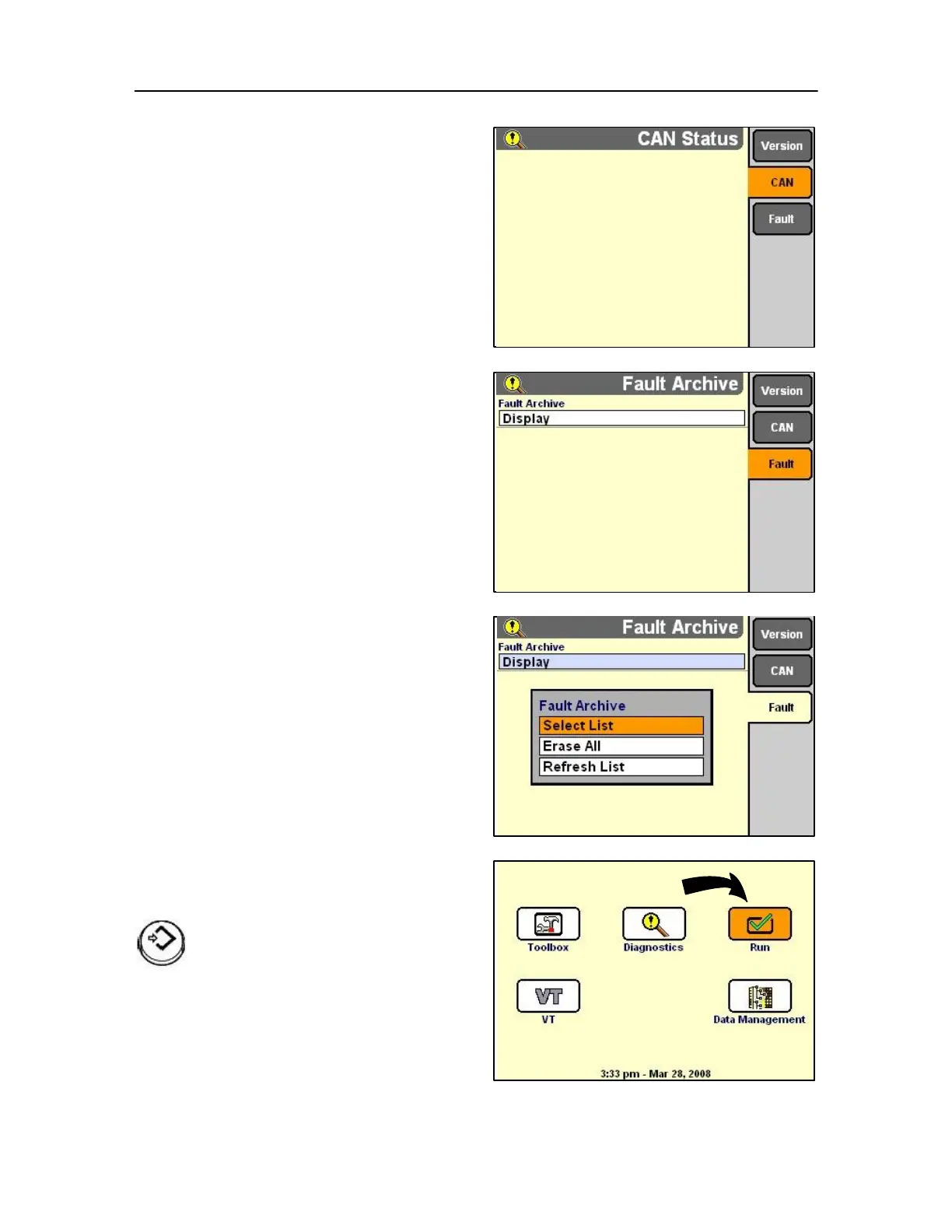
Press the soft key or use rotary encoder or touch
screen for CAN to display the CAN bus status screen.
The CAN screen reports the serial number, controller
name and controller status for devices on the CAN
bus.
Provide this information to service personnel when
requested.
Press the soft key or use rotary encoder or touch
screen for FAULT to display the Fault status screen.
The pop-up screen allows a selection, from which can
report all faults that have may have occurred during
operation.
Run screen
On the Home Screen, highlight the Run icon.
Press Select or touch to start the
application.



 To Next Page