SECTION 2 - CONTROLS, INSTRUMENTS AND OPERATION
2ï78
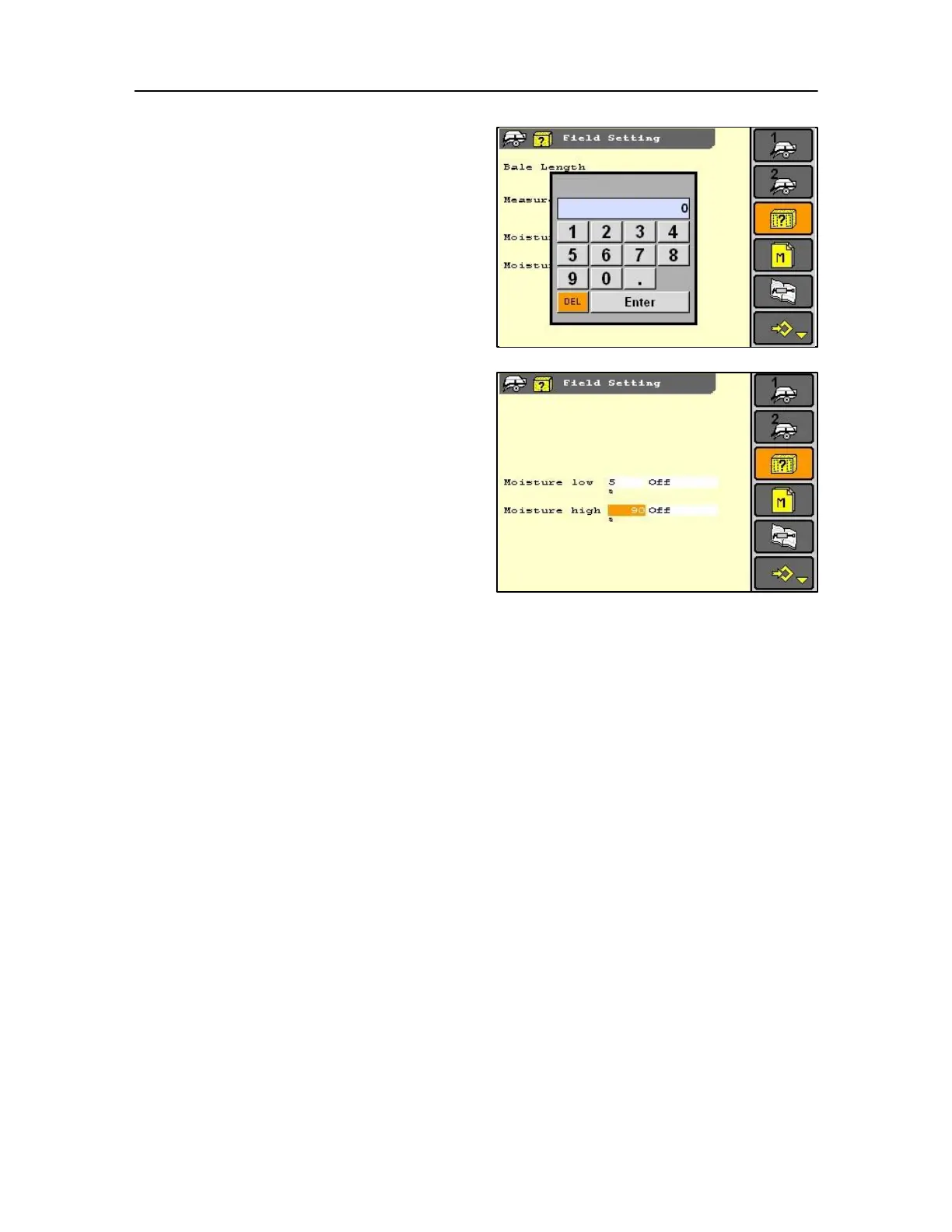
Use soft keys or rotary encoder or touch screen to
change the range required between
Minimum 9% Maximum 80%
i.e. To suit a crop, which could be for example:
A silage crop desired setting would be 40% to 60%
therefore set the monitor to 39% low to 61% high.
When selecting the moisture setting bear in mind that
any selected value outside of the software parameter
will not be recognised. The moisture metre is still
active and gives values on the work screen, while the
alarm triggering will be switched off.



 To Next Page