SECTION 2 - CONTROLS, INSTRUMENTS AND OPERATION
2ï88
LIGHTS SETTING
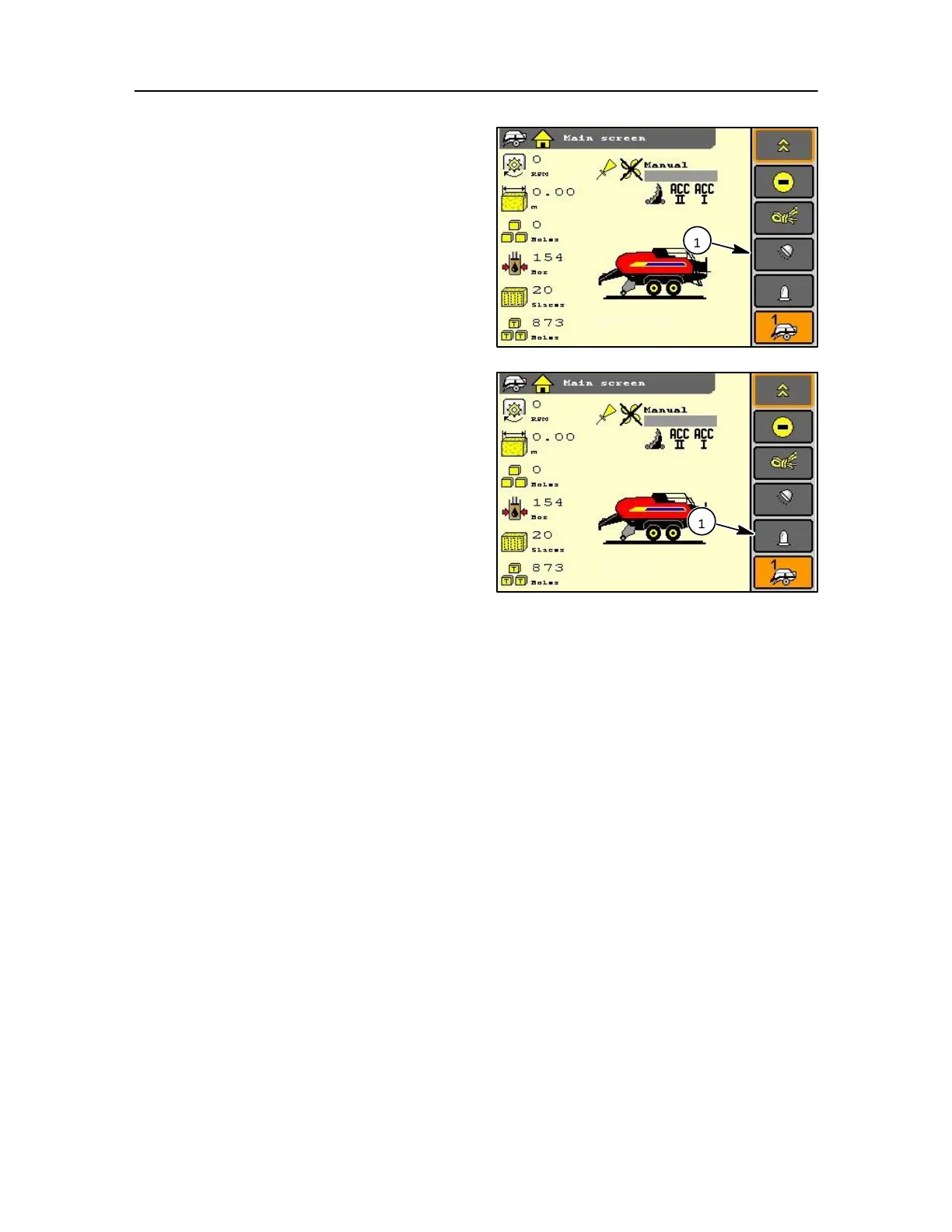
Use the navigation keys to view the main screen and
then select the operating lights soft key (1) or touch
screen.
The icon will change to reflect the ON / OFF situation.
Select the revolving light soft key by using the navigation
keys (1) and / or encoder.
The icon will change to reflect the ON / OFF situation.
NOTE: This icon will only be part of the main menu bar if
installed in the machine set-up (refer to Machine set-up
in this section).
NOTE: When the PTO speed exceeds >600 rpm, the
revolving light can be turned off automatically but remain
on stand by until the PTO speed drops below < 600 rpm
again.
If the flashing light needs to be turned on with the PTO
running more than > 600 rpm, select the flashing light soft
key and press the enter soft key again.



 To Next Page