SECTION 2 - CONTROLS, INSTRUMENTS AND OPERATION
2ï32
This area displays various icons to report monitor
events: loading objects, saving objects, etc. Any
application can use this area to display status icons.
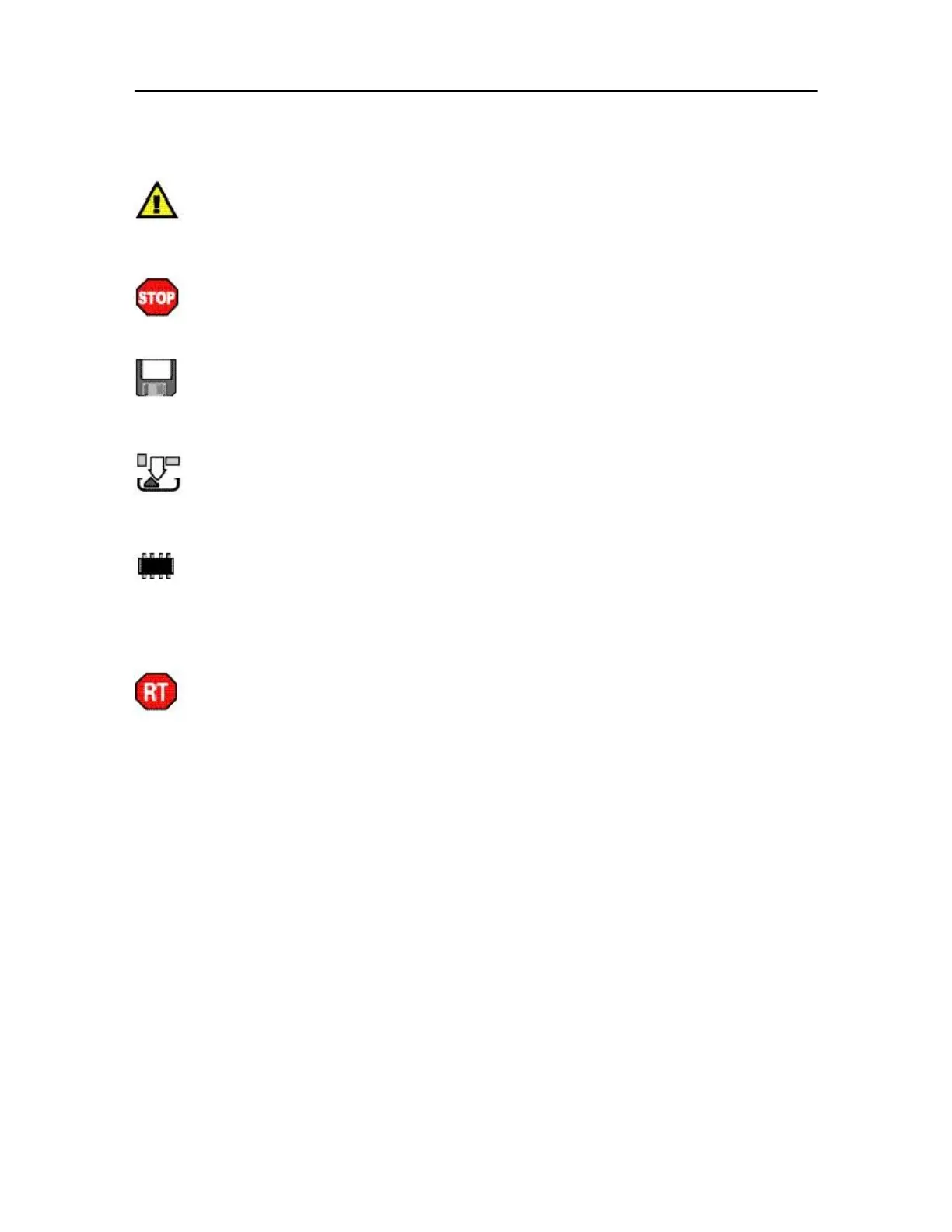
Warnings are currently displayed by the
active user interface for a software application or
implement. Operation can continue normally, but may
be degraded.
There are errors in the active user interface
for a software application or implement. Operation is
not possible, contact the implement manufacturer.
The monitor is busy saving the user interface
into the non volatile memory (NVM) or loading a user
interface from memory (NVM) for a software application
or implement. Wait until save is complete.
The user interface (object pool) for a software
application or implement is loading into the monitor
over the vehicle CAN bus. Please wait.
The monitor has run out of memory.
Operation is not possible. Disconnect implements
one by one to allow the Terminal to clean up its
memory, delete clients, on the NVM Browser screen,
or contact your dealer.
The user interface for a software application
or implement has caused a run-time error. Proceed
with caution. The user interface continues to operate,
but components may be missing. Stop operating and
take action to correct or contact the implement
manufacturer.



 To Next Page