CONTROLLER
3 - 54
CX EXCAVATORS
RESETTING
Previous Data Holding
Push the Buzzer stop switch to select HLD (item selected will have a light
background).
0 = Will hold default data
1 = Will turn off default data, will return to setting when key is turned off
To set previous data holding feature, push the Travel mode switch until the
numbers change to the predetermined value in each column.
To set this data, press the Work mode switch for 10 seconds. The buzzer
will sound to indicate when 10 seconds have elapsed.
Turn the key switch off to complete the procedure.
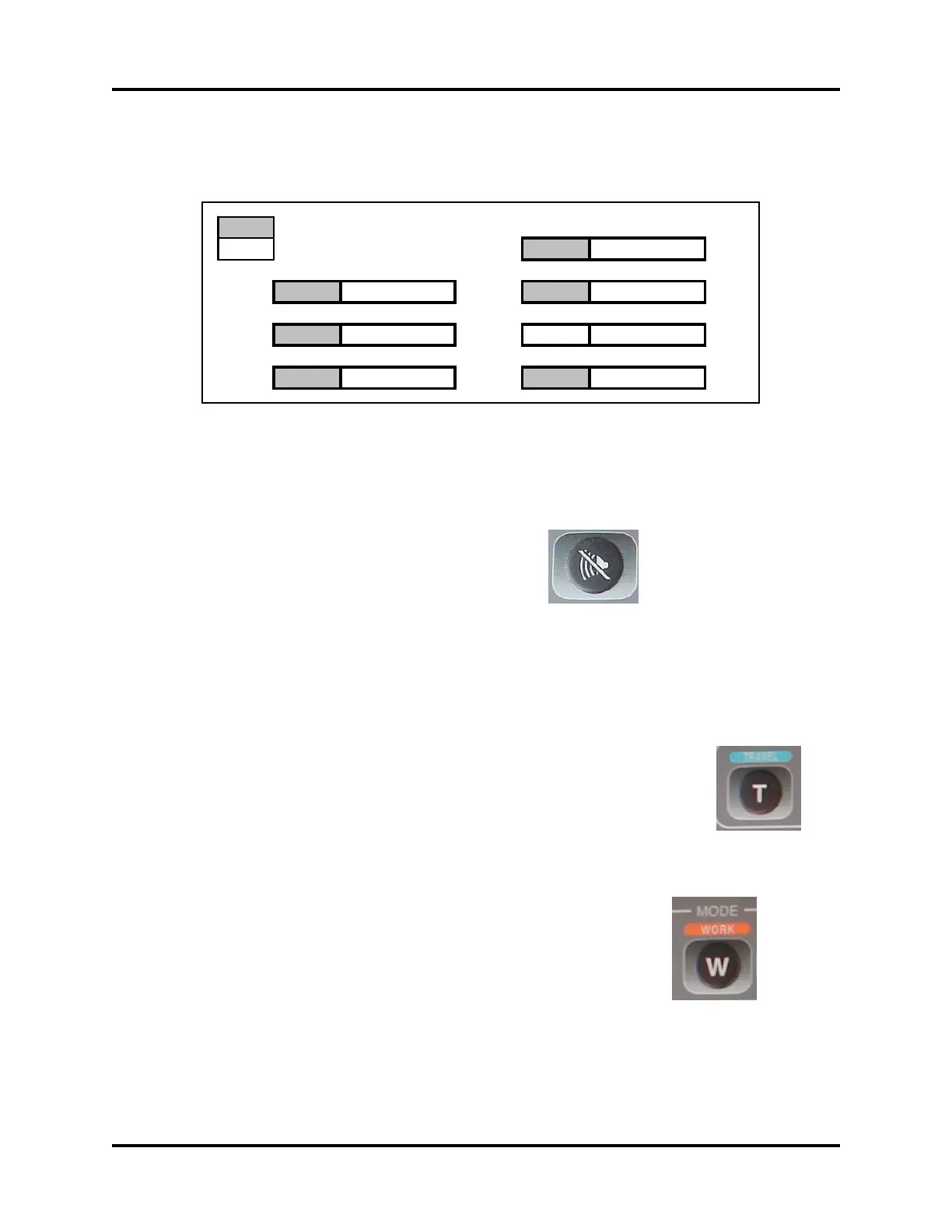
RST MODE Hi, H
1 PA 0 0 0 0
BRK 0 0 0 0 RPM AU 0 0 0 0
L/M Not Used RPM HLD 0 0 0 0
AI 0 0 0 0 SEC OUT Not Used



 To Next Page