25
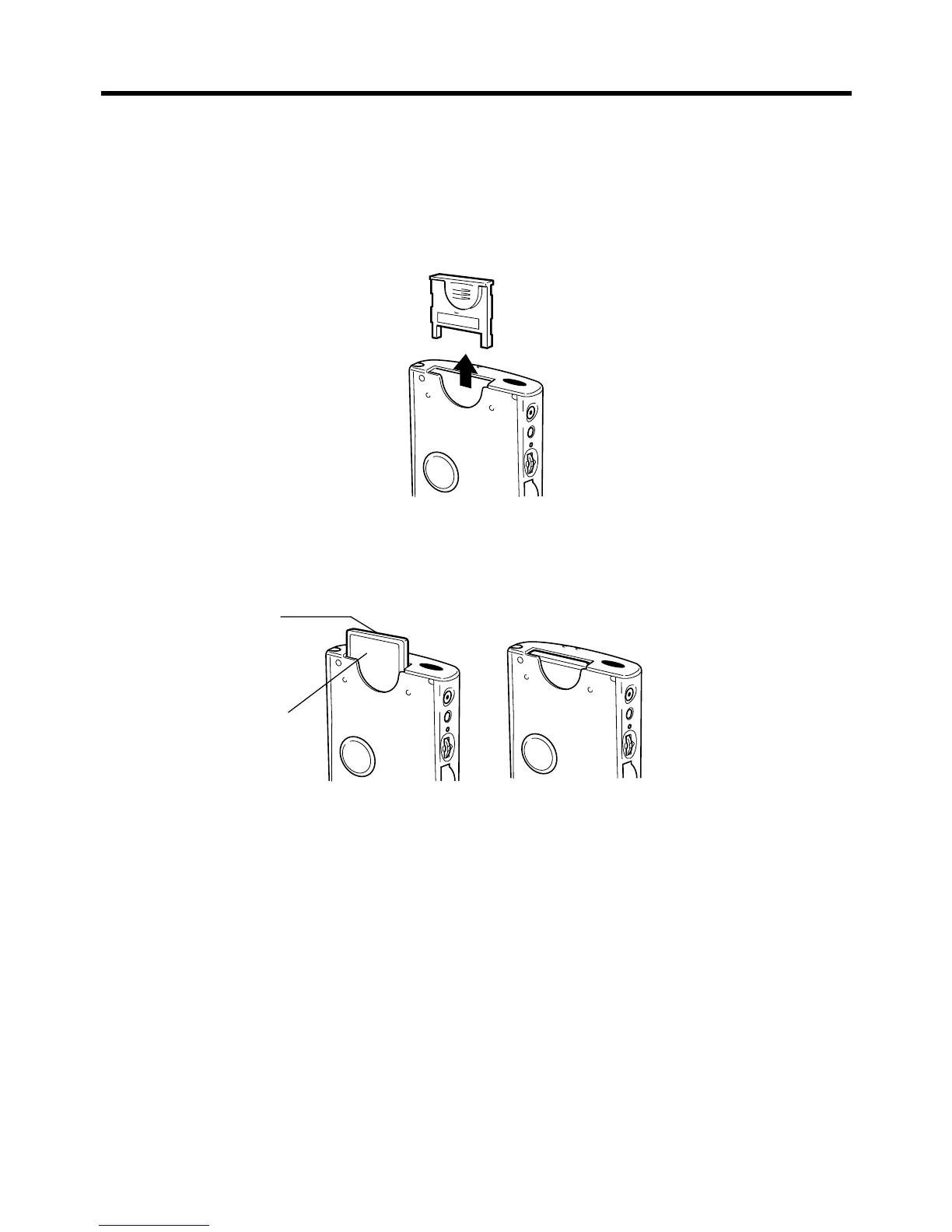
To install a CompactFlash card
1. Make sure your CASSIOPEIA is turned off.
• Press the power button to turn off power.
2. If there is a dummy card or another CF card in the slot, remove it.
3. Slide the card you want to use into the card slot.
• Make sure the top of the card is facing towards the top of the CASSIOPEIA unit. A
card that is not oriented correctly will not slide all the way into the slot.
Carefully slide the card into the slot as far as it will go.
Top
Bottom














 To Next Page