EasyManua.ls Logo

Casio CFX-9800G - Page 100

Casio CFX-9800G
206 pages
Print Icon
To Next Page IconTo Next Page
To Previous Page IconTo Previous Page
Loading...
If
the
difference
between
the
minimum
and.
maximum
values
you set
for
the
pitch
of
T
or
@
is
too
great,
your
graph
will
be
too
rough.
If
the
difference
is
too
small,
drawing
of
the
graph
will
take
a
very
long
time.
wWSpecifying
the
Graph
Range
When
graphing
a
parametric
function,
you
can
specify
the
maximum
and
minimum
values
to
be
applied.
Use
the
following
format.
(=)
function
7)
@9
1)
Tmin
2)
Tmax
a)
GES)
Example
|
To
graph
the
following
functions:
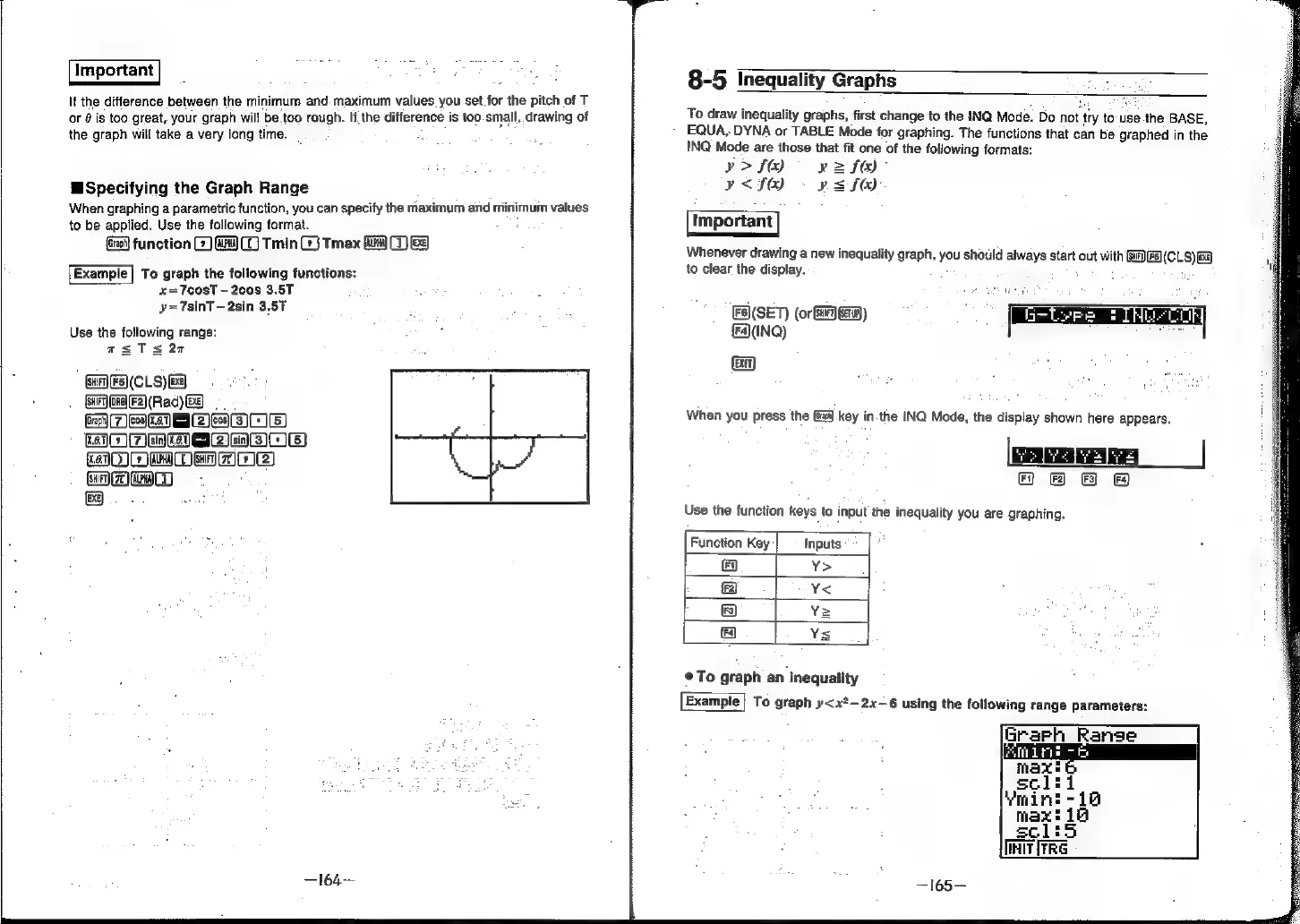
x=T7cosT
2cos
3.5T
y=
TsinT
-2sin
3,57
Use
the
following
range:
asTs20
Gi)
F5)(CLS)
Ba)
eres
eR.
2
Om
OeRFI2)
Hmm
D
-
[EXE
8-5
Inequality
Graphs
To
draw
inequality
graphs,
first
change
to
the
INQ
Mode.
Do
not
‘ty
to-use
the
BASE,
~
EQUA,
DYNA
or
TABLE
Mode
for
graphing.
The
functions
that
can
be
graphed
in
the
INQ
Mode
are
those
that
fit
one
of
the
following
formats:
v>fO
yz
fe)”
Y<f&)
-
psf).
Whenever
drawing
a
new
inequality
graph,
you
should
always
start
out
with
Ga)
to
clear
the
display.
.
F5)(SET)
(or
Gar)
TH)
(F4(INQ)
When
you
press
the
key
in
the
INQ
Mode,
the
display
shown
here
appears.
8
e 8
®
Use
the
function
keys
to
input
the
inequality
you
are
graphing.
|
Function
Key
Inputs
Y>
Y
¥;
Y
@To
graph
an
inequality
Example}
To
graph
y<x?-—2x—6
using
the
following
range
parameters:
Grarh Range
marine