E-12
If you selected lesson Step 1
• Play the notes on the keyboard.
• Accompaniment (left-hand part) plays in time with
the notes.
• With Step 1, the correct melody note is played no
matter which keyboard key you press.
If you selected lesson Step 2
• Play the correct notes on the keyboard.
• While an on-screen keyboard guide key is lit, press
the corresponding key on the actual keyboard. In the
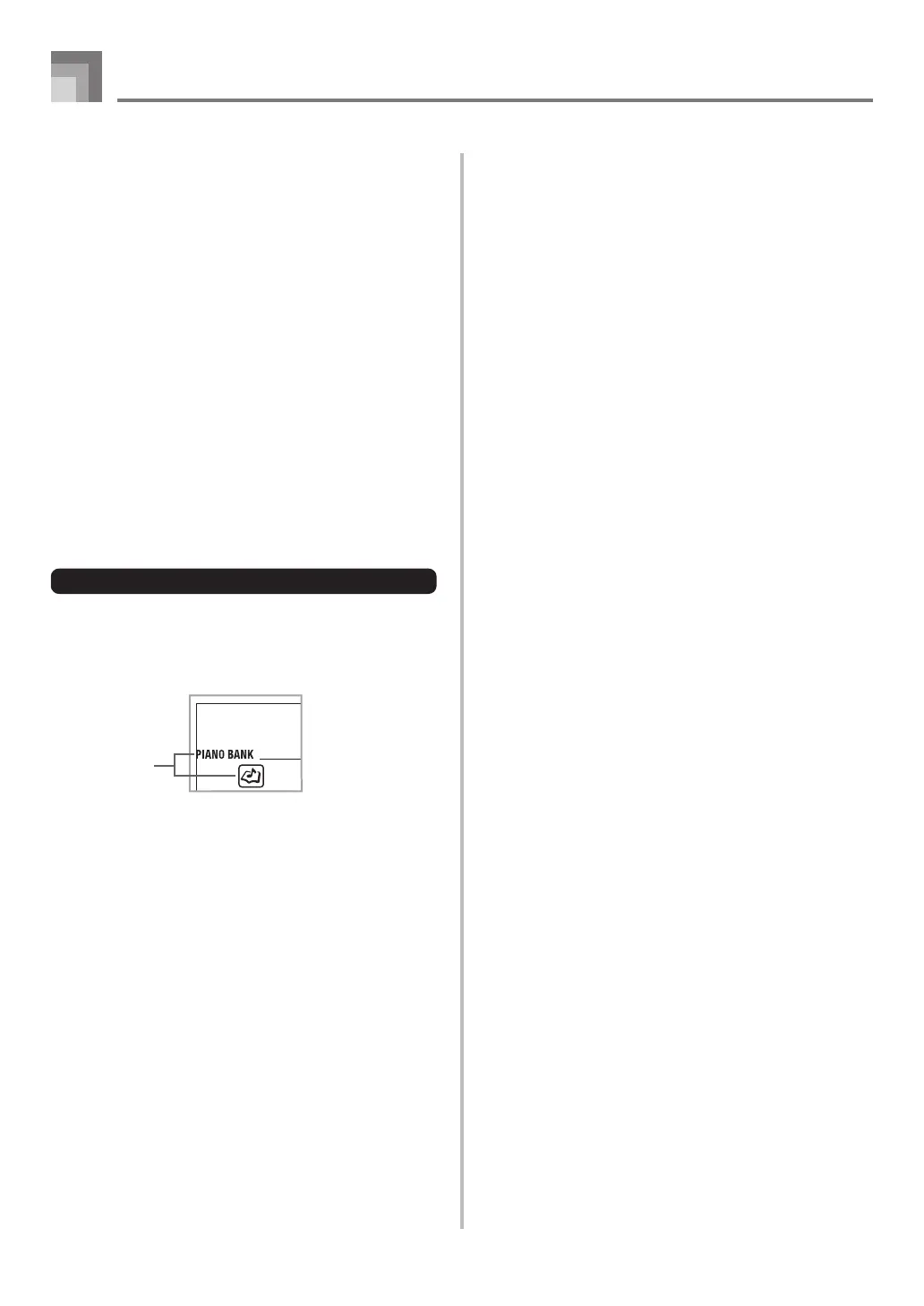
case of a Piano Bank tune, the keyboard guide
indication turns off when you press a keyboard key,
and the on-screen keyboard guide key lights for the
next note to be played.
• Accompaniment (left-hand part) plays in time with
the notes, as long as you press the correct keyboard
keys.
7
To stop play at any time, press the PLAY/STOP
button.
To play an Etude or Concert Piece tune
1
When you get to step 3 of the above procedure,
press the PIANO BANK button in place of the
SONG BANK button.
2
Find the tune you want to play in the PIANO BANK
List, and then use the number buttons to input its
two-digit number.
• See page A-9 for the PIANO BANK List.
3
Next, continue from step 5 of the above procedure.
Quick Reference
706A-E-014A
Indicators
appear



 To Next Page