E-11
Quick Reference
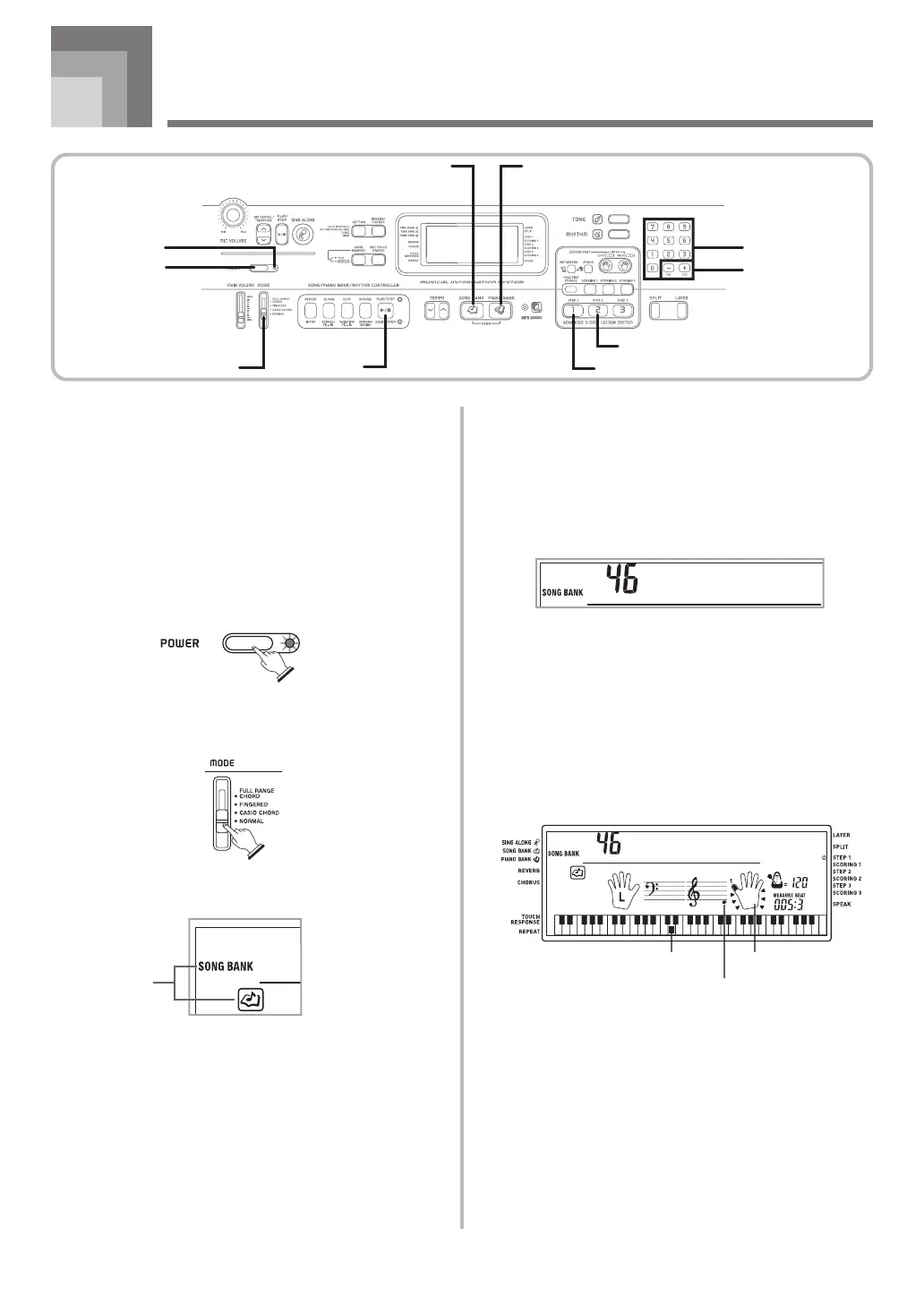
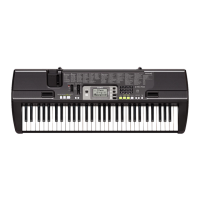
This section provides a quick overview of keyboard operation
using steps one and two of the 3-step lesson feature.
With the 3-step lesson feature, the on-screen keyboard guide
keys light to show the next note of the tune.
To play the keyboard
1
Press the POWER button to turn on power.
• This causes the power indicator to light.
2
Set the MODE switch to NORMAL.
3
Press the SONG BANK button.
4
Find the tune you want to play in the SONG BANK/
SING ALONG List, and then use the number
buttons to input its two-digit number.
• See page A-9 for the SONG BANK/SING ALONG
List.
Example: To select “46 ALOHA OE”, input 4 and then
6.
5
Press the STEP 1 button or STEP 2 button.
• The keyboard sounds a count beat and waits for you
to play something on the keyboard. The keys that you
need to press first flash on the display.
6
Play the melody along with the selected tune’s
accompaniment.
• Play in accordance with the keyboard keys, fingerings
and notes that appear on the display.
Al
o
h
a
O
e
Al
o
h
a
O
e
FingeringKeyboard key used
Note pitch
706A-E-013A
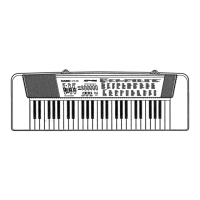
Power indicator
MODE STEP 1
STEP 2
PLAY/STOP
Number buttons
[+] / [–]
POWER
PIANO BANKSONG BANK
Indicators
appear
Lit



 To Next Page