EasyManua.ls Logo

Casio DT-970 Series - Appearance; DT-970 Exterior Parts

Casio DT-970 Series
34 pages
Print Icon
To Next Page IconTo Next Page
To Previous Page IconTo Previous Page
Loading...
7
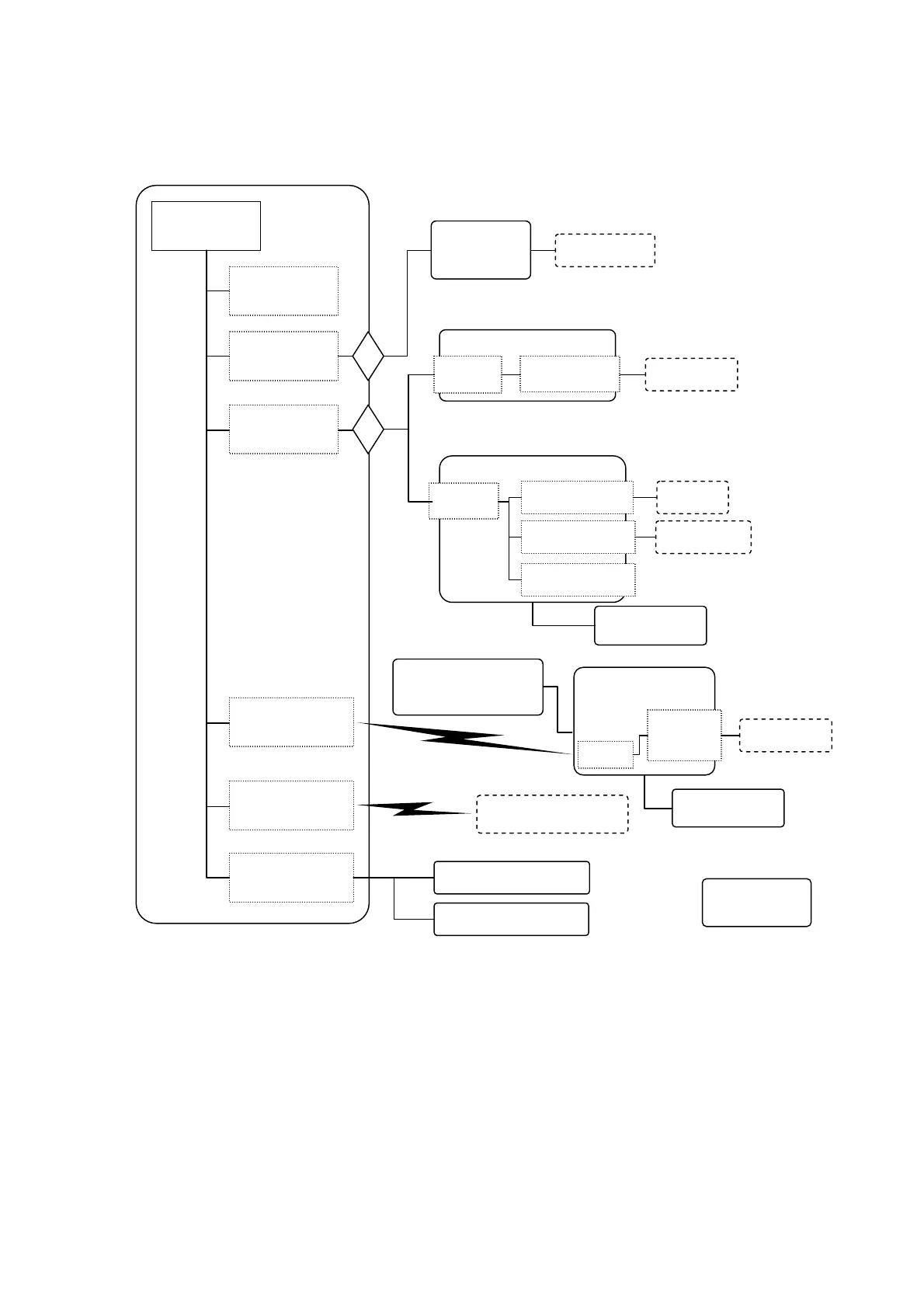
1.3. User Interface Configuration
DT-970
USB terminal
(Func) powered
from bod
y
Bluetooth module
Bluetooth devices
(printers, tablets, etc.)
Battery box
AA alkaline dry battery
x2
PC/ tablet
eneloop AA x2
USB cable for
PC connection
USB cradle
USB
terminal
AC adapter
(12V)
USB terminal
(Func B female)
PC/ tablet
LAN cradle
LAN terminal
USB
terminal
LAN
network
LAN/USB Func and USB
Host are mutually exclusive
(change by switching)
USB terminal
(Func B female)
PC/ tablet
USB terminal *
(Host A female)
Contact terminal
(USB) powered
from bod
y
Contact scan
attachment
Micro SD card
slot
IrDA module
USB cradle
(HA-E6010)
IrDA
USB
terminal
(Func B
fl)
Cradle attachment
for HA-E600
AC adapter (5V)
PC/ tablet
Figure 1-1 Interface Composition

Related product manuals