11
Quick Start Basics
Quick Start Basics
Your CASIO camera is packed with a powerful selection of features and functions to
make recording of digital images easier, including the following main functions.
What you can do with your CASIO camera
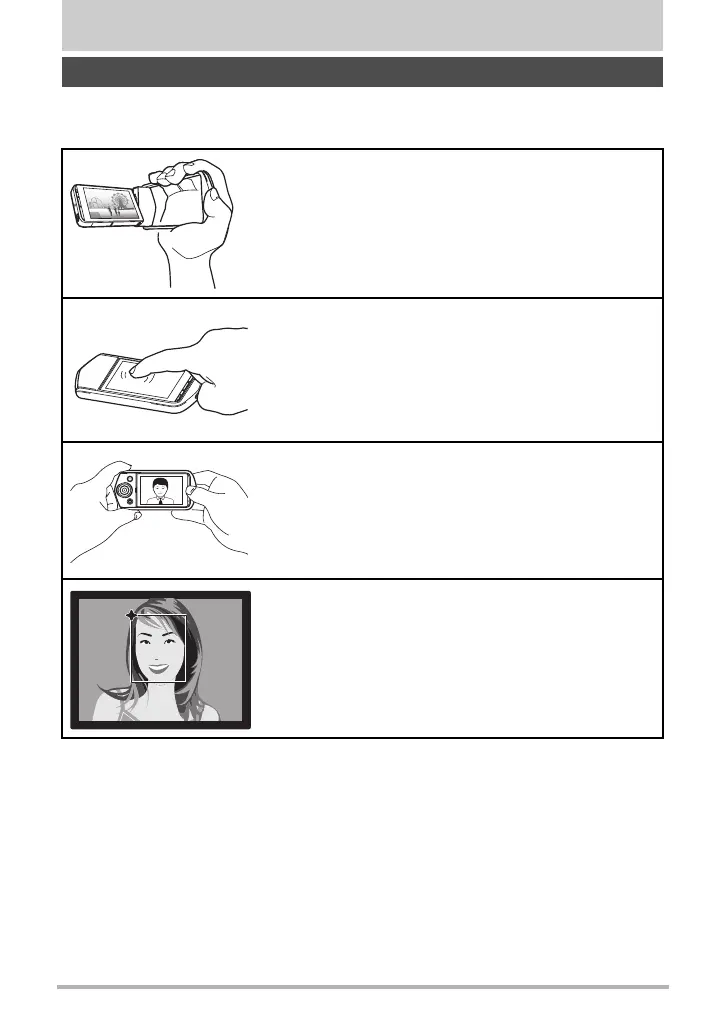
A variety of shooting styles
The frame can be opened and the LCD monitor screen
rotated into positions that make long-term shooting
more comfortable and simplify self-shooting.
Simple touch panel operation
The monitor screen is a touch panel that can be used
to perform operations.
Simple self-portrait shooting
The monitor screen can be rotated so it faces in the
same direction as the camera’s lens, making self-
shooting much easier.
Make-Up
Make-up smoothes the skin texture of the subject and
softens facial shadows caused by harsh sunlight for
better looking portraits.
*See page 13 for more information.
*See page 16 for more information.
*See page 45 for more information.
*See page 41 for more information.



 To Next Page