6
Fractions and decimals
The key strokes for fractions are slightly different in the Math mode than in the
Line mode.
Fractions in the Line mode
Use the a button to enter any expression involving fractions in the same way as
the z button was used in the past.
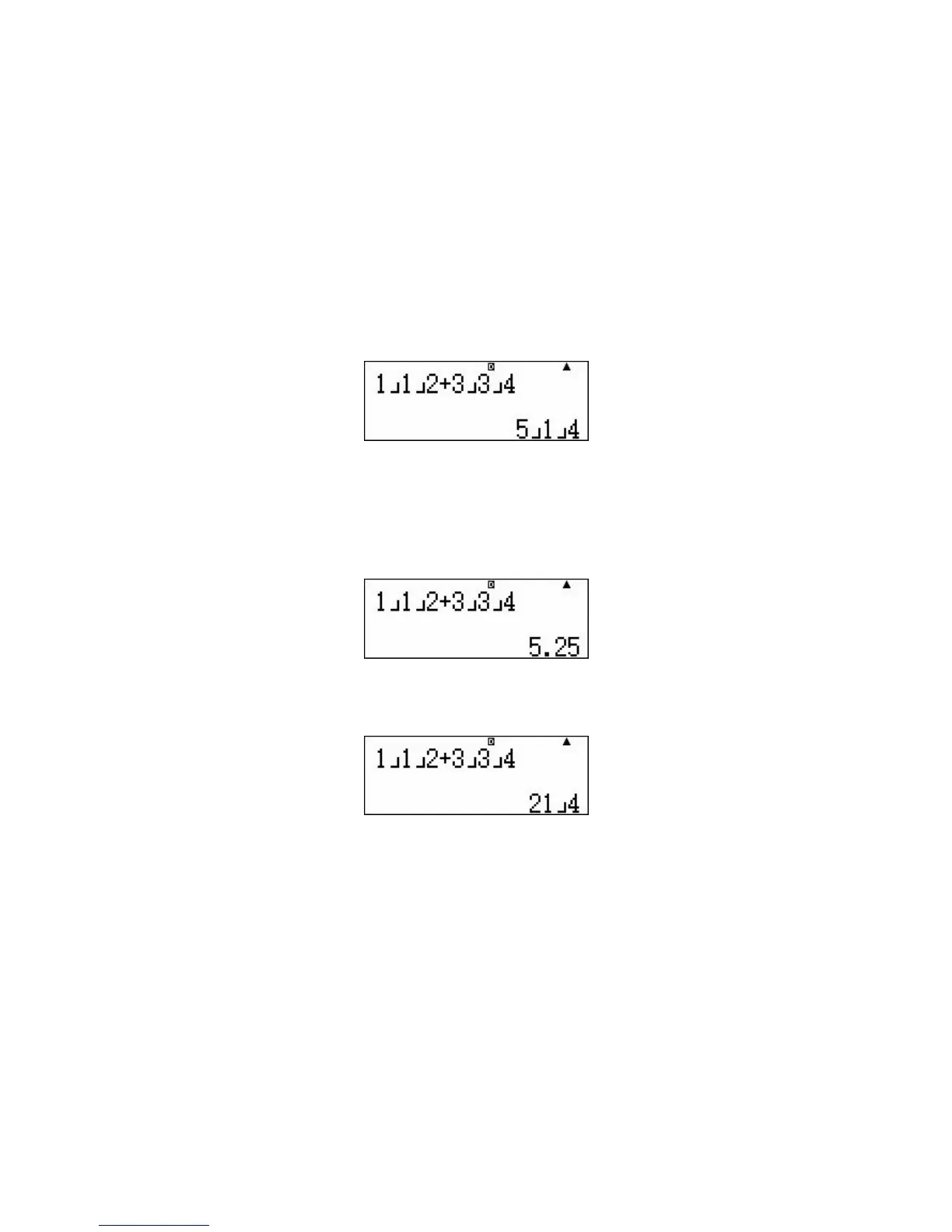
To enter 1½ + 3¾ press 1a1a2+3a3a4p.
Answers in different forms
The calculator can display the answer as an improper fraction, mixed numeral or
decimal and it can toggle between all three.
To change 5E1E4 to a decimal press n.
To change either 5.25 or 5E1E4 into an improper fraction press SHIFT nN.
Fractions in the Math mode
To enter a traditional fraction, for example ½, press a1 then use the bottom
of the replay button to position the cursor on the denominator and press 2.
To enter a mixed numeral, for example 5¾ press SHIFT a then
5$3R4p.
To enter 1½ + 3¾ press
SHIFT a1$1R2$+ SHIFT a 3$3R4p.
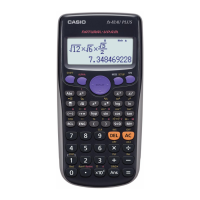
The picture of the screen for this calculation is on the following page.


 To Next Page
 Loading...