EasyManua.ls Logo

Casio fx-83GT PLUS - Page 28

Casio fx-83GT PLUS
32 pages
Print Icon
To Next Page IconTo Next Page
To Previous Page IconTo Previous Page
Loading...
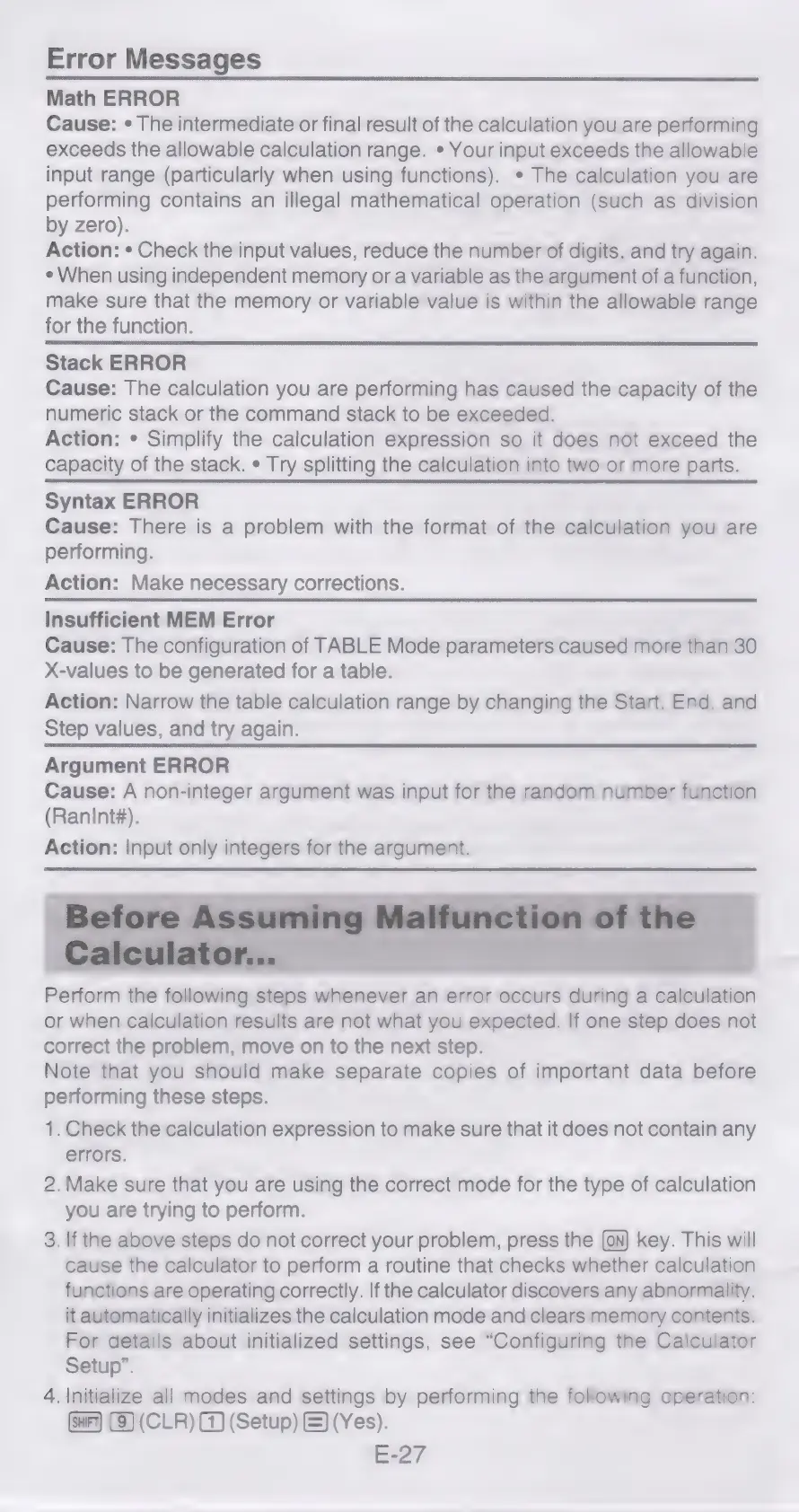
Error
Messages
Math
ERROR
Cause:
¢
The
intermediate
or
final
result
of
the
calculation
you
are
performing
exceeds
the
allowable
calculation
range.
*
Your
input
exceeds
the
allowable
input
range
(particularly
when
using
functions).
*
The
calculation
you
are
performing
contains
an
illegal
mathematical
operation
(such
as
division
by
zero).
Action:
¢
Check
the
input
values,
reduce
the
number
of
digits,
and
try
again.
¢
When
using
independent
memory
or
a
variable
as
the
argument
of
a
function,
make
sure
that
the
memory
or
variable
value
is
within
the
allowable
range
for
the
function.
Stack
ERROR
Cause:
The
calculation
you
are
performing
has
caused
the
capacity
of
the
numeric
stack
or
the
command
stack
to
be
exceeded.
Action:
¢
Simplify
the
calculation
expression
so
it
does
not
exceed
the
capacity
of
the
stack.
¢
Try
splitting
the
calculation
into
two
or
more
parts.
Syntax
ERROR
Cause:
There
is
a
problem
with
the
format
of
the
calculation
you
are
performing.
Action:
Make
necessary
corrections.
Insufficient
MEM
Error
Cause:
The
configuration
of
TABLE
Mode
parameters
caused
more
than
30
X-values
to
be
generated
for
a
table.
Action:
Narrow
the
table
calculation
range
by
changing
the
Start,
End,
and
Step
values,
and
try
again.
Argument
ERROR
Cause:
A
non-integer
argument
was
input
for
the
random
number
function
(Ranint#).
Action:
Input
only
integers
for
the
argument.
Perform
the
following
steps
whenever
an
error
occurs
during
a
calculation
or
when
calculation
results
are
not
what
you
expected.
If
one
step
does
not
correct
the
problem,
move
on
to
the
next
step.
Note
that
you
should
make
separate
copies
of
important
data
before
performing
these
steps.
1.
Check
the
calculation
expression
to
make
sure
that
it
does
not
contain
any
errors.
2.
Make
sure
that
you
are
using
the
correct
mode
for
the
type
of
calculation
you
are
trying
to
perform.
3.
If
the
above
steps
do
not
correct
your
problem,
press
the
key.
This
will
cause
the
calculator
to
perform
a
routine
that
checks
whether
calculation
functions
are
operating
correctly.
If
the
calculator
discovers
any
abnormality,
it
automatically
initializes
the
calculation
mode
and
clears
memory
contents.
For
details
about
initialized
settings,
see
“Configuring
the
Calculator
Setup”.
4.
Initialize
all
modes
and
settings
by
performing
the
following
operation:
(CLR)
G4)
(Setup)
(=)
(Yes).
E-27

Related product manuals