— 18 —
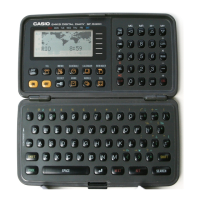
Notes: 1. Be sure to transfer data to another SF-5300B unit before entering
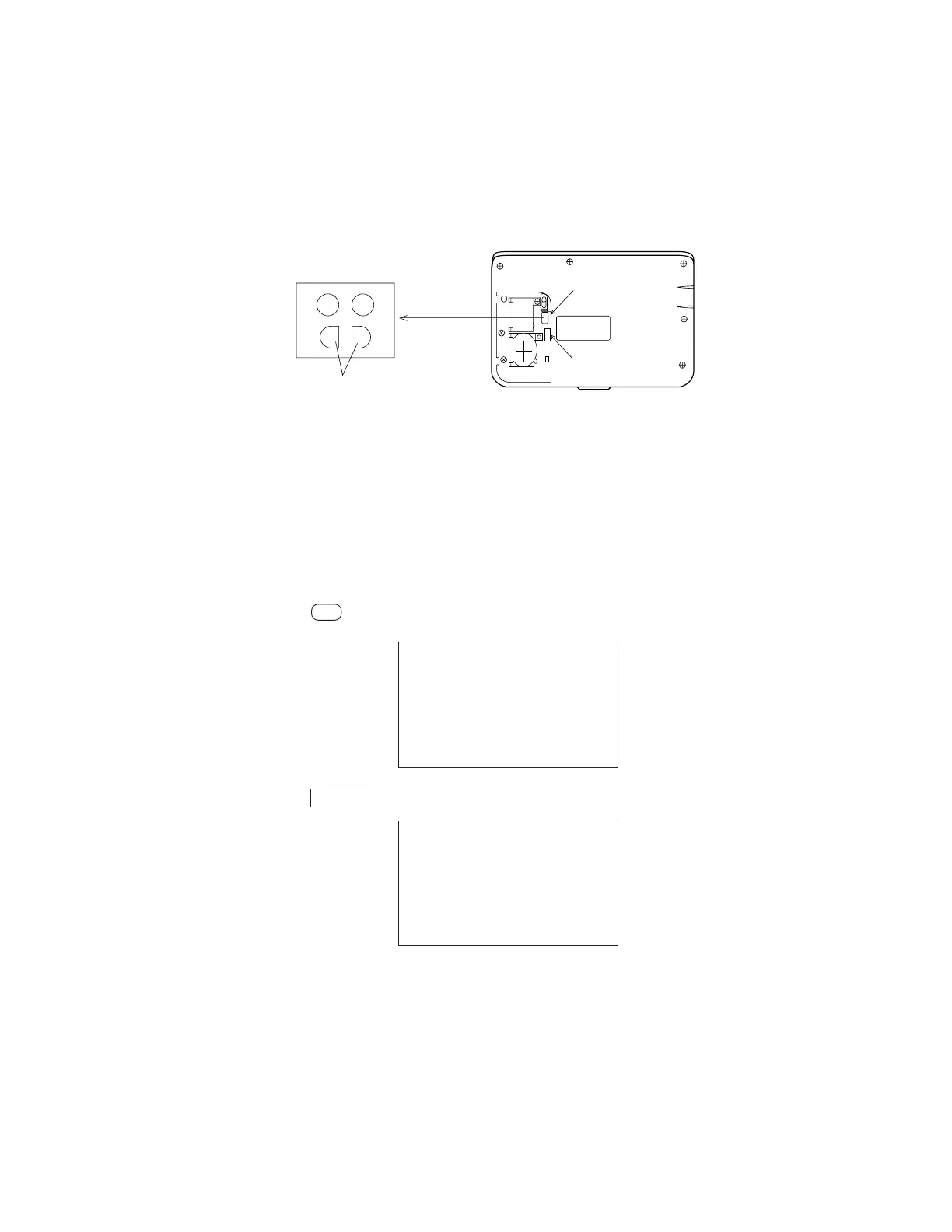
the diagnostic mode, because the data will be changed by entering
the diagnostic mode.
2. The shorting pads shown in the following illustration are covered by a
blind label.
3. To exit the diagnostic mode, press the reset button.
To enter the diagnostic mode:
1. Slide the battery switch to the up position.
2. Press while shorting the shorting pads.
3. Press .
5 I/F: Not used
SELF TEST PROG.
PRESS SEARCH
QUIT BY OFF
CASIO APR 1994
TEST 2 MEMORY
MENU 3 KEY
4 BUZZER
1 DISP 5 I/F
ON
SEARCH
Blind Label
Battery Switch
Check Pads
8. DIAGNOSTICS


 To Next Page
 Loading...