Part-2
25
E
1-8 Setting the tax rate
and rounding
Part-2 CONVENIENT OPERATION
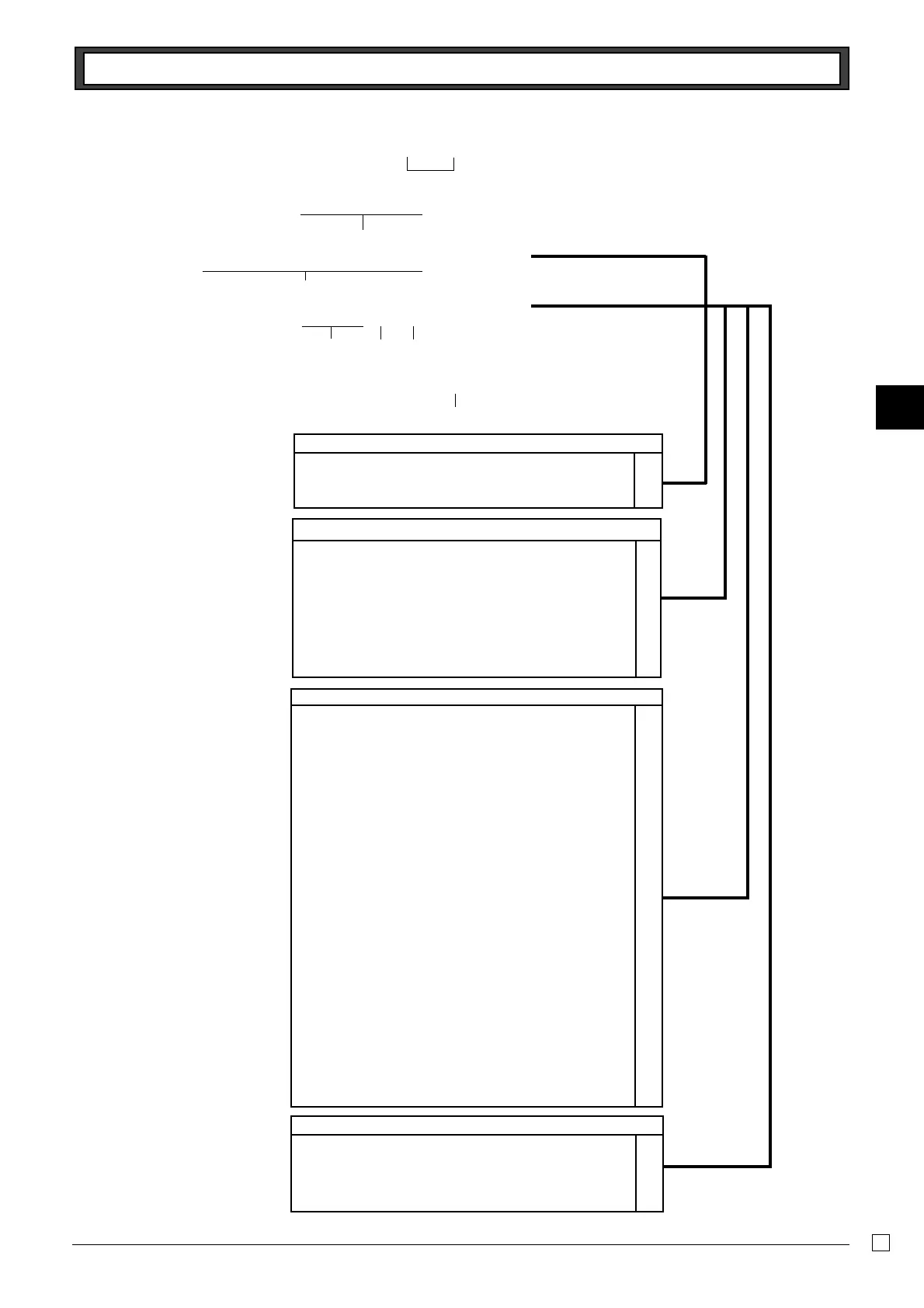
P3 appears in mode display
Program set code No. for tax rate 1*
1
Tax rate specifications
A
The tax rate within the range of 0.0001 ~ 99.9999%.
Use
" key for decimal point.
Normal rounding specifications
B
Cut off to 2 decimal places. ??
(1.544=1.54, 1.545=1.54)
Round off to 2 decimal places.
B?
(1.544=1.54, 1.545=1.55)
Round up to 2 decimal places.
>?
(1.544=1.55, 1.545=1.55)
Special rounding specifications for subtotal and total amounts
C
No specifications ?
Special rounding 1 Z
0 ~ 2 ➝ 0, 3 ~ 7 ➝ 5, 8 ~ 9 ➝ 10
Examples: 1.21=1.20, 1.26=1.25, 1.28=1.30
Special rounding 2
X
0 ~ 4 ➝ 0, 5 ~ 9 ➝ 10
Examples: 1.123=1.120, 1.525=1.530
Danish rounding
C
(set the amount tender restriction on page 22 also)
00~ 12 ➝ 0, 13 ~ 37 ➝ 25, 38 ~ 62 ➝ 50,
63 ~ 87 ➝ 75, 88 ~ 100 ➝ 100
Examples: 1.11=1.00, 1.28=1.25, 1.39=1.50,
1.80=1.75, 1.99=2.00
Scandinavian rounding
N
00~ 24 ➝ 0, 25 ~ 74 ➝ 50, 75 ~ 99 ➝ 100
Examples: 1.21=1.0, 1.30=1.50, 1.87=2.00
Australian rounding (only for tax rate 1)
M
0 ~ 2 ➝ 0, 3 ~ 7 ➝ 5, 8 ~ 9 ➝ 10
Examples: 1.21=1.20, 1.26=1.25, 1.28=1.30
Tax system specifications for subtotal and total amounts
D
No specifications. ?
Specifies add-on rate tax. X
Specifies add-in rate tax (VAT). C
• You can use either an add-on
rate tax or an add-in rate tax
(VAT), depending on the require-
ments in your area. You can
specify only one tax rate.
• The normal rounding specifica-
tion tells the cash register how to
round tax amounts to the proper
number of decimal places.
• The special rounding specifica-
tion and Danish rounding tell the
cash register how to round off
subtotals and totals so that their
least 2 digits are 00, 25, 50 and
75.
• Note that the rounding specifi-
cation you program for your cash
register depends on the tax laws
of your country.
▲
Co
?ZXBo
??"????p
????p
o
Select numbers
from list B
Select
number
from
list C
Select number
from list D
(To end the setting)
*
1
Program set code No. for tax
rate 2 is ?XXB.
Enter tax rate A
▲



 To Next Page