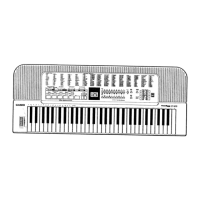
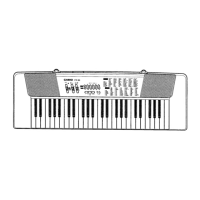
Tore
Ban
\\
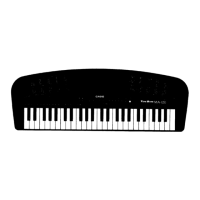
A-120
ELECTRONIC
MUSICAL
INSTRUMENT
Introduction
Your
new
MA-120
keyboard
is
a
state-of-the-art
musica!
instrument
which
incorporates
the
latest
electronics
tech-
nology
to
make
its
operation
as
easy
as
possible.
Excep-
tional
sound
quality
backed
up
by
a
host
of
sophisticated
features
and
functions
makes
this
keyboard
a
joy
to
play
for
everyone.
In
order
to
enjoy
the
features
and
functions
of
this
unit
to
their
fullest,
be
sure
to
carefully
read
this
manual
and
follow
the
instructions
contained
herein.
ee
ee
ee
*
es
Contents
f
«.
Genétal
Guides
ie
cccrcacessoiniserseieeuh
piinectenssancetewceiings
4
2.
Power
Supply
........
cc
cccccecccceteeneeeseeneeeecceeenaeereesees
6
3.
General
Operation
.............
cece
eeeeeeeeeeeeeeeeeeeeeeeees
7
4.
Preset
Tones
To
select
a
Preset
tOME
........ce
cece
seeeceeeeeee
essen
essen
arene
8
Keyboard
Split
tOneS
..........cccsceeesessrreeteereeeeeeeeseees
9
5.
Auto-rhythms
To
select
AM
AUtO-FNYthM
ou...
cece
eeee
cee
eee
tee
eeneeeees
10
To
play
an
auto-rhyth
..........
cc
eeceeeeeereeereeeeereereeeees
11
Using
FILL-IN
DUttOn
......
ee
cceeenertettereeetee
aeons
11
6.
Auto-accompaniment
Accompaniment
keyboard
..........ccccssscerssreeneeeseeeecees
12
Using
auto-accCOMpaniMentt
...........seececeeeceeeneereeeeeees
12
7.
Troubleshooting
...............cccsecescecesseececnecencereesnonees
15
8.
Care
of
Your
Keyboard.
.............
cc
cccececeeeeeeneeeenees
16
Q,
Specifications
............
cc
ccceeeeceeeeeeeeesreeeeteesteteeeeees
17



 To Next Page
 Loading...