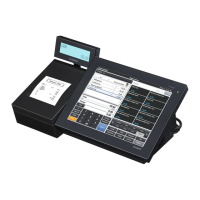
V-R100
– 30 –
6. Initialize eMMC
[Function]
Initialize eMMC to enable read and write.
[Procedure]
Not used.
SD/eMMC/USB/LAN MENU
1. SD - vsd command
[Function]
Checks SD card.
[Procedure]
(1) Touch "1" on the display panel.
(2) After the test, display shows the test results and resumes SD/eMMC/USB/LAN MENU.
2. eMMC - vem command
[Function]
Tests eMMC ash memory.
[Procedure]
(1) Touch "2" on the display panel.
(2) After the test, display shows the test results and resumes SD/eMMC/USB/LAN MENU.
3. USB memory - vus command
[Function]
Tests USB memory.
[Procedure]
(1) Insert a USB memory.
(2) Wait for about 10 seconds until the USB memory is recognized.
(3) Touch "3" on the display panel.
(4) After the test, display shows the test results and resumes SD/eMMC/USB/LAN MENU.


 To Next Page
 Loading...